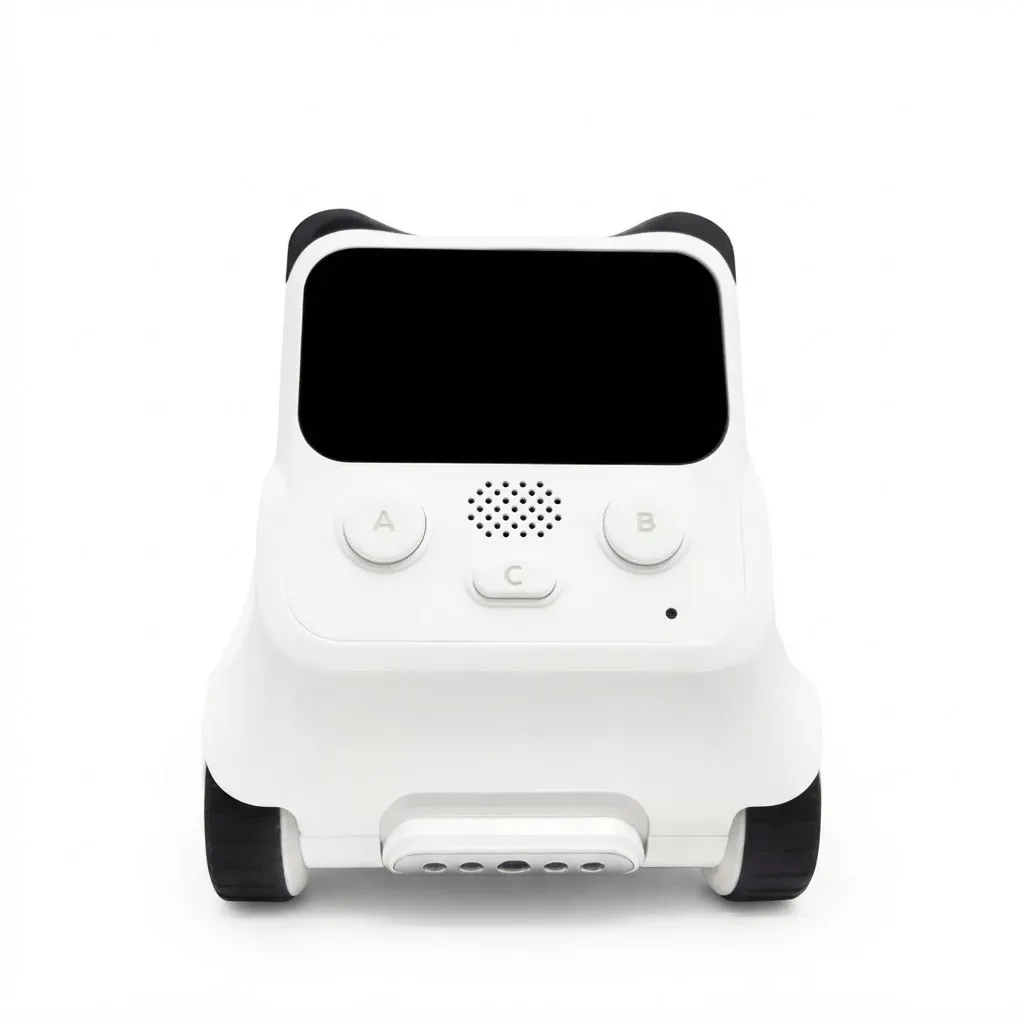


Product Description
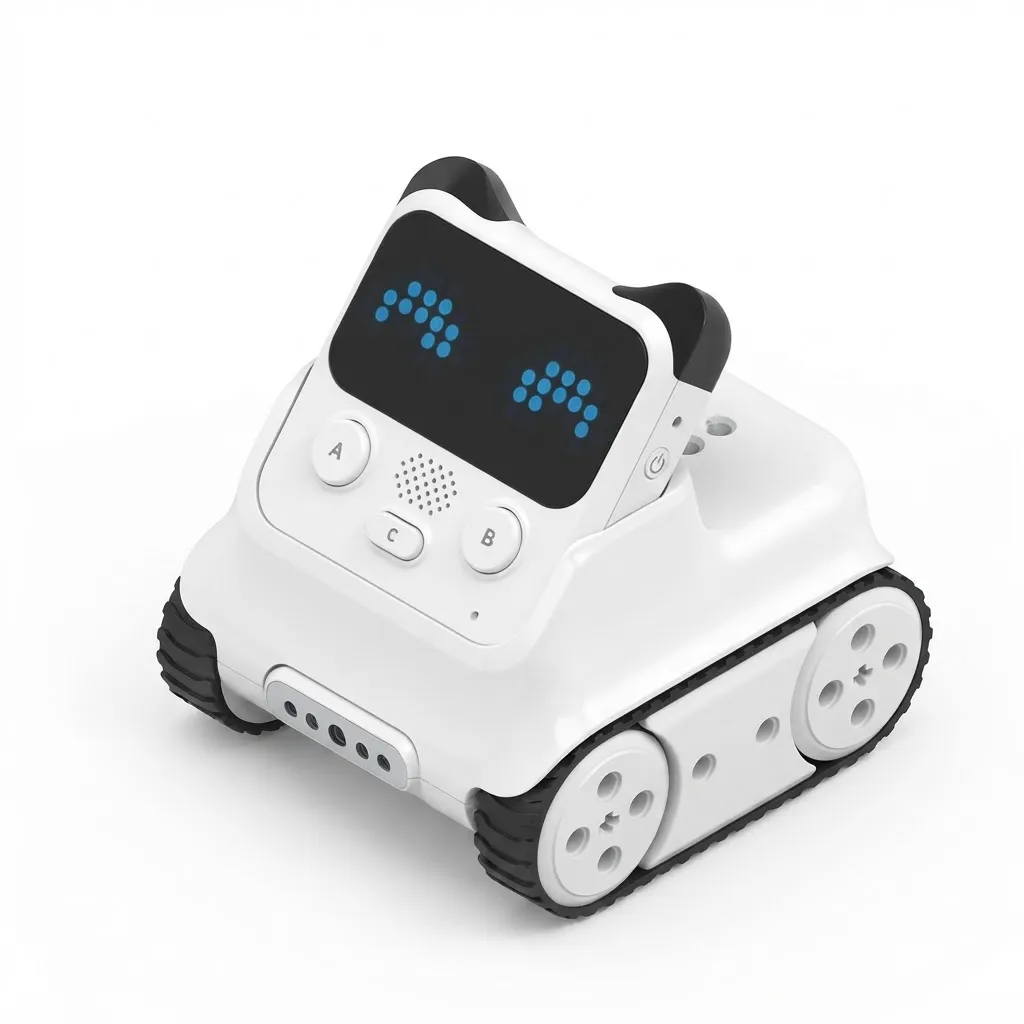
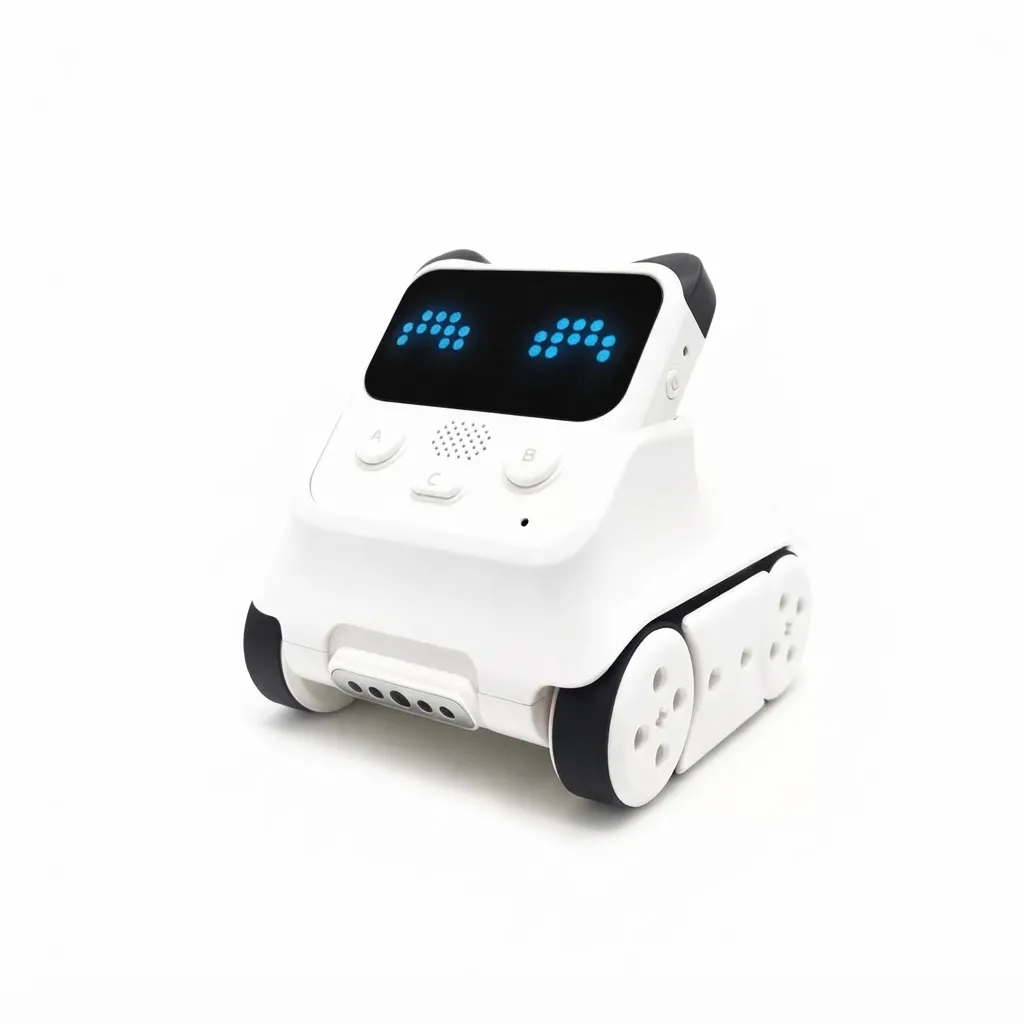
Codey Rocky
AI Robot
Cultivating Interdisciplinary Thinking
As artificial intelligence begins to enter our daily home life,
children need a robot that helps them master the skills required for future competitiveness.
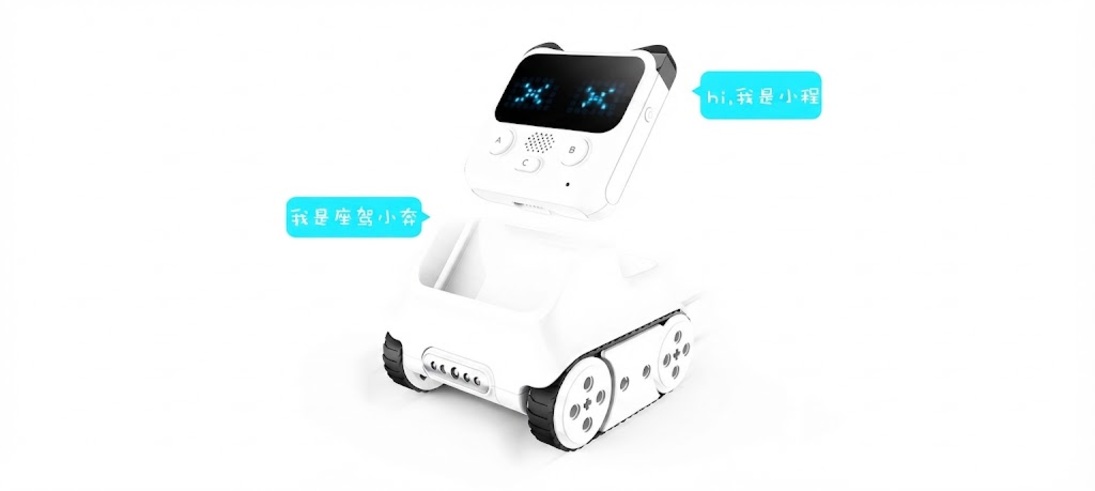
Programming like building with blocks |
Rich sound and light effects |
Create your own expressions |
10 types of sensor-based interactions |

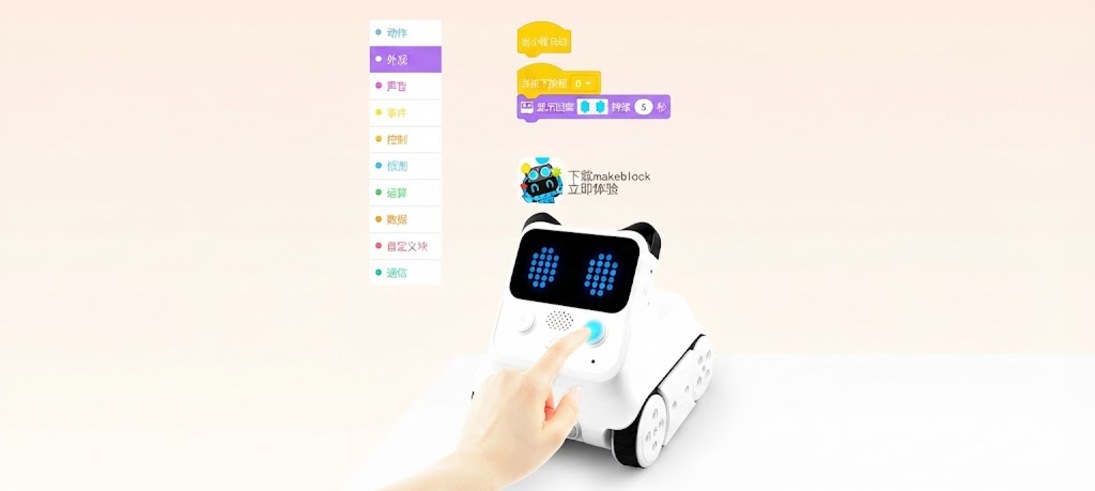
Give me a poke and I’ll show you how cute I can be!
You can interact with me by pressing the buttons on my body.
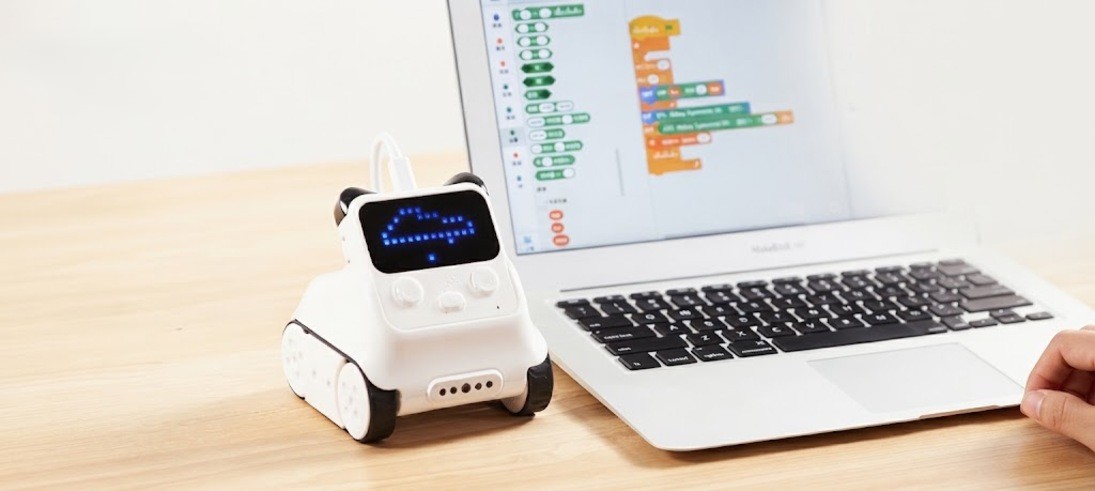
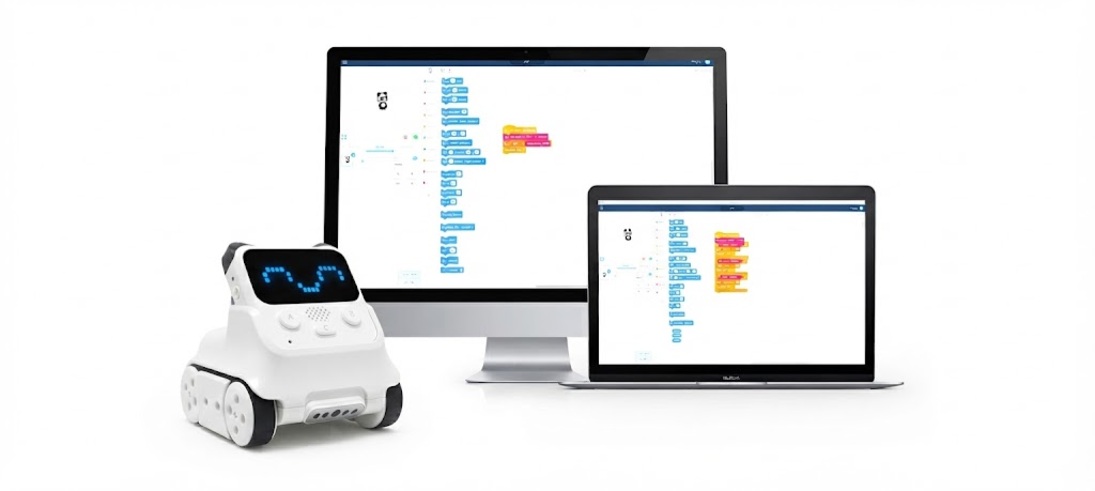
Scratch Graphical Programming
A programming language suitable for children
Learning to program is like building with blocks
Supporting cutting-edge AIoT technologies
Embrace the intelligent era ahead of the curve
Use mBlock 5 to help children gain early exposure to cutting-edge AI and IoT technologies,
preparing them for the arrival of the AI era.
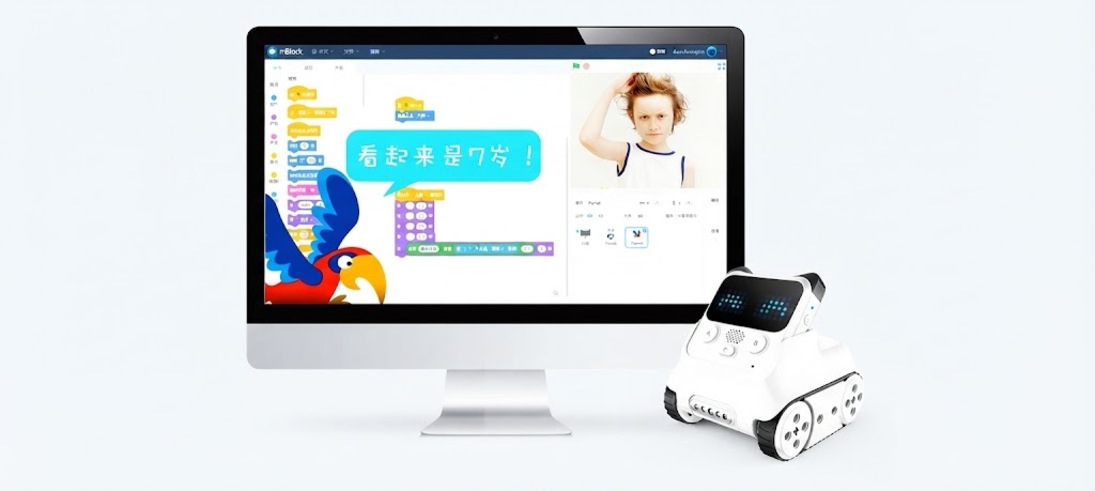
Implement face recognition using mBlock 5
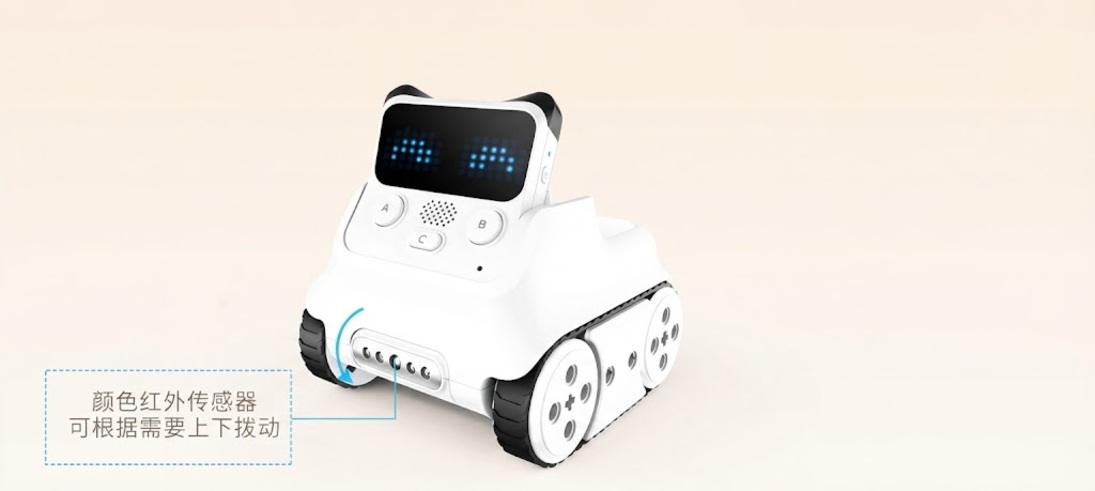
Color and Infrared Sensor
Use with mBlock for your creations
The color-infrared sensor is a versatile component capable of enabling a range of engaging, high-tech functions, including color detection,
obstacle avoidance, distance sensing, anti-drop protection, and line following.

Color Detection
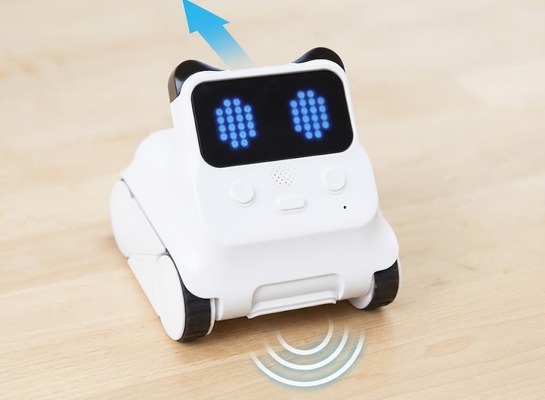
Line-Following Mode
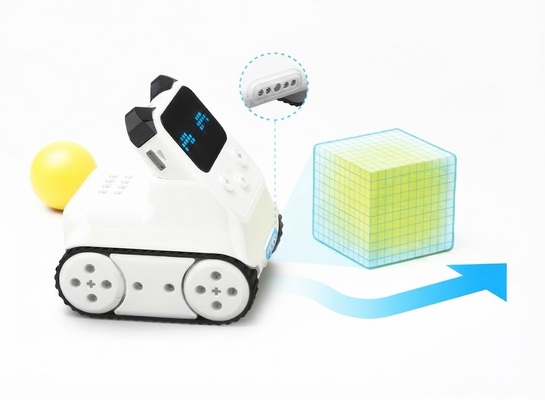
Anti-drop
Proximity sensing – obstacle avoidance mode
Learning to Program from Scratch
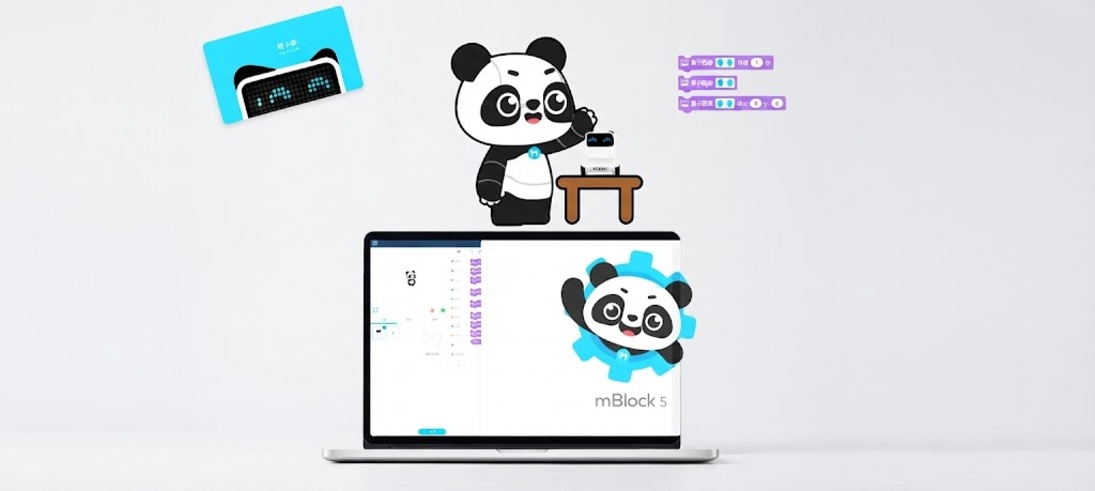
mBlock helps children learn programming concepts
Learn Python from Scratch with Teacher Panda
Helping Kids Master Programming and Prepare for Future Challenges
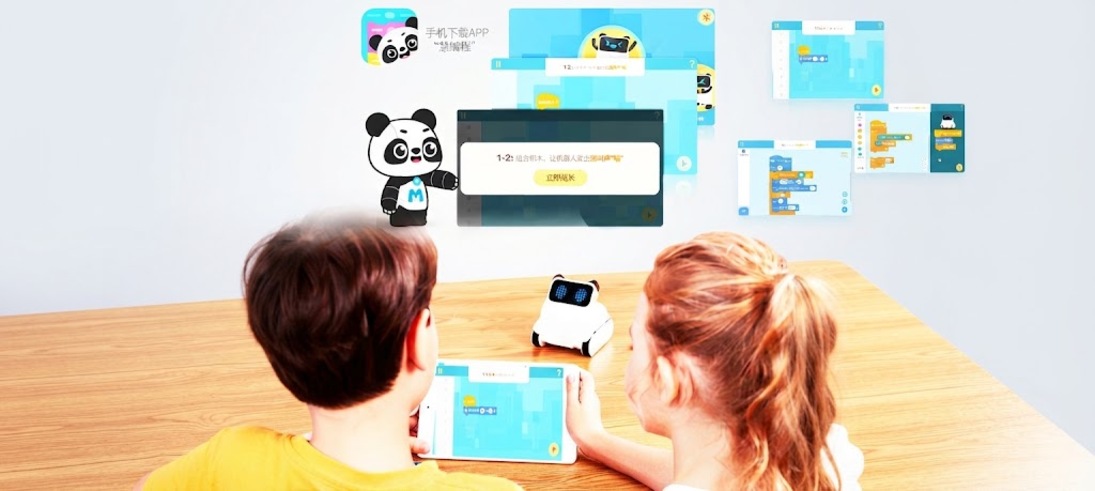
A step by step guide to mastering
programming through fun, level-based challenges.
Gamified design lets you learn as you progress making your study more efficient.
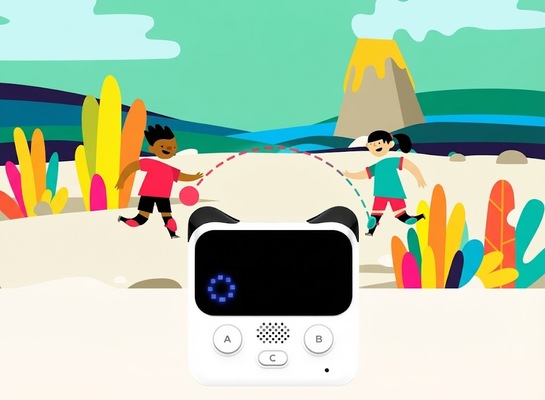
Integrate with Mini Program buttons
to interact with the stage in mBlock
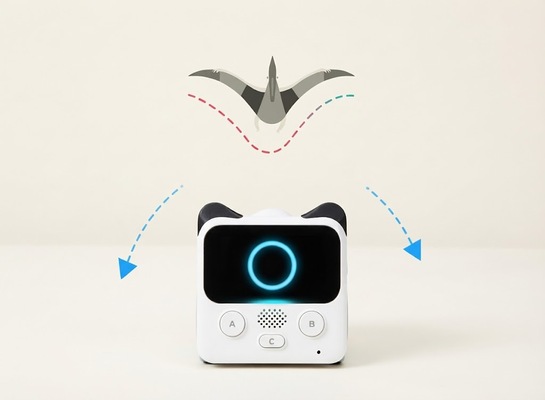
Integrate the built-in gyroscope of the mini program
to enable stage interaction within mBlock
Check out Python.
It allows you to convert visual (block-based) programming directly into code,
helping to develop your logical thinking skills.
Internationally, Python has already become a standard subject; domestically,
it is gradually being incorporated into the college entrance examination (Gaokao) system, with regions like Shandong already taking the lead.
Convert to Python with one click |
Automatic code completion |
No programming environment setup required |
Product parameters
Product Parameters
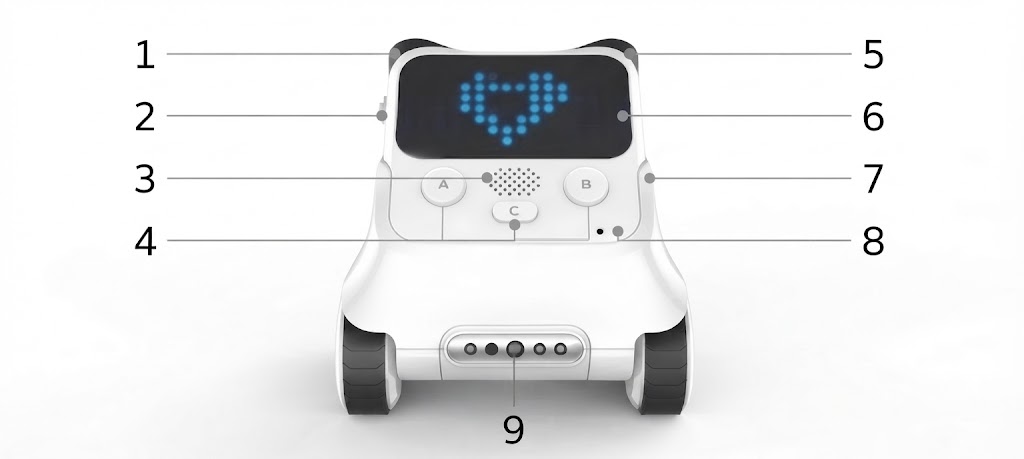
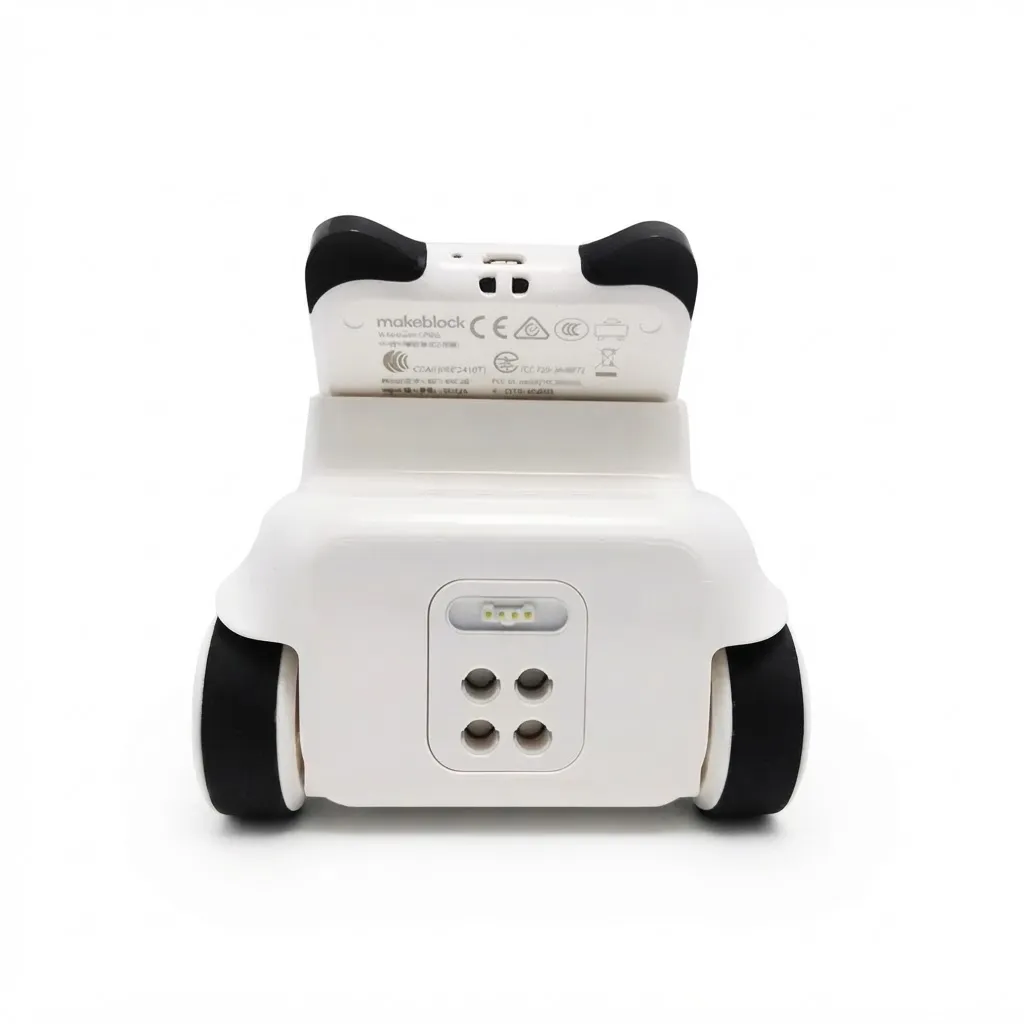
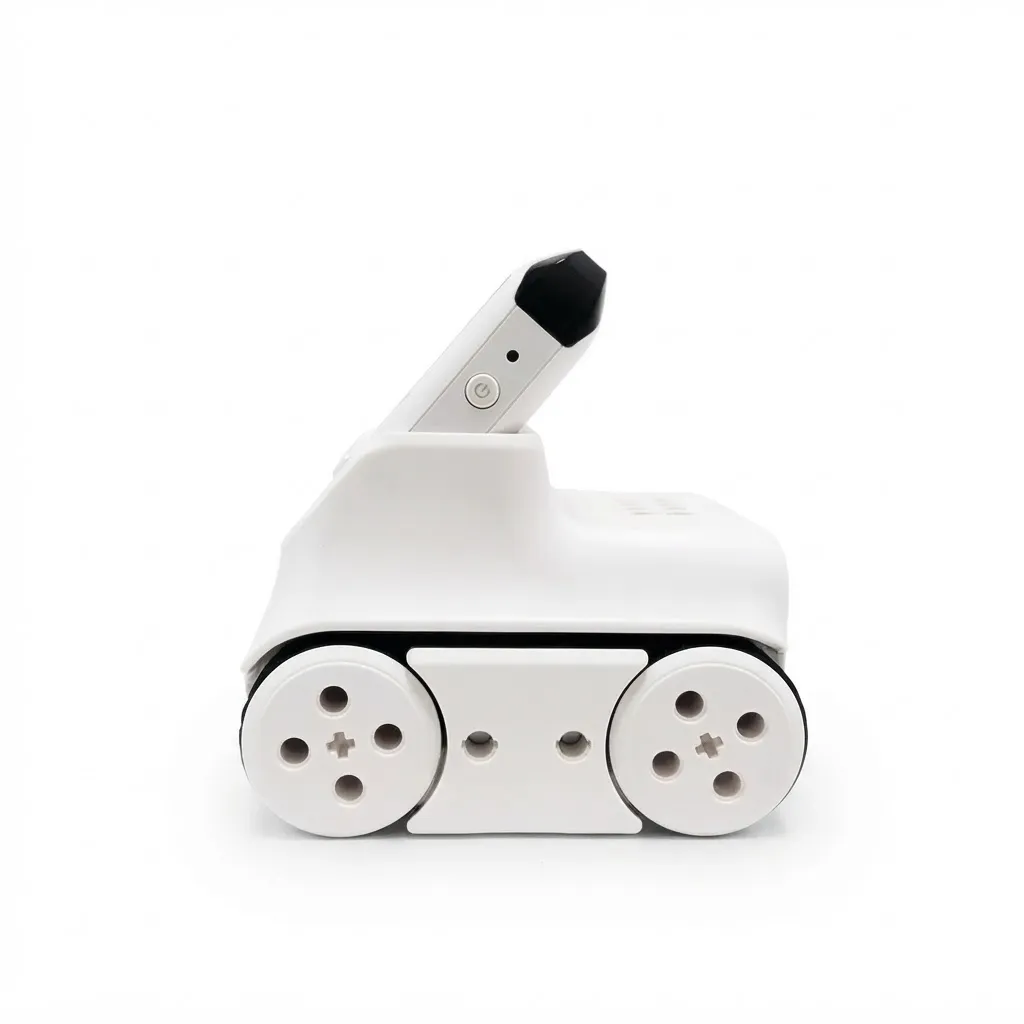
| 1. Infrared receiver 2. Geared potentiometer 3. Speaker 4. Three-button functionality 5. Infrared receiver | 6. LED dot-matrix screen 7. RGB indicator light 8. Light sensor Sound sensor 9. Color and Infrared Sensor |
| Product Name | Codey Rocky | Main control chip: ESP32 |
| Transmission Method | Wi-Fi/Bluetooth/USB | Battery: 950mAh lithium battery |
| Control Platform | macOS/Windows/iOS | Battery life: Approximately 2 hours |
| Programming Language | Graphical programming: Scratch 3.0 text-based programming: Python | |
| Special Features | Over 10 programmable electronic modules, with support for AI, IoT, and cloud storage 16x8 LED dot-matrix screen | |
Product Q&A
Q1: Can Codey Rocky connect directly to a mobile phone via Bluetooth?
A: Yes, Codey Rocky can connect directly to mobile phones and iPads via Bluetooth.
Q2: What is the purpose of the Bluetooth dongle?
A: The official Makeblock Bluetooth dongle enables wireless communication between Codey Rocky and a computer.
Q3: Do I need to purchase the Bluetooth dongle separately?
A: Yes. Please note that Codey Rocky only supports the official Makeblock Bluetooth dongle. If you wish to use wireless connectivity and high-speed program uploading, we recommend purchasing the official Bluetooth dongle.
Q4: My computer and mobile phone both have built-in Bluetooth; do I still need to buy a Bluetooth dongle?
A: 1. Codey Rocky can connect to mobile devices such as phones and iPads via Bluetooth without the need for an additional dongle.
2. To establish a wireless connection between Codey Rocky and a computer, you must purchase the official Makeblock Bluetooth dongle.
Q5: How long can Codey Rocky run on a full charge?
A: It can operate for approximately 2 hours under a full workload.
Codey Rocky
Ages 6+
An educational programming robot that makes learning fun
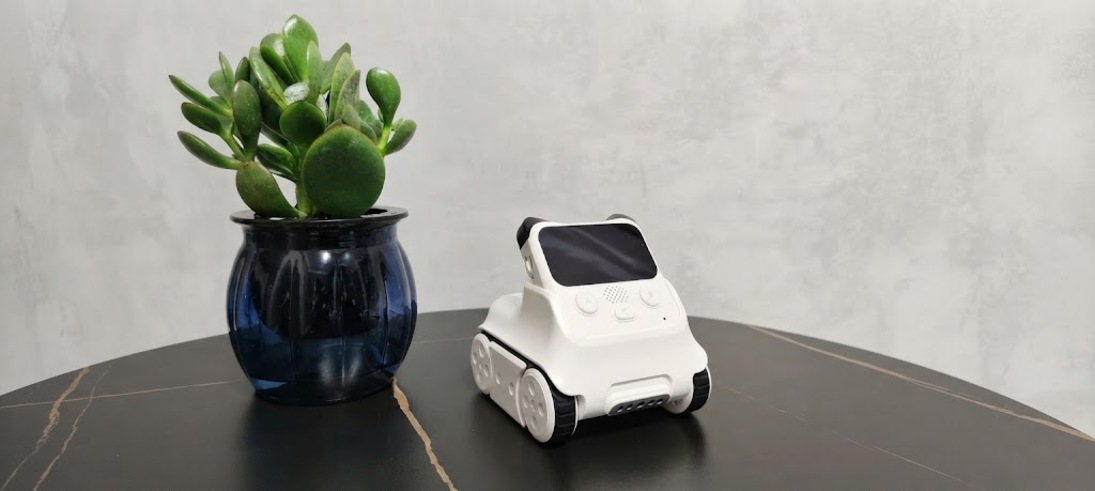
Codey Rocky encourages children to learn programming through creation and play, utilizing an interactive approach that bridges hardware and software. Its companion software, mBlock, supports both block-based and Python programming. By integrating AI and IoT technologies, it allows children to engage with and understand cutting-edge innovations from an early age, better equipping them to thrive in the era of smart technology.
Features
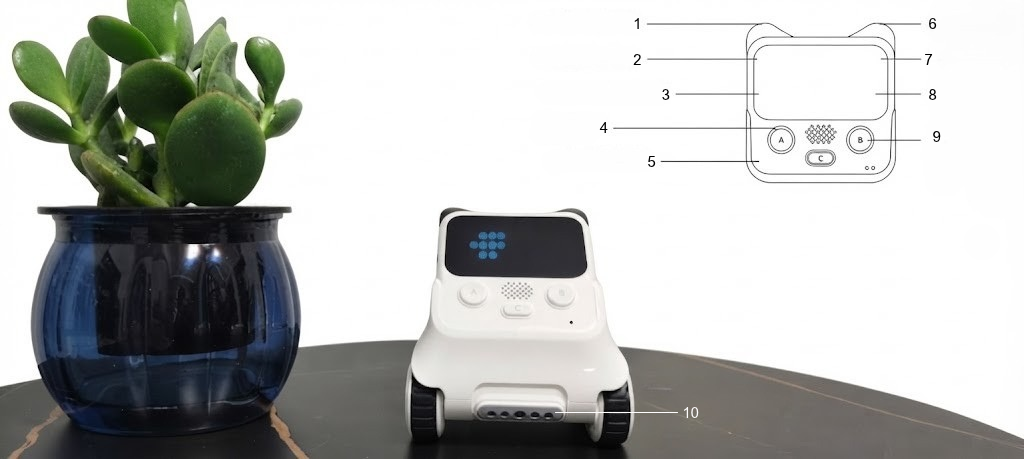
| 1. Infrared transmitter 2. Geared potentiometer 3. Built-in 6-axis gyroscope 4. Speaker 5. 3 function buttons | 6. Infrared Emitter 7. LED Dot-Matrix Display 8. RGB Indicator 9. Light Sensor Sound Sensor 10. Multifunctional Color and Infrared Sensor |
· Infrared transmitter/receiver: Enables communication with other robots and infrared remote control of electrical appliances.
· Rotary potentiometer: Used for tasks such as adjusting volume or setting numerical values.
· LED dot-matrix display: Capable of showing various patterns, allowing for more diverse interactive experiences.
· RGB indicator light: The color of the RGB light can be customized through programming.
· 6-axis gyroscope: Detects tilt, shaking, and rotation angles; can be used to design motion-based games
(e.g., games controlled by tilting or shaking the device).
· Sound sensor: Detects the volume of ambient sound.
· Light sensor: Measures the intensity of ambient light.
· Function buttons: The function of each button can be customized via programming.
· Multifunctional color/infrared sensor: Supports features such as color detection, obstacle avoidance, proximity sensing, and line following.
Product
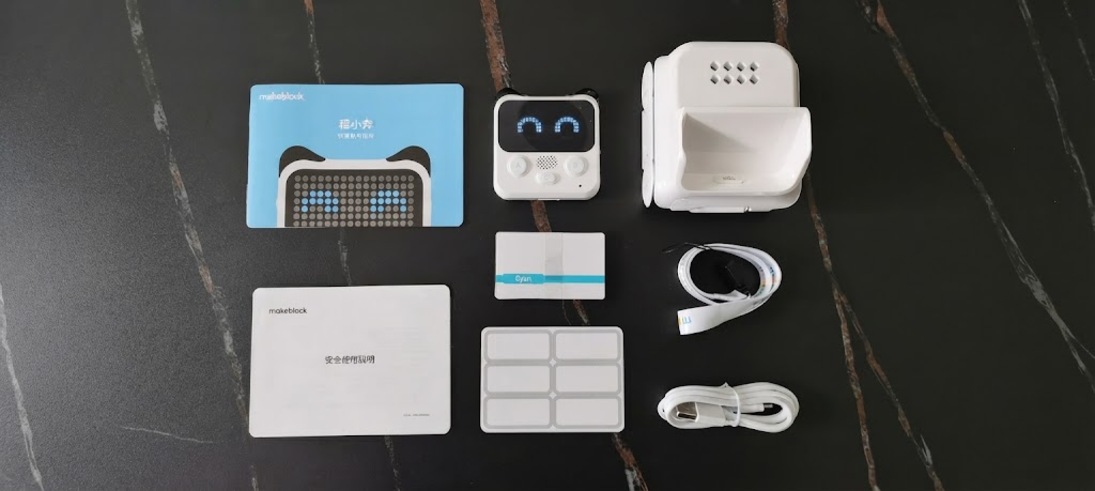
| Name | Quantity | Name | Quantity |
| Controller - Xiao Cheng | 1 | Lanyard | 1 |
| Base - Xiao Ben | 1 | Safety Instructions | 1 |
| Data Cable | 1 | Quick Start Guide | 1 |
| Color Recognition Card | 8 | ||
| Name Stickers | 1 |