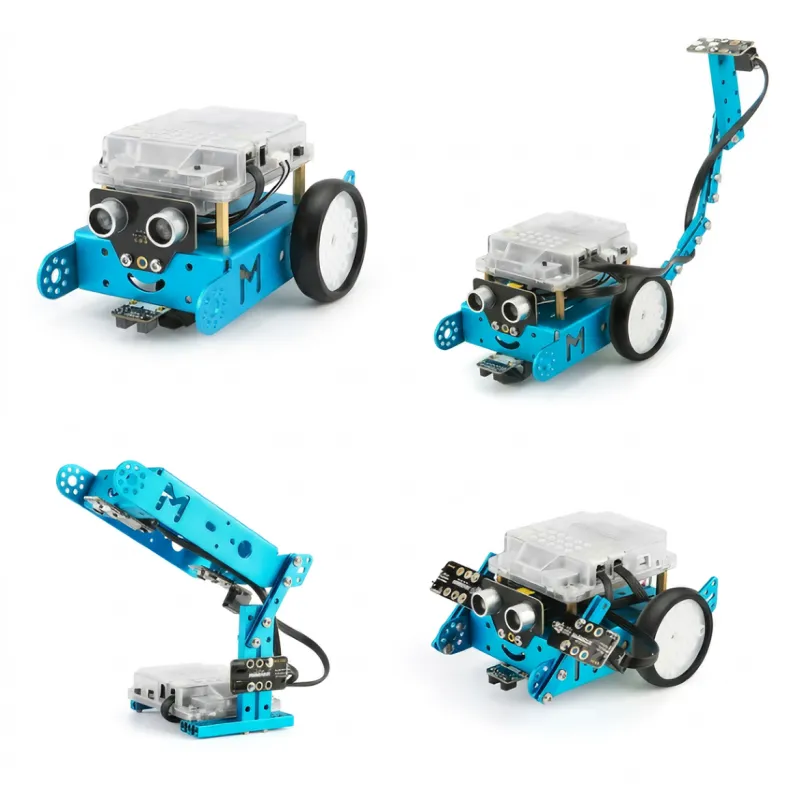


Product Description
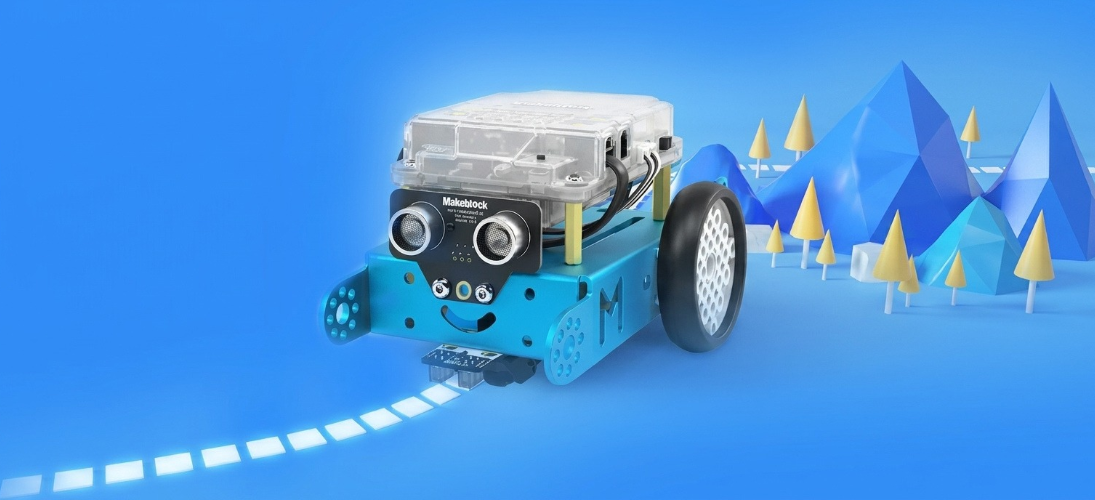
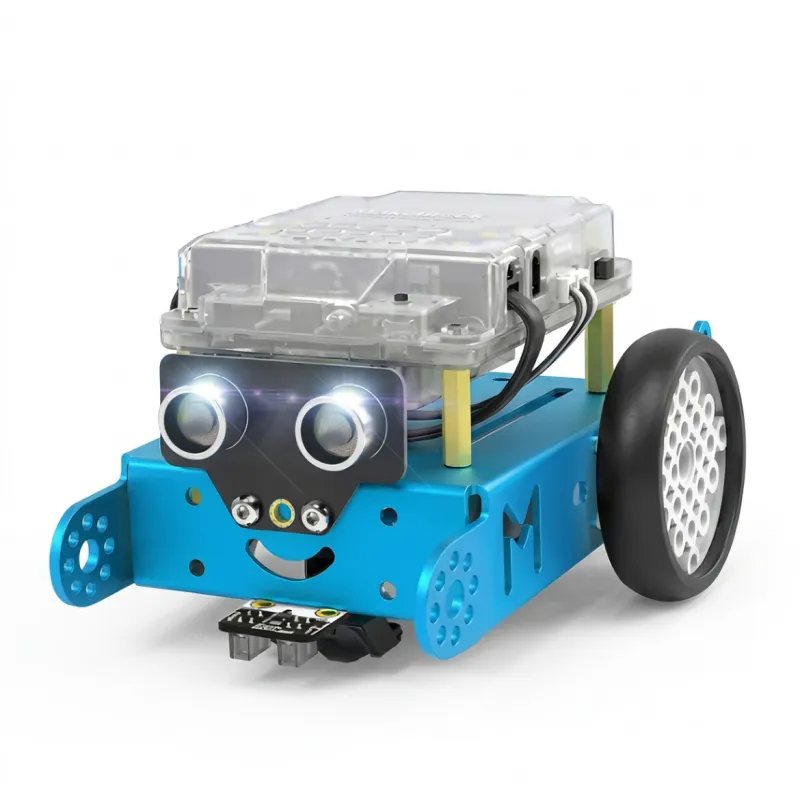
mBot
Kids programming education robot
Inspire children's creativity
|
|
|
|
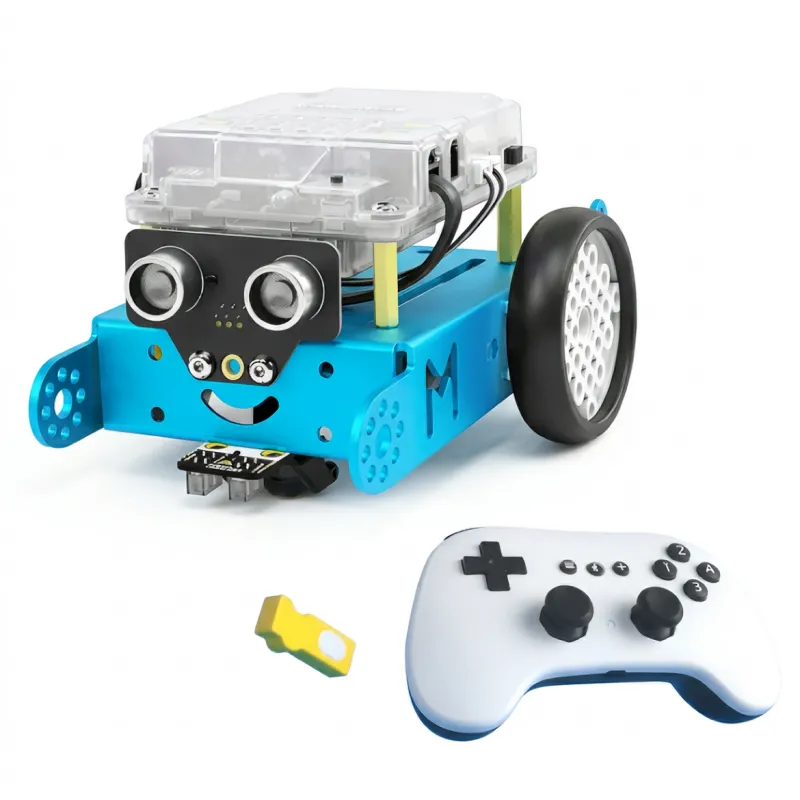
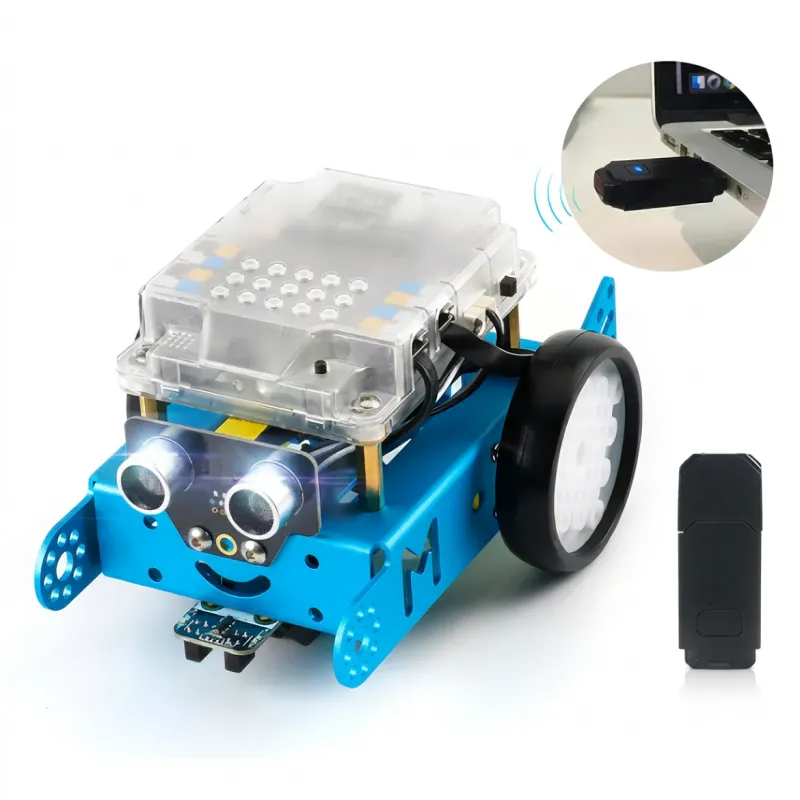
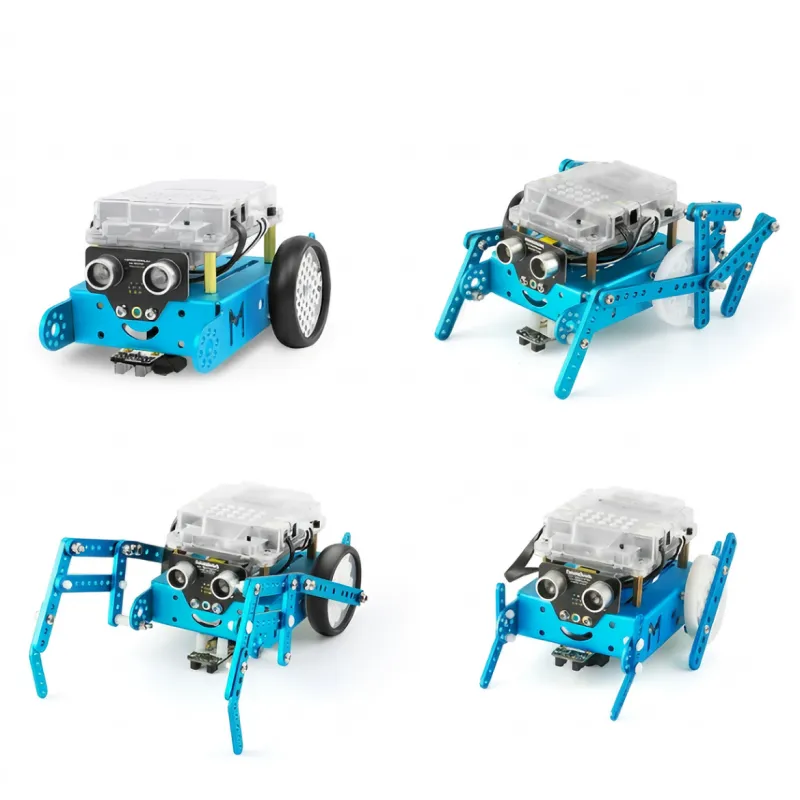
| Integrated chassis structure | 3 smart remote control modes | Gamified programmin glearning experience | Customized DIY expansion |


Choose the right equipment,
and learning programming will be twice the result with half the effort.
|
|
Scratch 3.0 Mainstream programming language for children | Scratch 2.0 ProgrammingSlow updates |
Powerful software system Suitable for multi-terminals | Grafting third-party platforms/packaging solutions Poor user experience, unstable |
Powerful expansion platform 500+ mechanical and electronic extension parts Turn imagination into action | No expansion system Only emphasizes variety of shapes No substantial expansion system |
| Widely recognized at home and abroad | Not recognized |
Connects to global robotics competitions Providing a stage for children to showcase themselves And a platform for communication and self-improvement | Creative imitation, no core Lacking true innovation |
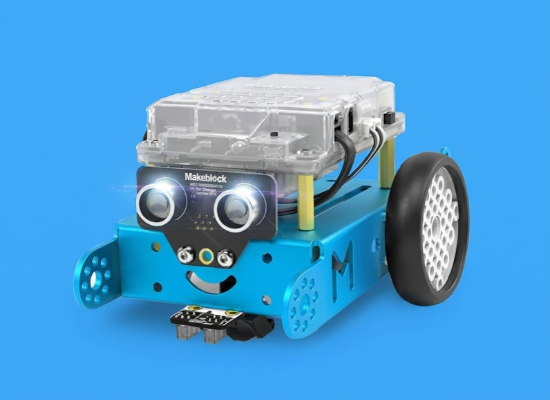
Functional Features
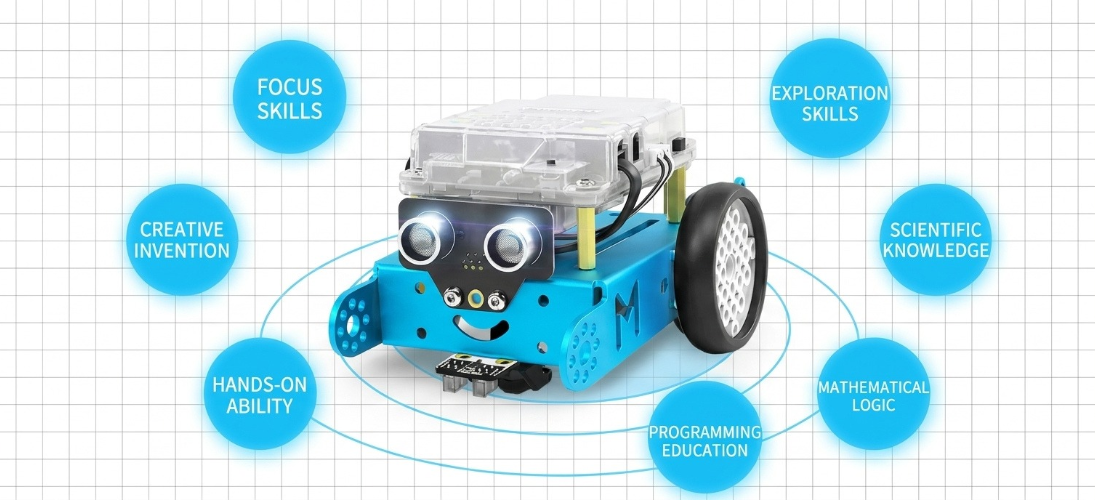
Learning robot programming
Enhance children's comprehensive abilities
Allow children to adapt to the artificial intelligence era earlier
| 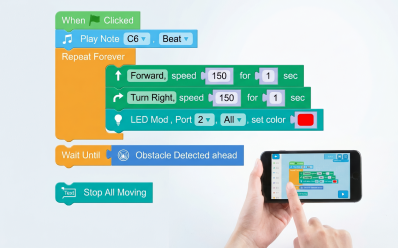 | 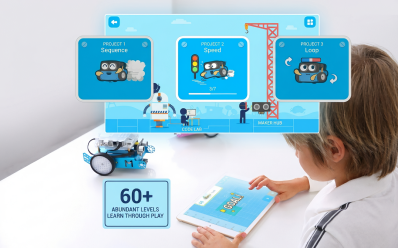 |
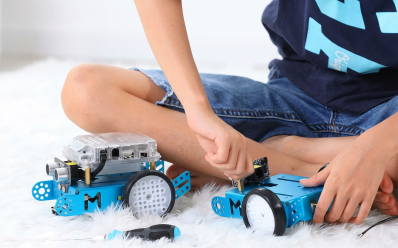
01 Easily build robots Cultivate the joy of hands-on learning | 02 Block-based drag-and-drop operation Get started with programming with zero experience | 03 60+ mission levels Scientifically guide you to learn programming |
|
|
|
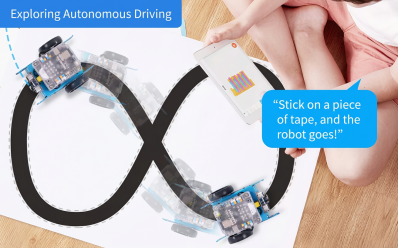
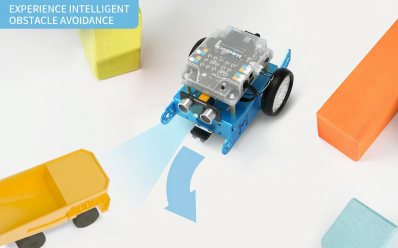
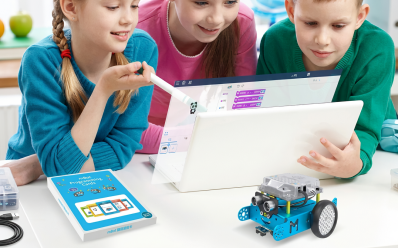
04
More exciting ways to play
Run into the fun of programming
|
|
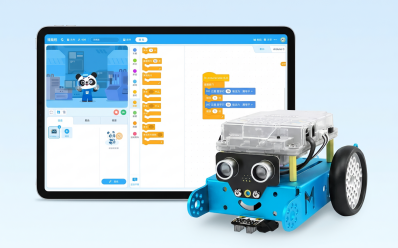
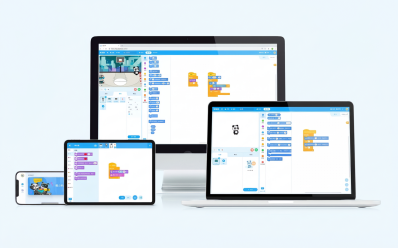
05
Powerful software system
Trusted by 15 million users worldwide
Scratch 3.0 graphical programming + Arduino C advanced programming
|
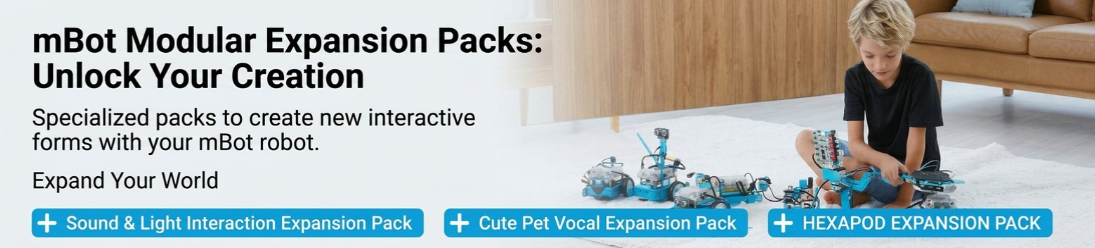
06
Powerful expansion platform
Turn imagination into action
If you need more functional forms, an expansion pack version is available for purchase
Inspire your creativity
Share creative ideas with them
They can do it, and so can I
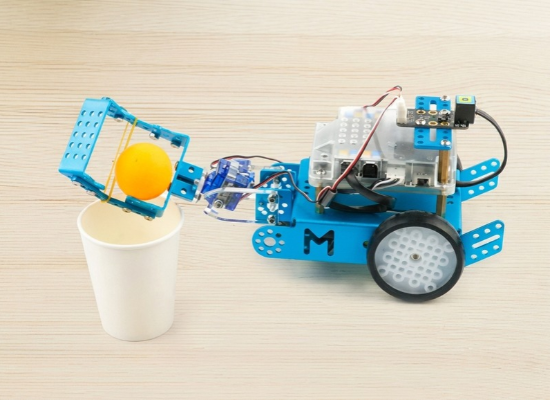
Hardworking Ball Retriever
Shared by 8-year-old Xiaohai.
By expanding with a 2-DOF servo pan-tilt and using a custom program, pressing the control button allows the robot to pick up balls and place them in other locations.
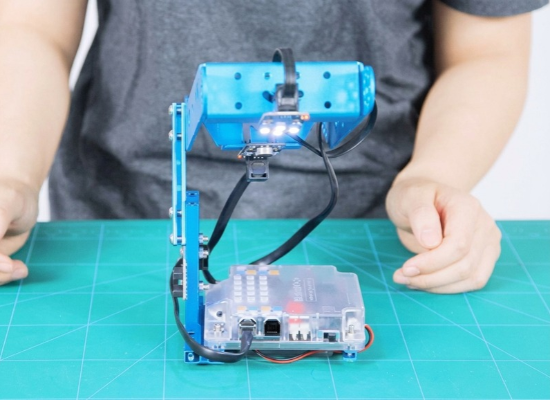
Intelligent Sound-Controlled Desk Lamp
Shared by 7-year-old Andy.
Features two control modes:
1. Touch Mode: Adjust the light brightness by touching the line-following sensor with your finger
2. Sound-Controlled Mode: The desk lamp automatically turns on by sensing surrounding sound intensity, just like voice-activated lights in a staircase
Play across a variety of settings—
fostering teamwork, a competitive spirit, and resilience—
to gradually evolve into an individual with leadership qualities
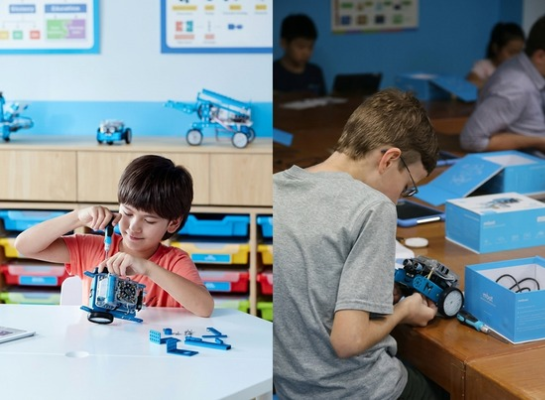
Schools/Educational Institutions
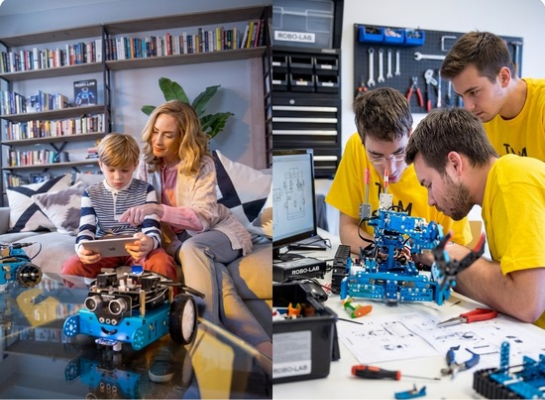
Home Users
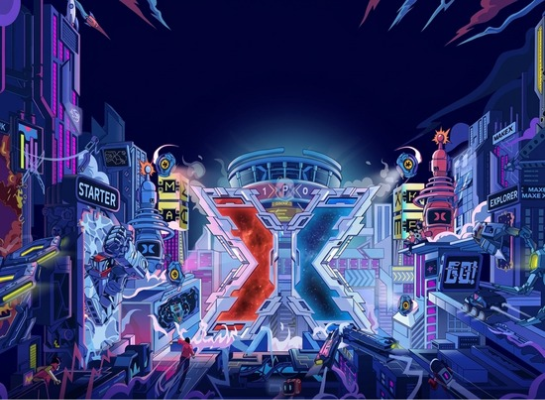
MakeX Robotics Competition
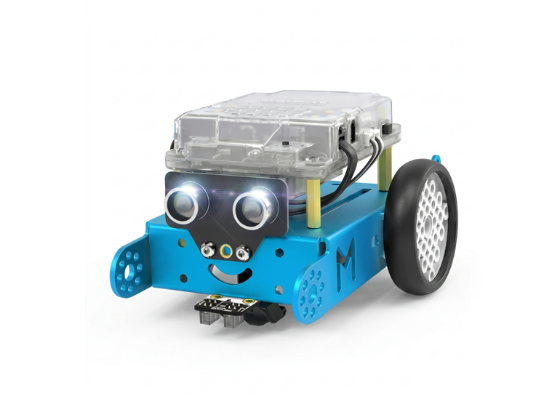
Dimensional Drawin
Product parameters
Programming Software: | Graphical programming software mBlock (based on Scratch 3.0) Supports Windows and Mac Arduino IDE |
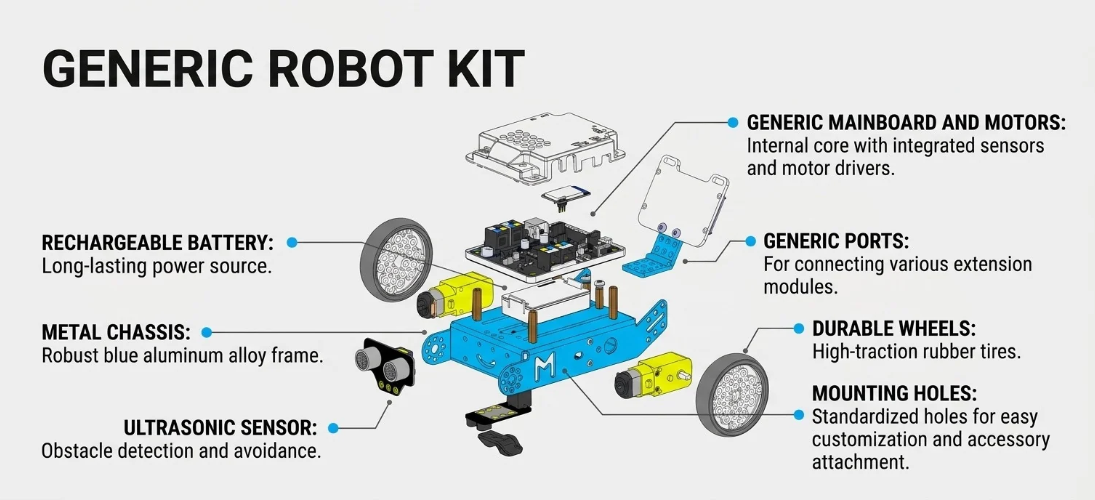
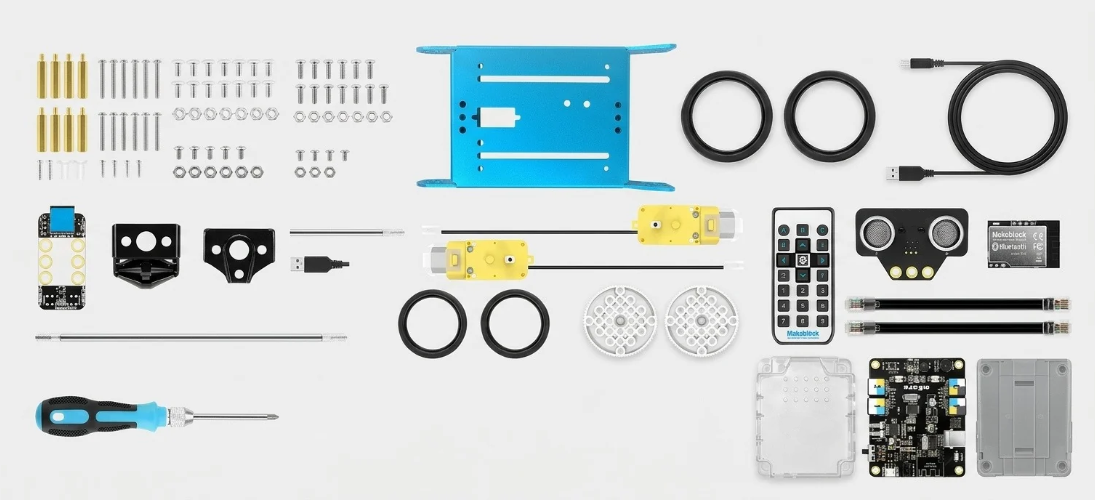
Input: | Light sensor, buttons, infrared receiver module, ultrasonic sensor, line-following sensor |
| Output: | Buzzer, RGB LEDs, infrared transmitter module, two motor ports |
Microprocessor: | Based on Arduino UNO |
Power Supply: | 3.7V DC lithium battery |
Offline Connection Method: | Bluetooth module |
Product Dimensions: | 170*130*90mm (Length *Width * Height) |
Weight: | 500g |