

Product Description
Product Information
Caring for your baby’s health with dedication attending to every single detail.
Take care of baby's health carefully and take every detail seriously
Toy Introduction
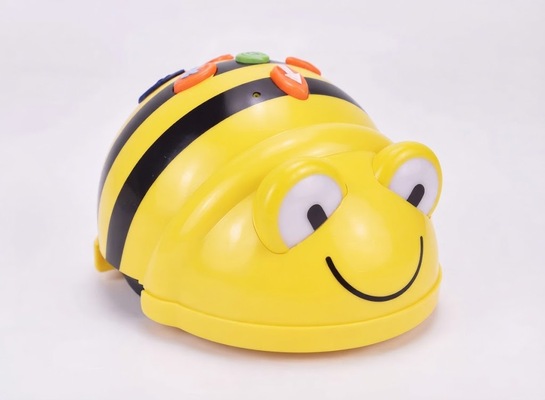
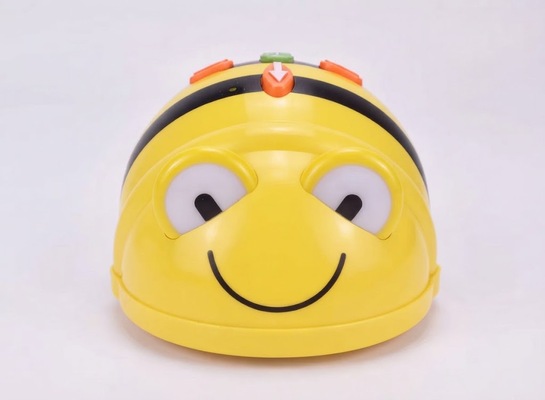
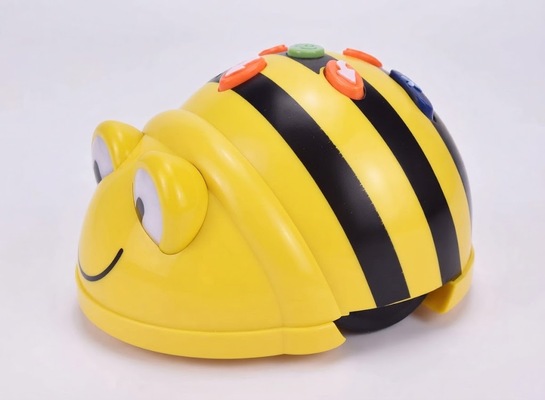
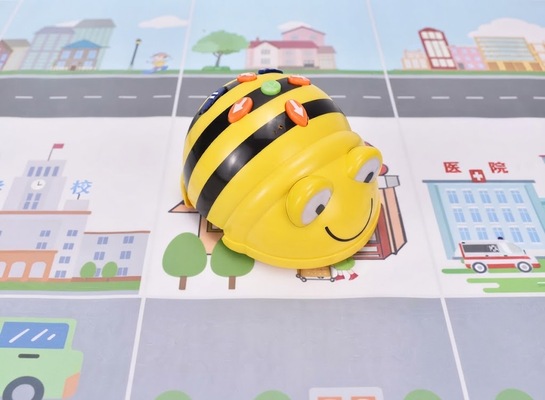
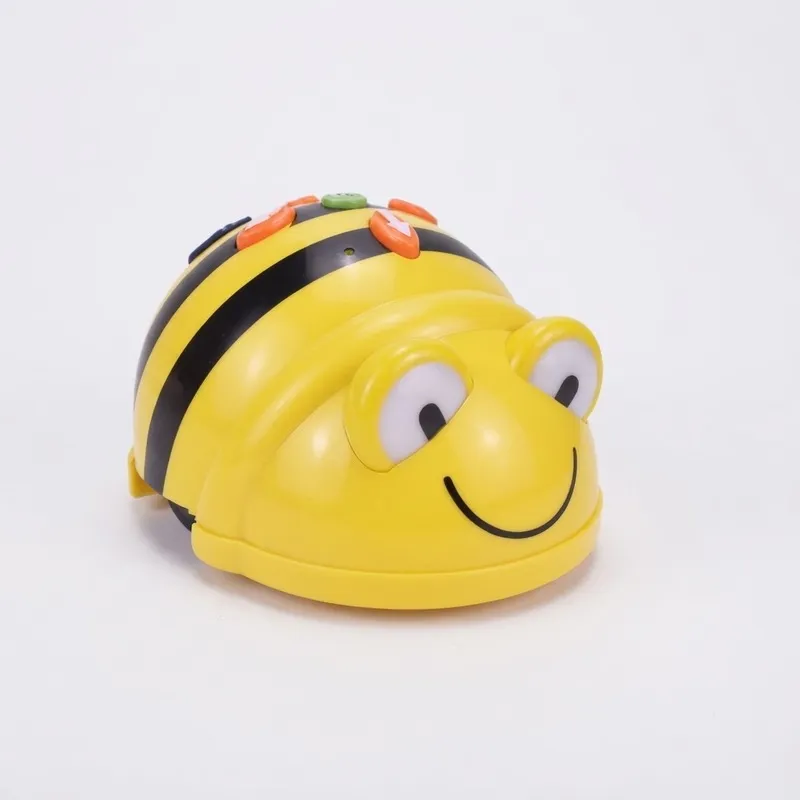
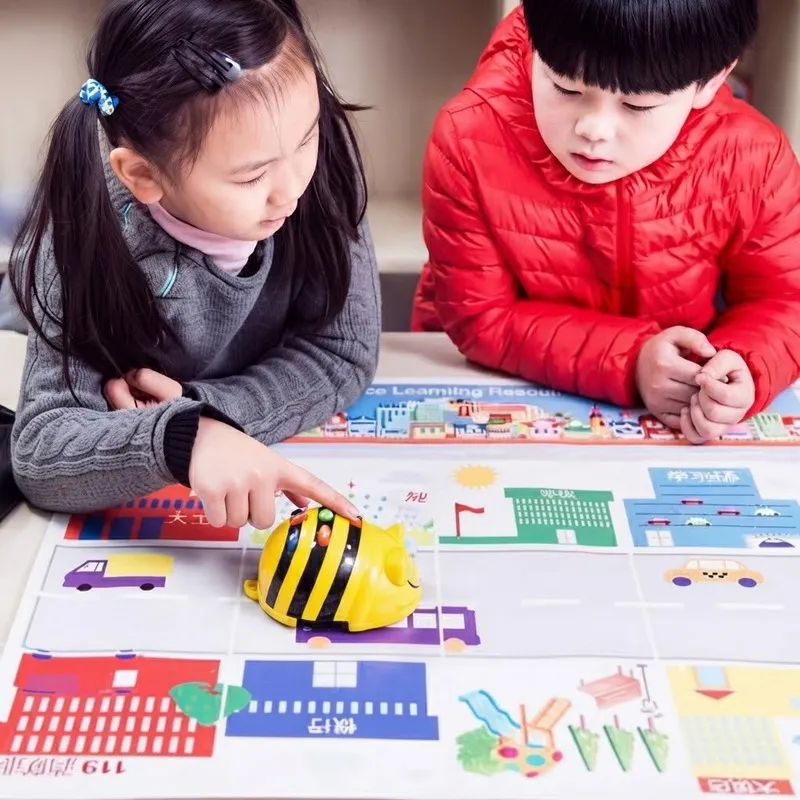
The robotic "little bee" utilizes a LOGO style (icon-based) programming method, which is ideally suited for young children. Much like playing with building blocks, children can independently arrange the directional buttons on the bee’s back to navigate it to any desired location on a play mat. By observing the robot’s movement and the resulting outcome, children can easily verify their programs; through the process of correcting errors to achieve the right result, they learn to construct their own body of knowledge.
Research findings indicate that by engaging with "robotic bees" an activity that involves both hands and mind young children can learn mathematics, explore the content displayed on floor mats, develop logical reasoning skills, and even create their own stories. The process of operating these robotic bees to complete tasks significantly enhances children's ability to think through and solve problems, while also providing substantial support for the development of their collaborative, communication, and creative skills.
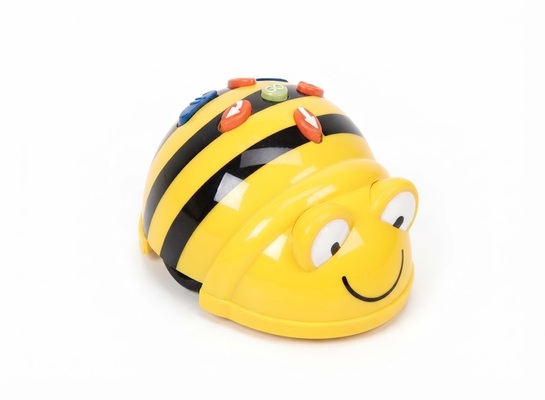
Name: Little Bee Robot
Model: EBT-00369
Dimensions: 15 × 15 × 8 cm (packaging size)
Material: Plastic, electronic components
Recommended Age: Children aged 3 years and above
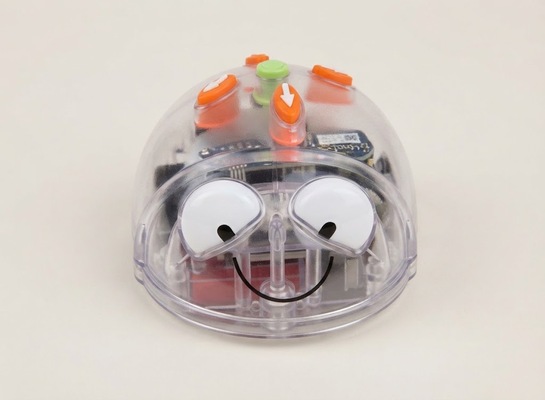
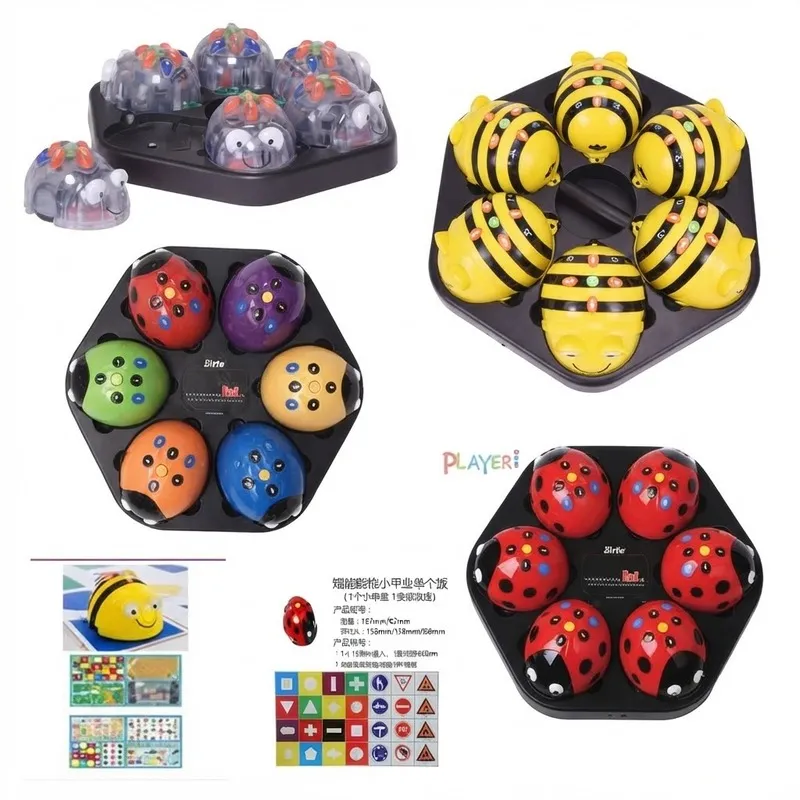
Name: Wireless Bluetooth Remote Control Little Bee Robot
Model: EBT-00485
Dimensions: 15 × 15 × 8 cm (package dimensions)
Material: Plastic, electronic components
Recommended Age: Children aged 3 and above
Toy Introduction
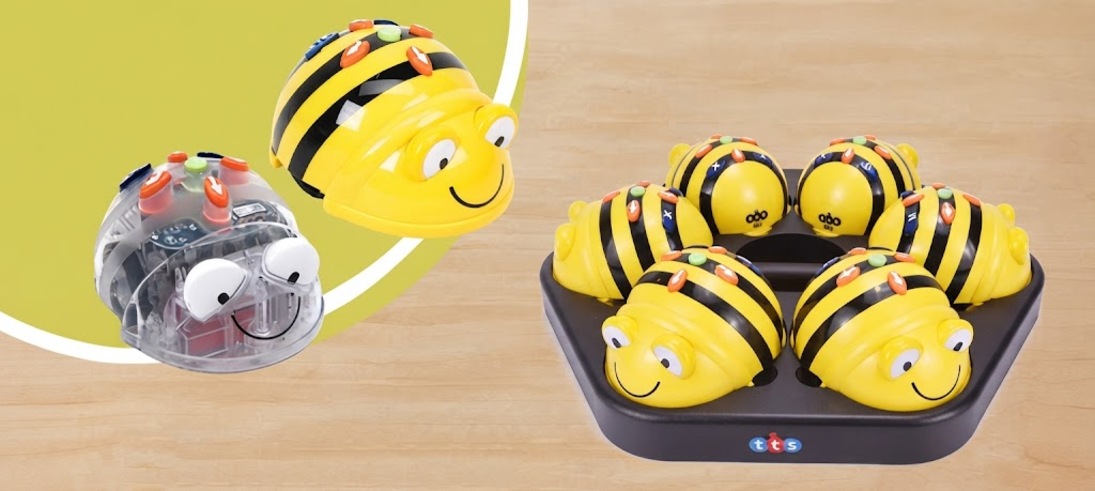
The Bluetooth Bee has a stylish and compact design, with a transparent shell that makes the internal mechanical device clearly visible, creating a strong sense of technology. The button design is fun and interesting, and the program design is easy to operate, making it extremely suitable for children over 3 years old to learn programming and cultivate logical thinking. In addition to on-site programming operations on the mat, you can also connect via Bluetooth to program on a smartphone/tablet, controlling the movement of the Bee on the ground, supporting Android/IOS operating system devices.
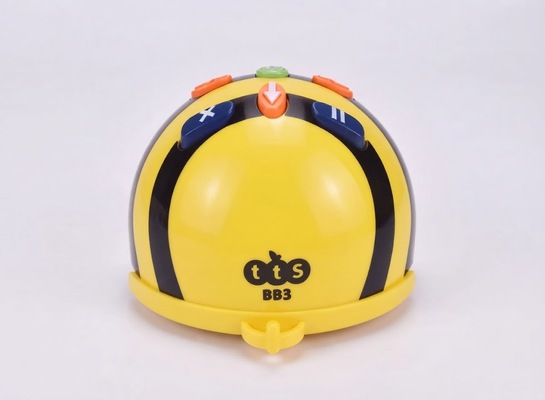
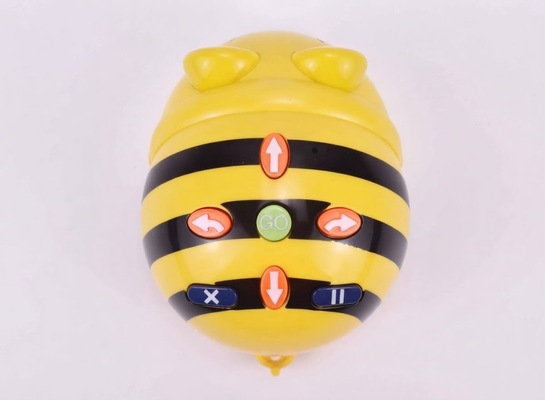
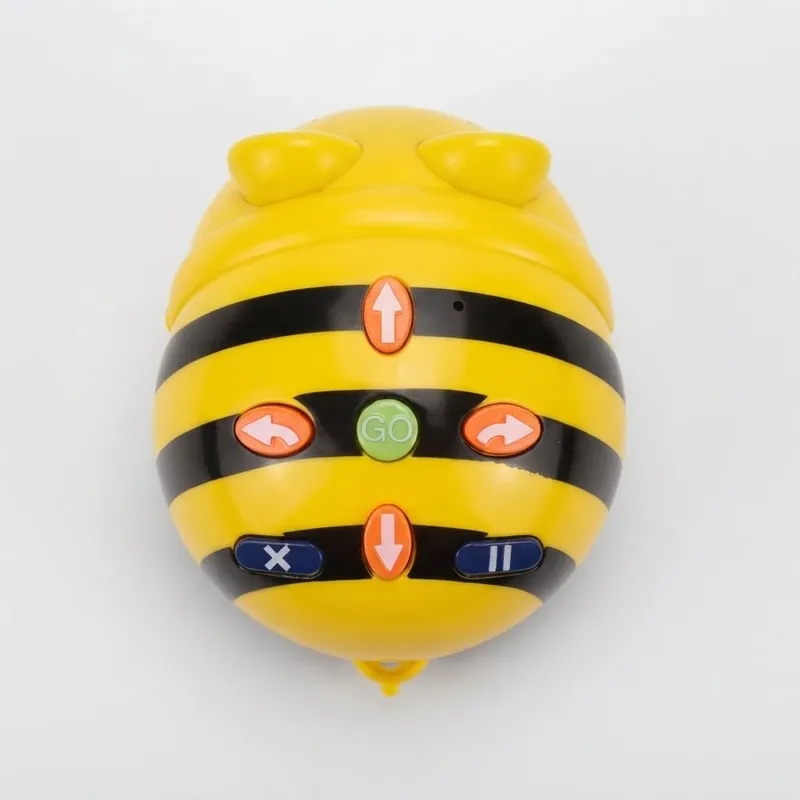
Press the forward, backward, left turn, right turn, pause, delete, and start buttons on the back of the Bee to program it, and the Bee will run according to the preset program.
Install the Bee APP on an Android phone or iPad, and you can control the Bee on the ground through Bluetooth on the mobile device. The APP has rich and colorful game scenes and multiple game modes. You can convert any picture into a scene in the APP, or convert a self-made mat in reality into a scene in the APP by taking a photo, realizing the synchronized operation of virtual and real Bees in the same scene.
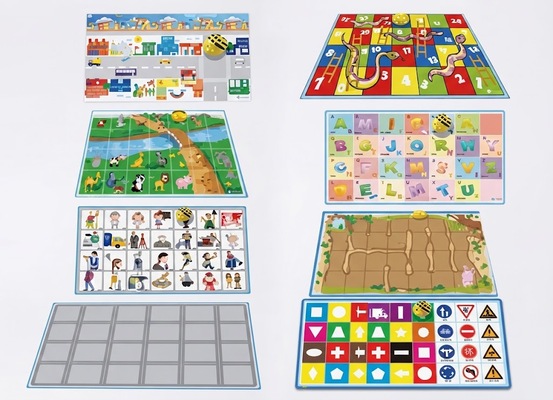
Name: Special floor mat for little bee
Model:
Specifications: 107 × 62 cm/sheet, 4 sheets/set
Material: PVC
Recommended Age: Children aged 3 years and above
Note: The special floor mat for the little bee is domestic production, not original TTS!
Product Introduction
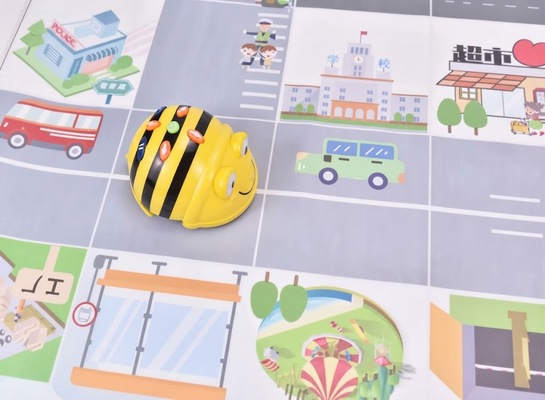
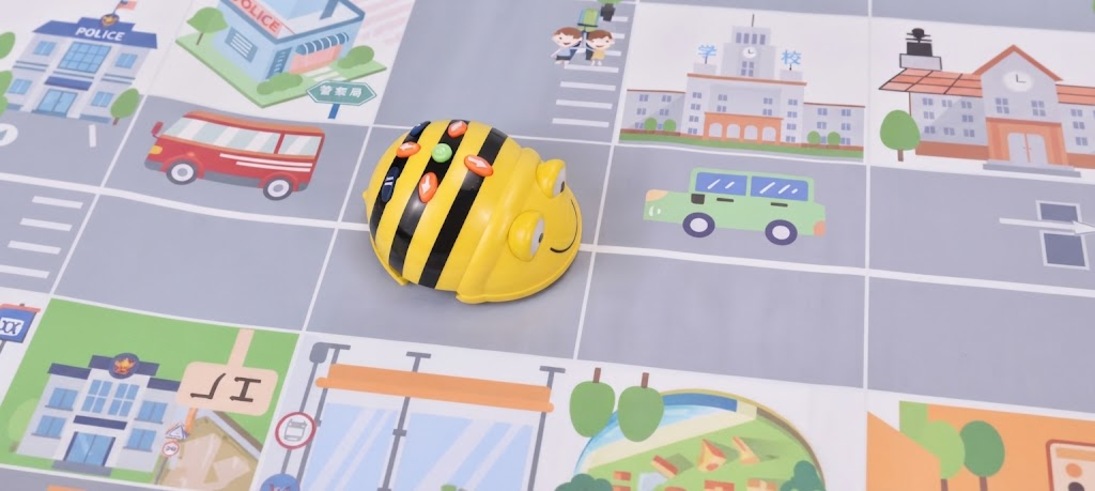
There are 8 sides printed on 4 double-sided special floor mats for the little bee (community mat, number mat, animal mat, letter mat, occupation mat, maze mat, racing mat, color & shape mat), which are used in conjunction with the little bee robot for various game activities.
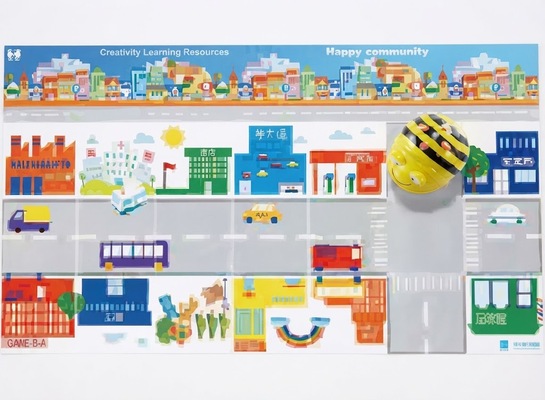
Community Mat (62x107 cm)
The community mat is one of the most popular mats for the little bee robot. The community mat features a parking lot, police station, gas station, bank, park, various shops, etc. Games that can be tried include: odd and even number concepts, north-south-east-west direction recognition, and math operations related to street shopping addition and subtraction.
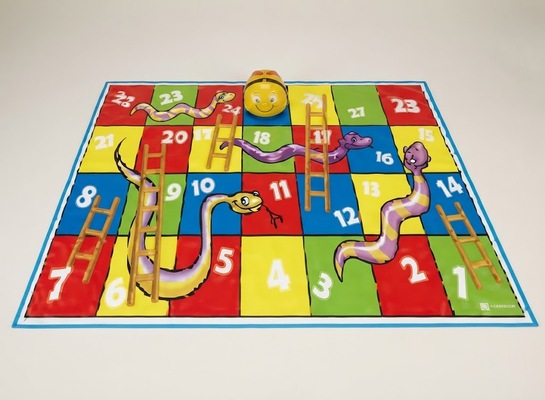
Number Mat (62x107 cm)
Use the little bee robot to learn counting and perform simple mathematical calculations. It is a tool for young children to learn mathematics
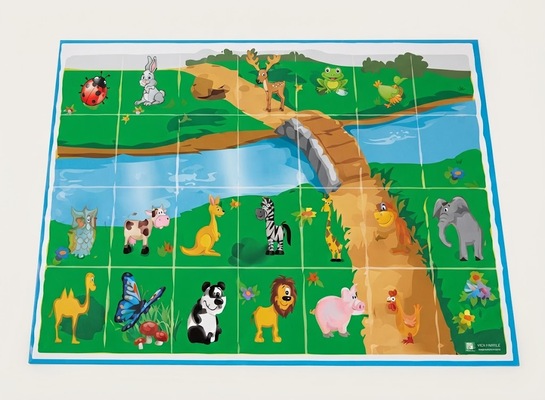
Animal Mat (62x107 cm)
Use the little bee robot to learn about small animals in the zoo. The unique small bridge design can train children's logical thinking skills.
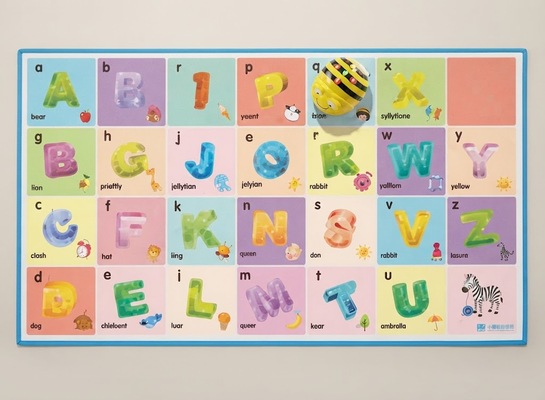
Letter Mat (62x107 cm)
Learn letters and ICT skills through play. While playing word games, children can also explore the alphabet.
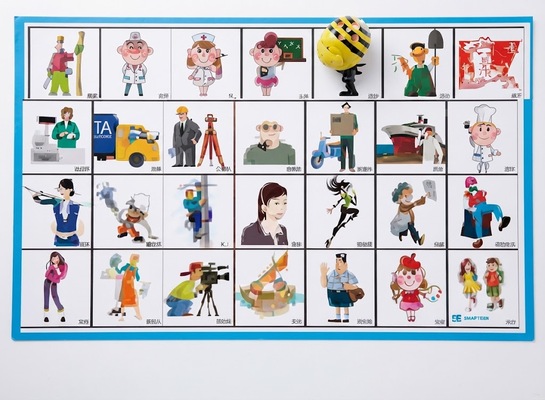
Occupation Mat (62x107 cm)
Use the little bee robot to learn about various professions and their characteristics in society, thereby enhancing young children's social cognitive abilities.
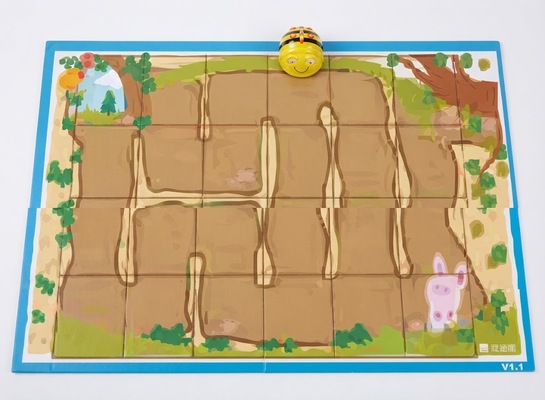
Maze Mat (62x107 cm)
Mazes are one of young children's favorite games
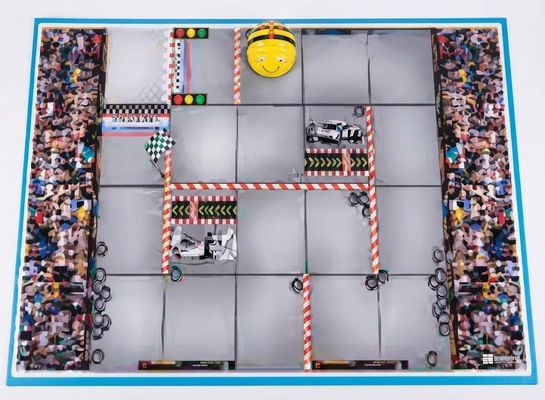
Racing Mat (62x107 cm)
An exciting and thrilling racing mat that supports single-robot/single-mat or multi-robot/multi-mat racing competitions. On one hand, it trains children's logical thinking skills, and on the other hand, it trains their calculation and reasoning speed.
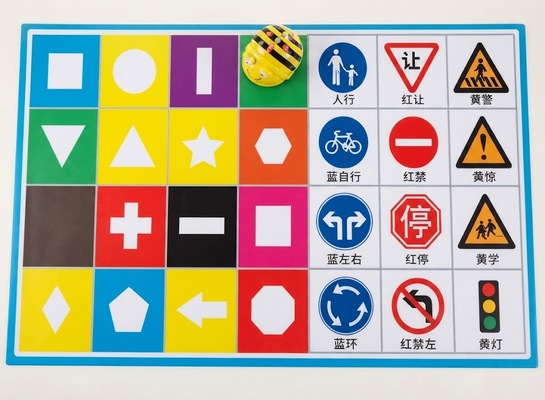
Color & Shape Mat (62x107 cm)
This is suitable for young children in lower classes
Product Information
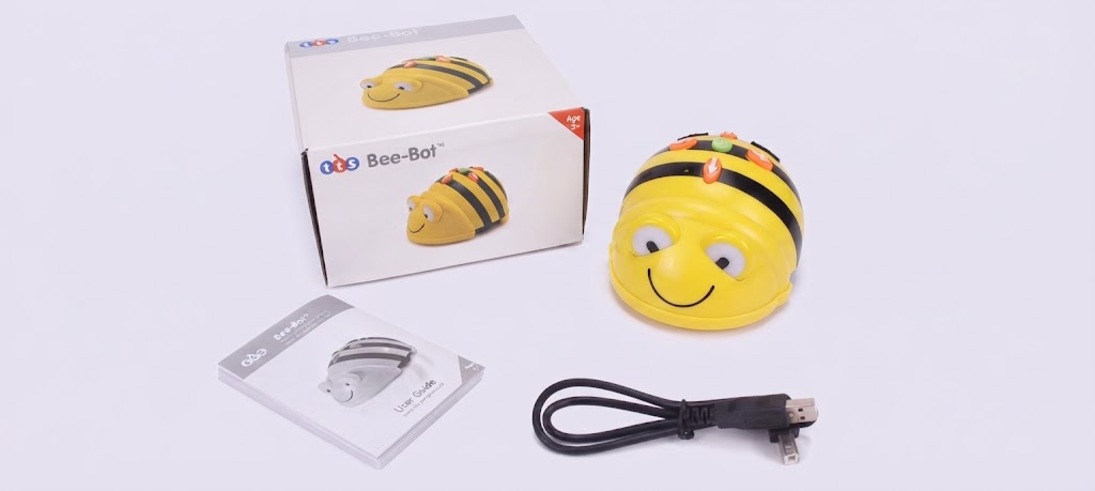
| Name : Robotic Honeybee | Specifications : 13 x 10 x 7 cm |
| Material : Plastic, electronic components | Age Appropriateness : Ages 3 and up |
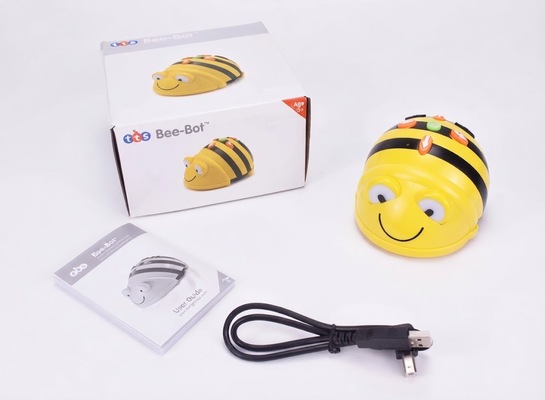
| Product includes : 1 Bee-Bot, user guide (English), USB charging cable (Note: This cable is for charging the Bee-Bot only; it cannot be used for data transfer.) |
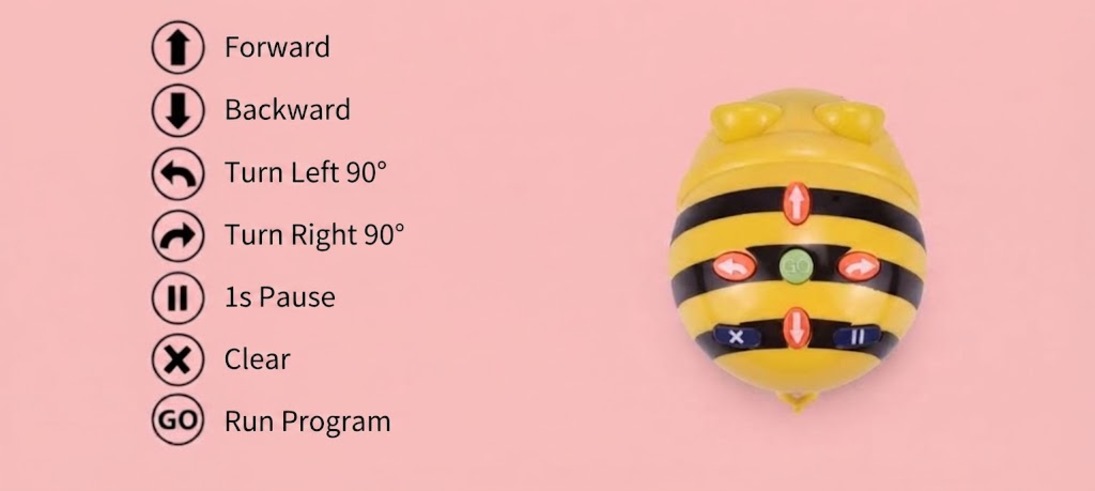
Button Descriptions
Operating Instructions
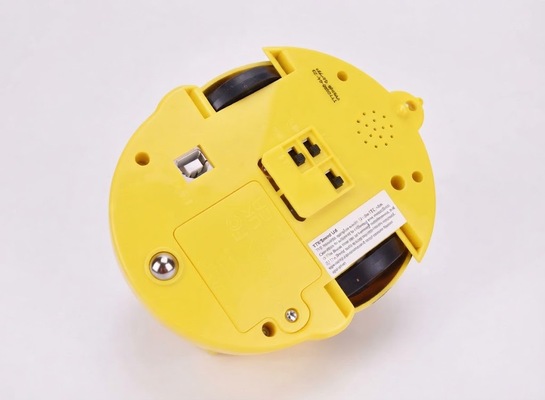
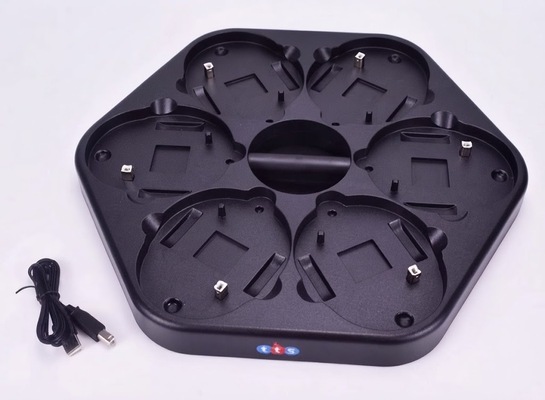
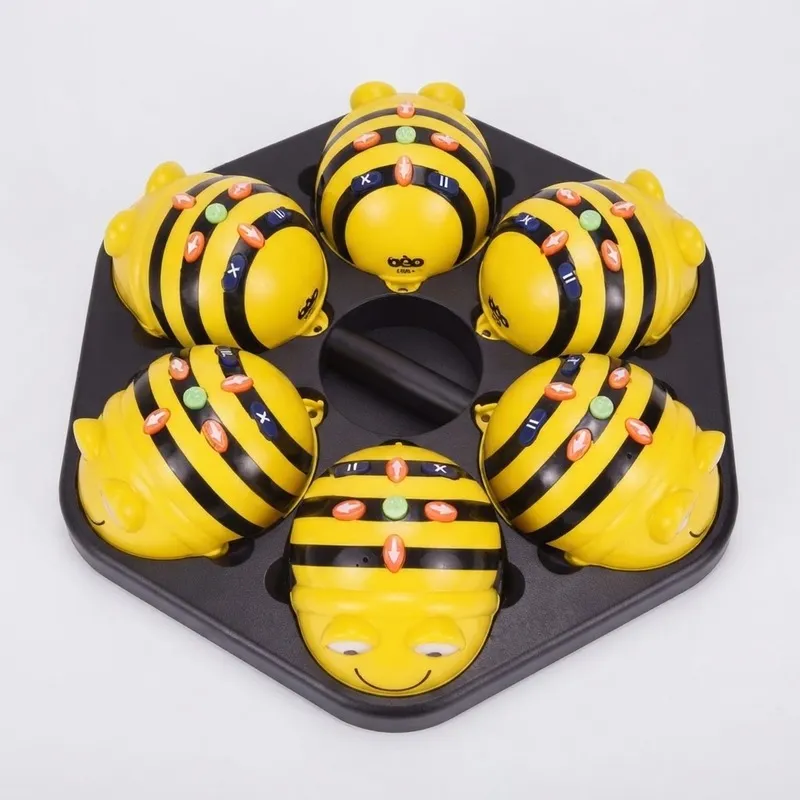
Turn the power switch to OFF and place the Little Bee Robot on the charging pad, or connect it to power using a USB power cord to charge the robot
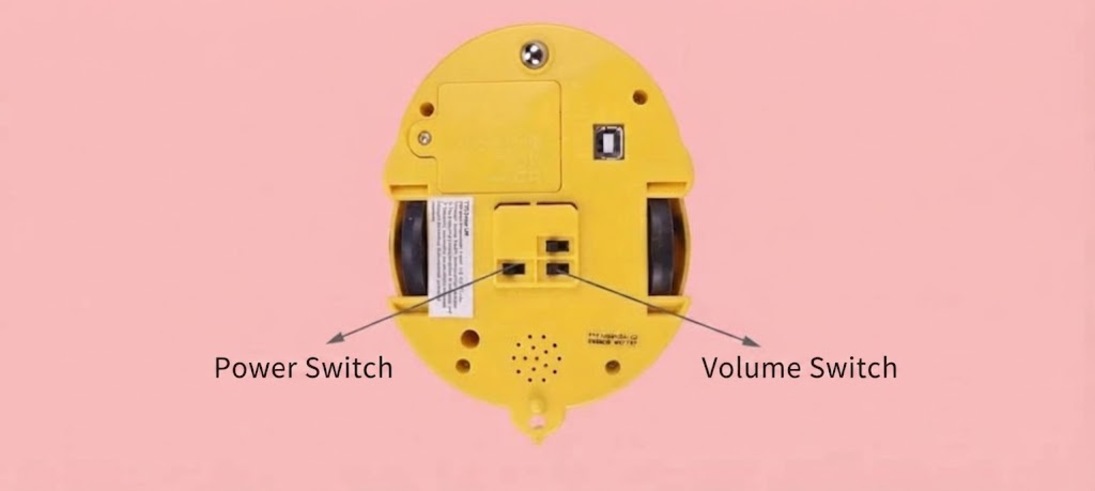
At the same time, turn on both the power switch and the sound switch located at the bottom of the Little Bee Robot
There are 7 protruding buttons on the Little Bee Robot
button: This is the command execution button
. The eyes will flash after the program is executed . If the button is pressed during the game, the game will restart in place . <↑>, <↓> buttons: These are the forward and backward buttons
. Press <↑> or <↓> once, then press , and the Little Bee Robot can move one step forward or backward in a straight line, each step being 15 cm . <←>, <→> buttons: These are the left and right turn buttons
. Press <←> or <→> once, then press , and the Little Bee Robot will turn 90° to the left or right in place . <||> button: This is the pause button, which can be inserted into the game program to make the Little Bee Robot pause during the game
. Each press pauses for 1 second . button: This is the program clearing button
. Every time the program finishes execution and the eyes flash, you must press this button before you can proceed to set the program for the next new game . If it is not cleared in time and you continue to set the next new game, pressing will result in the following phenomenon: it will execute the previous game first, and then continue with the new game, which is an overlapping of the two game programs . The little bee's memory steps can reach up to 40 steps .
Pressing any of the above buttons will cause the Little Bee Robot to make a sound and flash its eyes to confirm receipt of the command
During the game, please do not drag, pull, tug, or press to obstruct the movement of the Little Bee Robot, in order to avoid damaging the machinery
To make the game more colorful and diverse, in addition to the matching mats, you can also design your own
BEE-BOT
FLOOR ROBOTS
A robot that young children can control
Little Bee Robot
The Little Bee Robot uses a LOGO (graphical symbol) programming method that is most suitable for young children. Children can independently combine the direction buttons on the little bee's back like building blocks, controlling it to travel to any desired location on the play mat. By observing the robot's movement process and results, children can easily verify their programmed code, and in the process of correcting from mistakes to correctness, they learn to build a knowledge system.
Research results show that by playing with the Little Bee Robot with their hands and minds, young children can learn math, understand the contents of the mat, exercise logical reasoning, and create stories, etc. The process of controlling the little bee to complete tasks can greatly improve young children's ability to think about and solve problems. It also provides substantial help in improving collaboration, communication, and creative abilities.
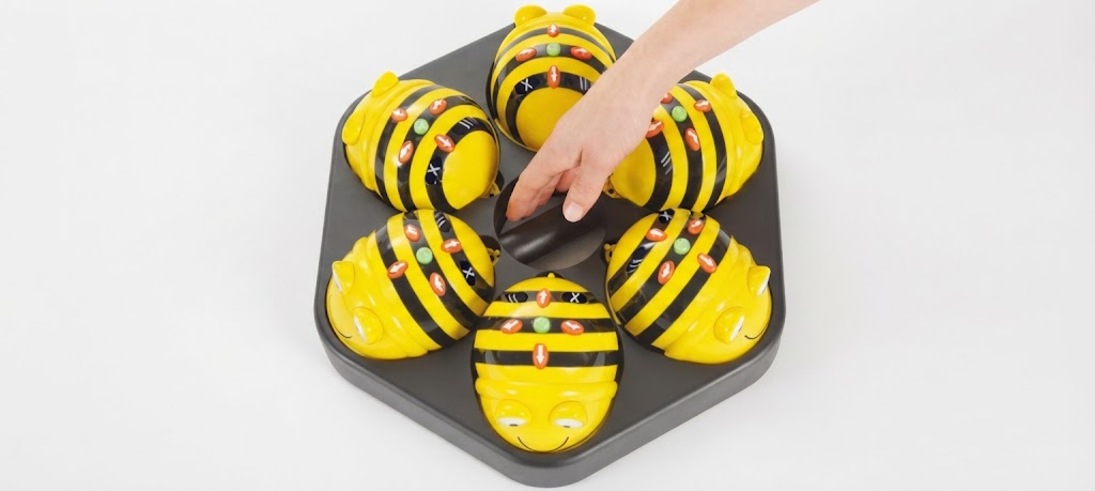
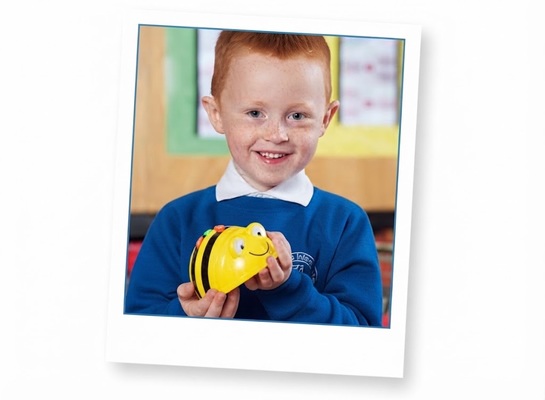
Help children discover the cause and effect relationships between things!
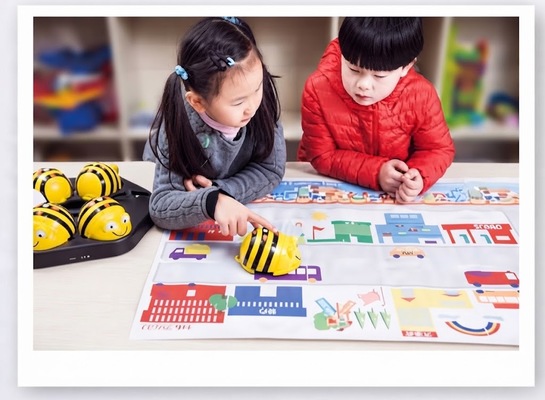
A young child maneuvers a robot toward a "gas station."
Product parameters
| Development of Core Competencies | Toy Type | Interaction Type |
| Exploration and Creativity | Other Toys | Scenario Simulation |
| Kindergarten | Recommended Age | |
| Usage Scenarios | 9 years, 12 years, 4 years, 13 years, 8 years |
| Brand | Other | Material of main component | Other |
| Applicable Gender | Unisex | Material of auxiliary component | Support |
| Theme/Style | Team Building & Development |
Actual Product Photos