

Product Description
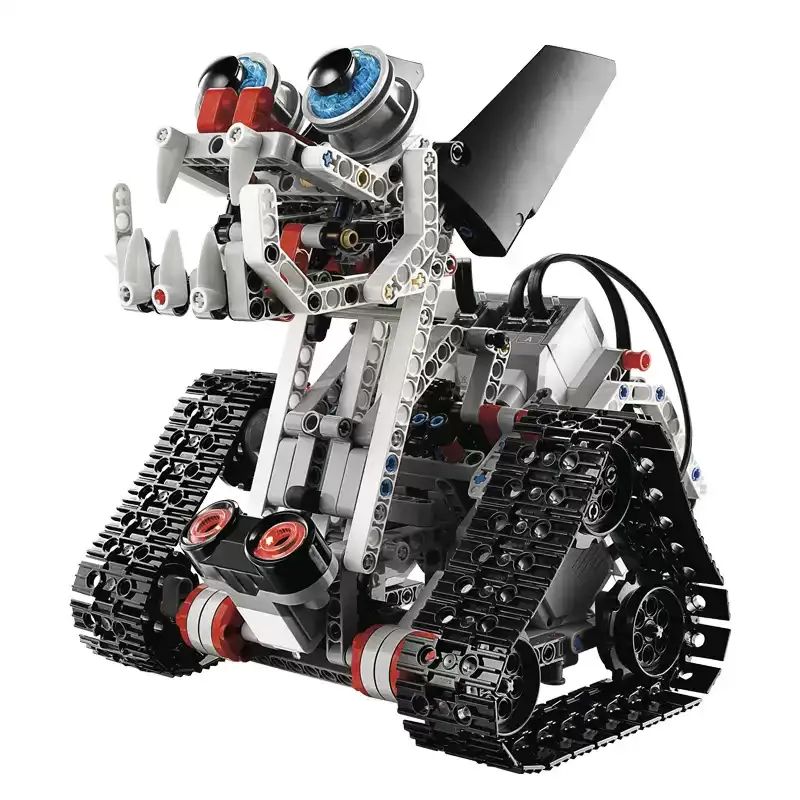
EV3 Robot·Programming education set
Premium online courses、Learn coding at home
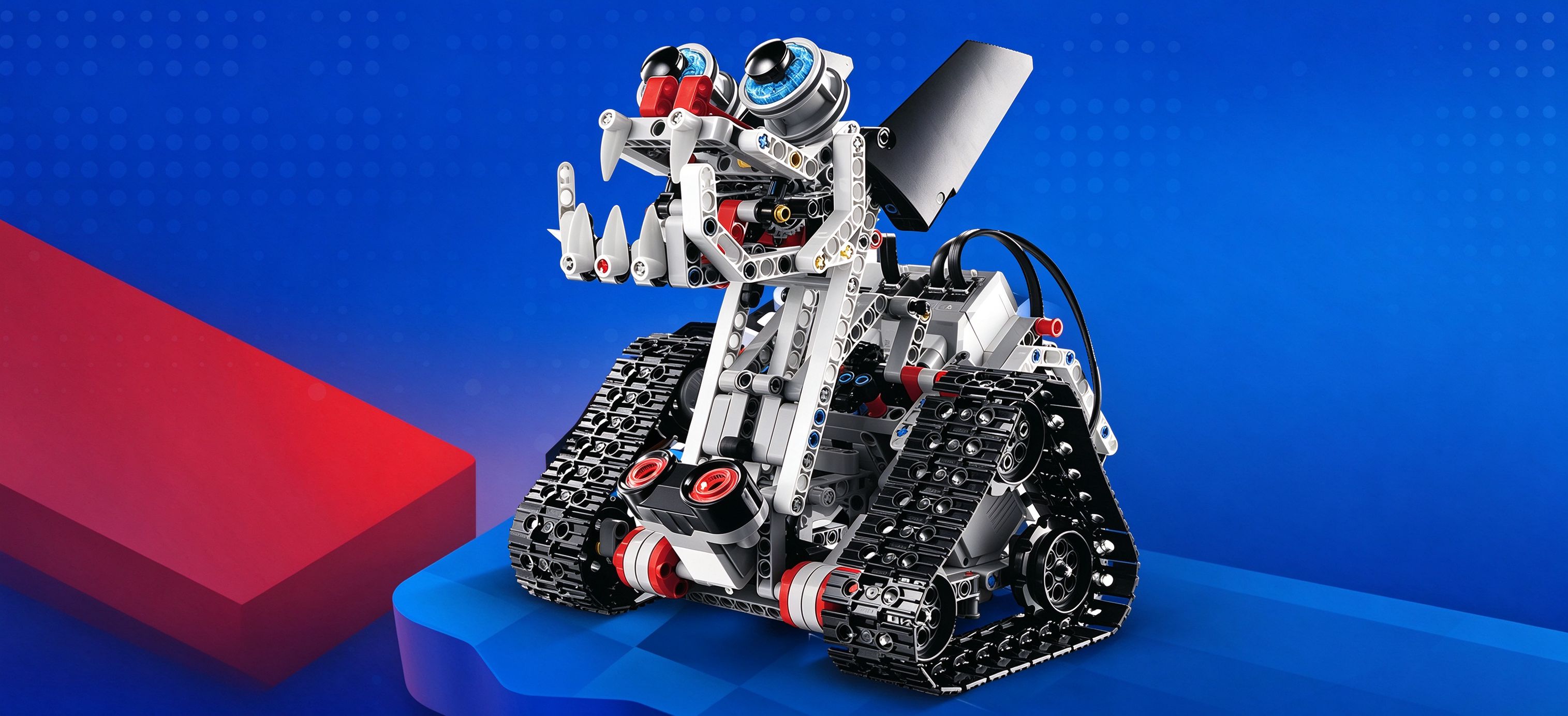
A new way to build bricks
When traditional bricks meet STEAM education
|
|
|
|
Fun programming | Live teacher-led courses | Multiple electronic components | Open-ended play |




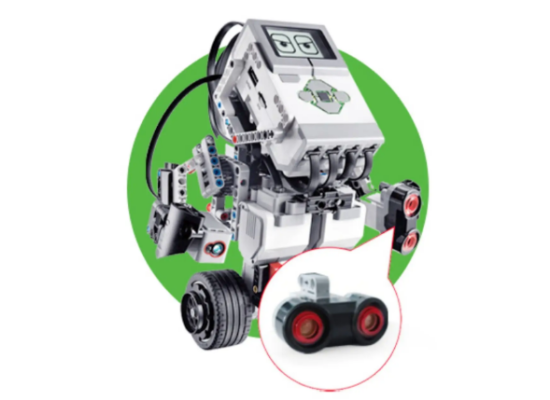
Ultrasonic sensor
Emits ultrasonic waves and receives the reflected signal to measure distance to objects, then sends the reading as a signal to the main controller.
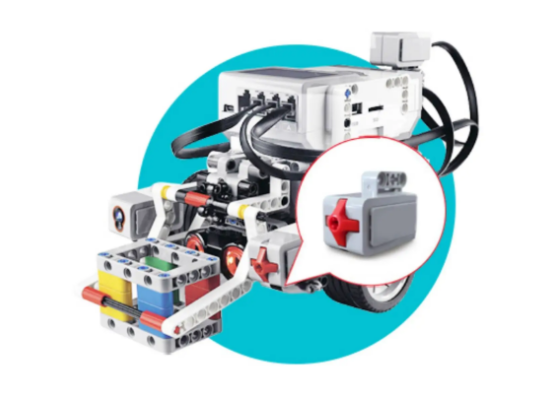
Touch sensor
The touch sensor has a red cross button; when pressed, released or touched, it detects the current touch state and sends the signal to the main controller.
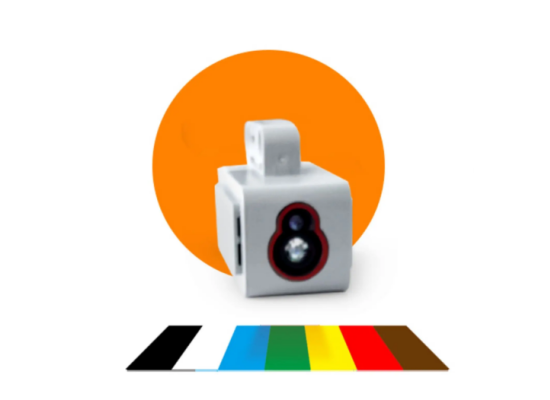
Color sensor
Recognizes red, green, blue, white, orange and yellow, and sends the recognized color to the main device.
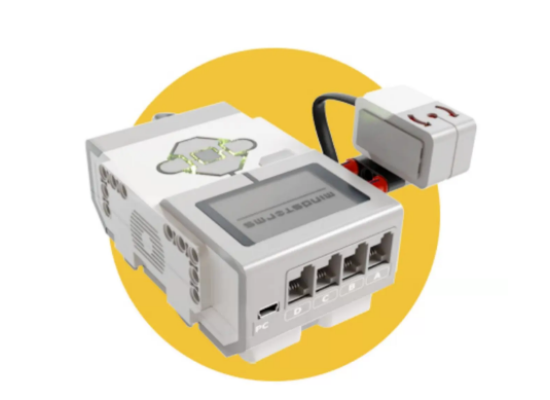
Gyro sensor
Measures the robot's moving speed and distance.
Functional Features
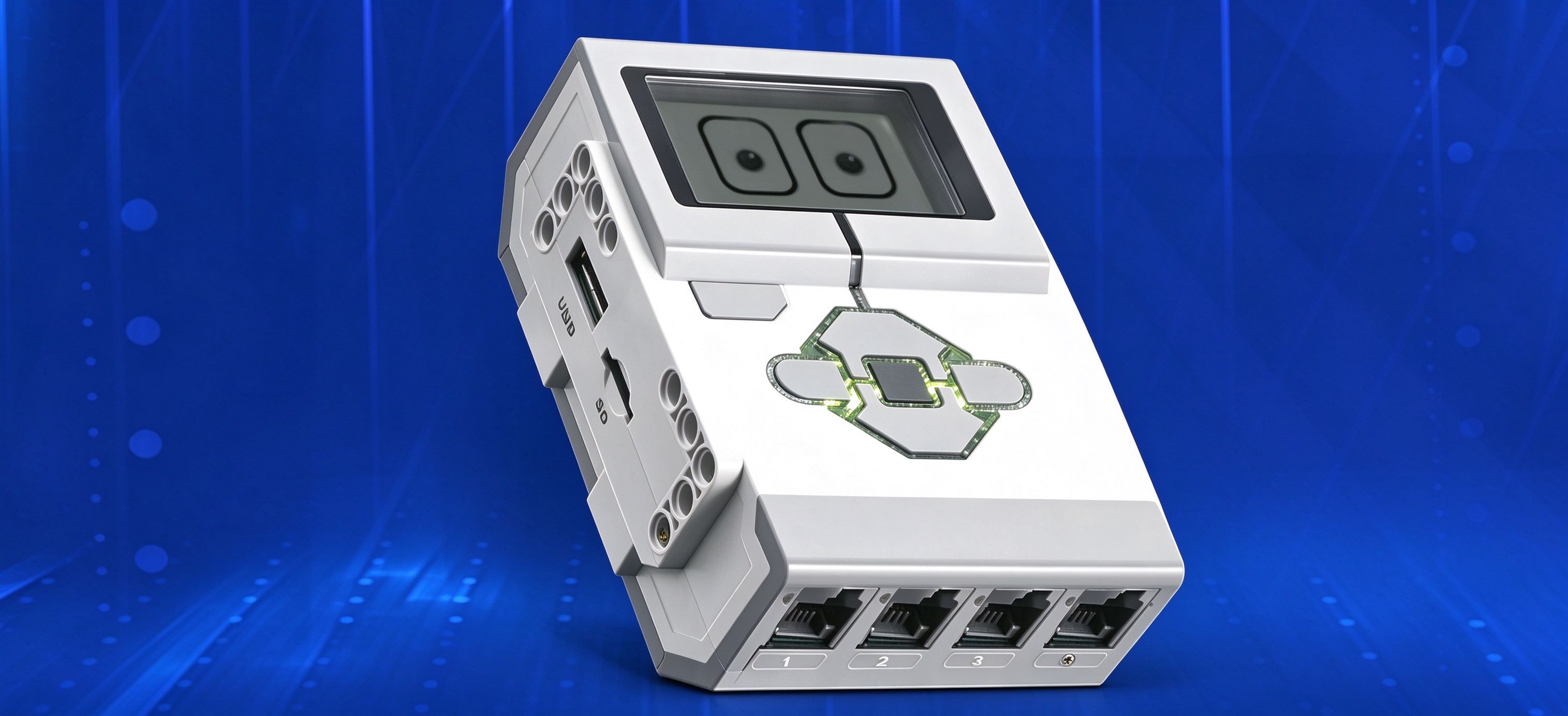
Programmable electronic sensors
Helps kids learn computational thinking
Fun coding, hands-on and mind-on
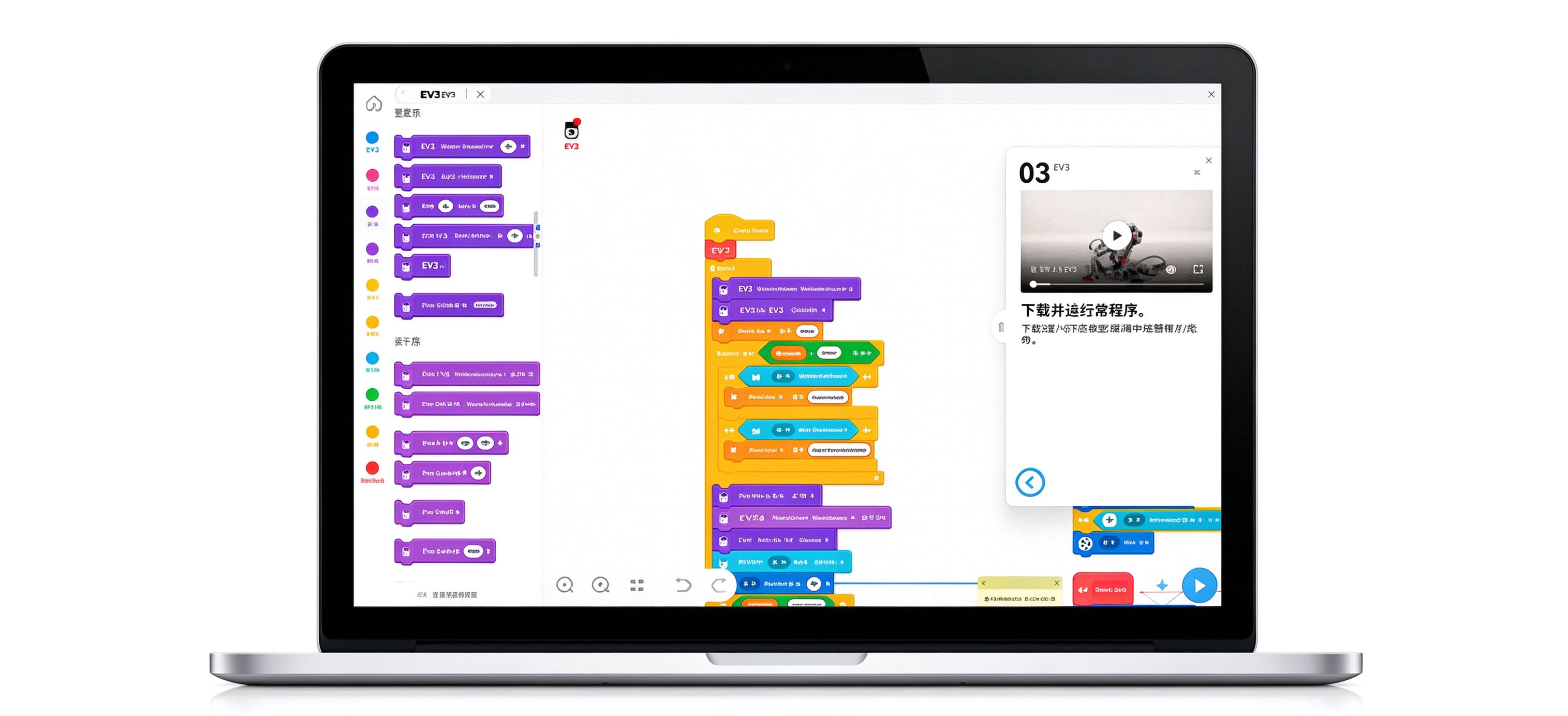
· New EV3 programming interface
The EV3 Education programming software uses visual icons to issue movement commands to the robot. It is easy to use — use your imagination and create endless programming possibilities.
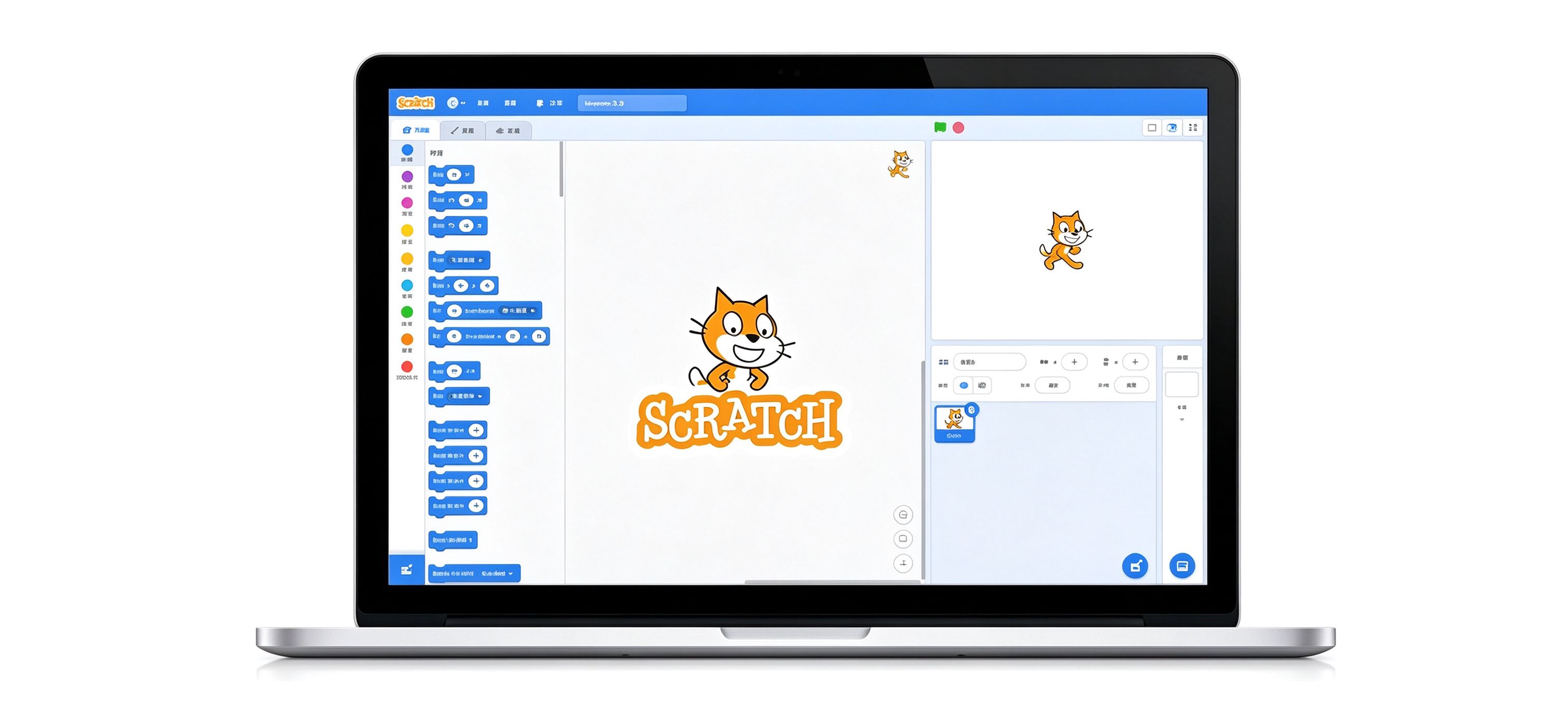
· SCRATCH 3.0 programming software
Scratch is a beginner-friendly graphical programming tool designed by an MIT team for kids aged 8-16, but suitable for all ages.
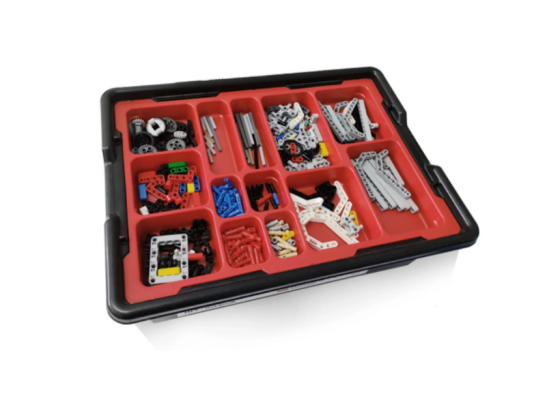
· Core set
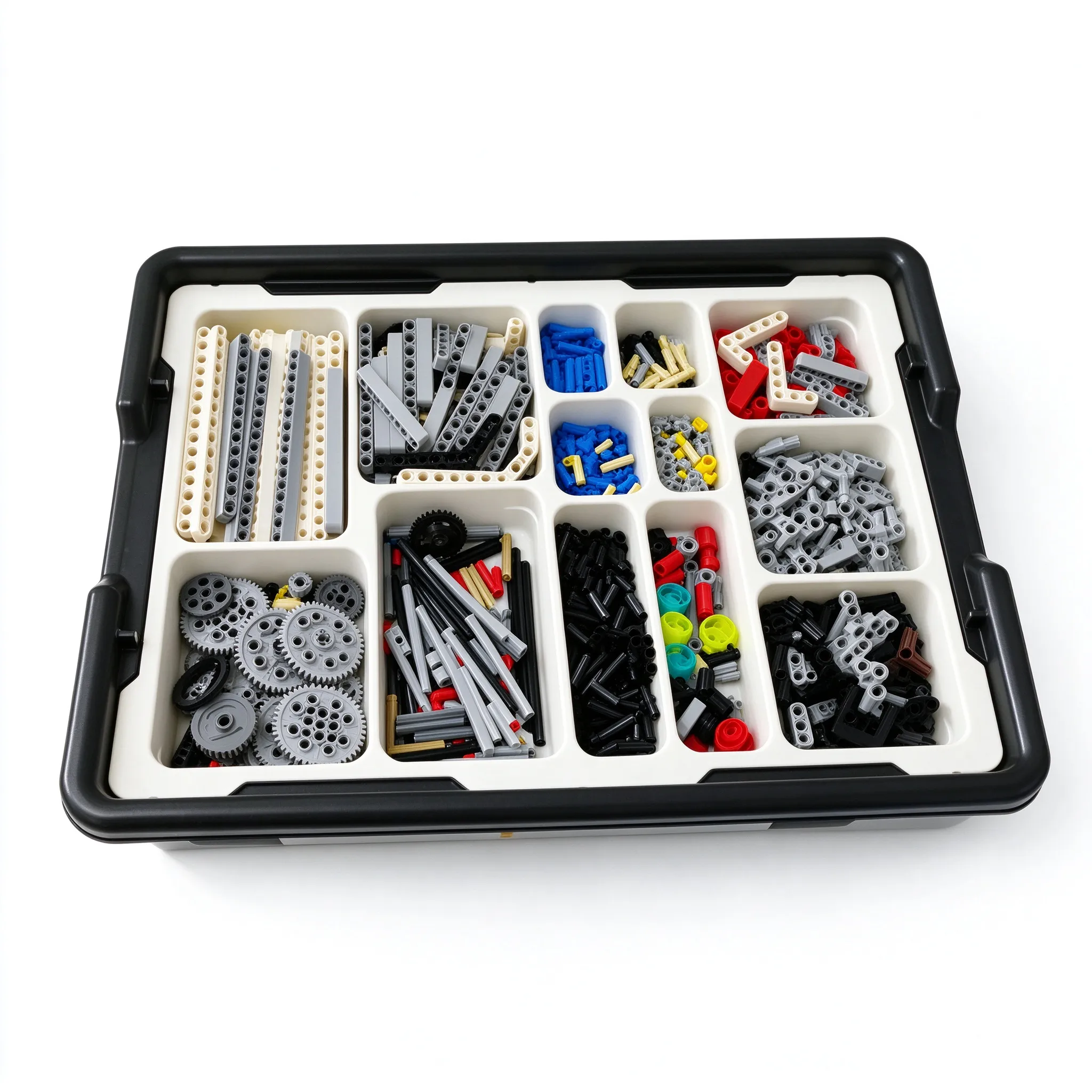
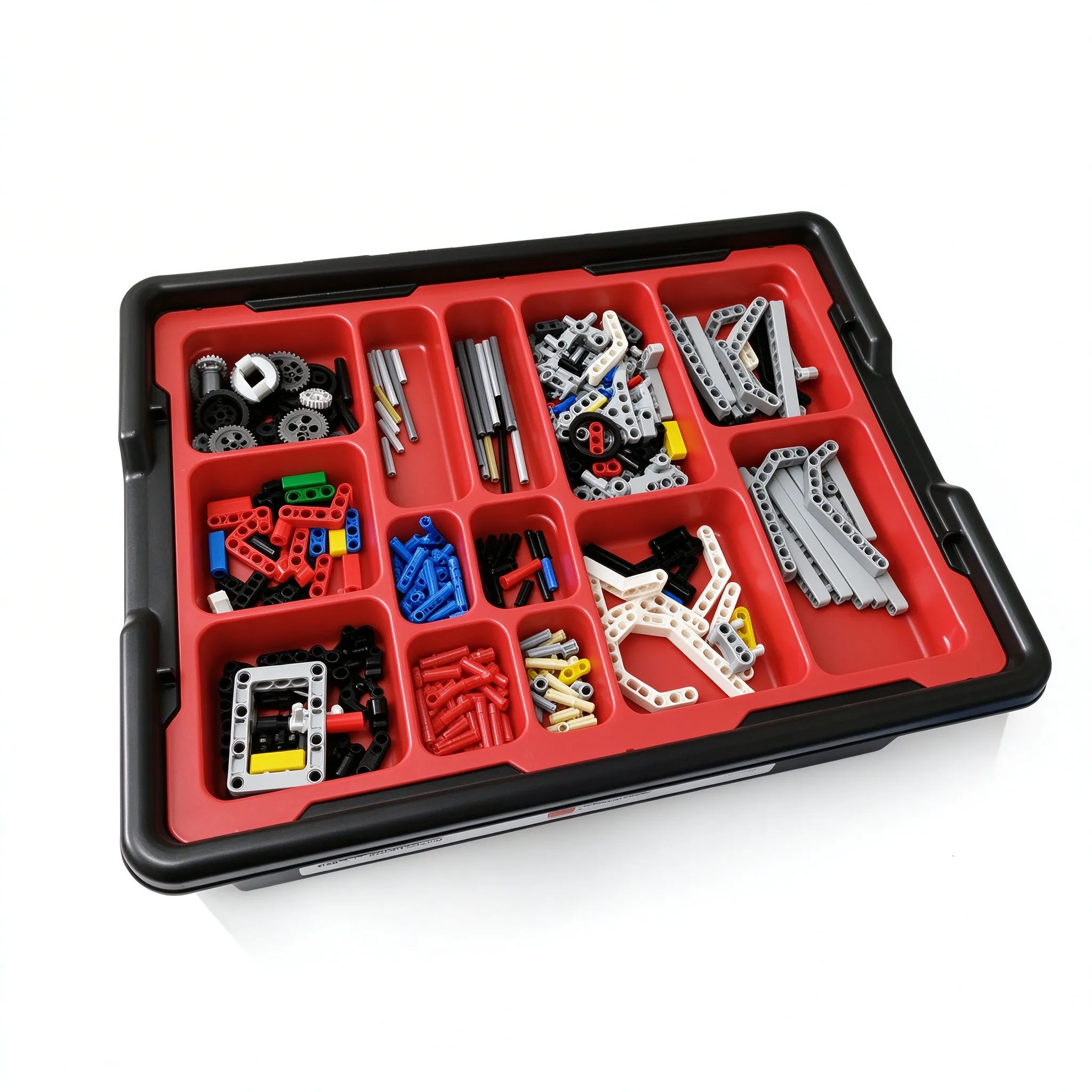
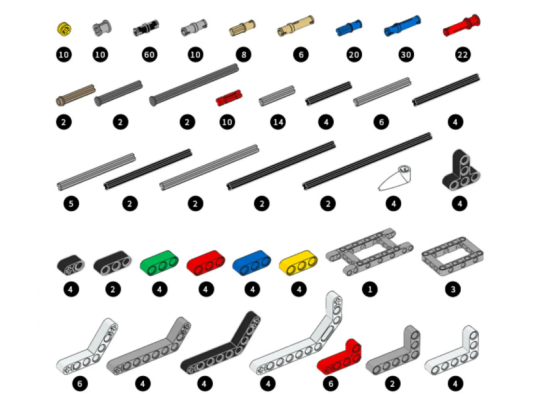
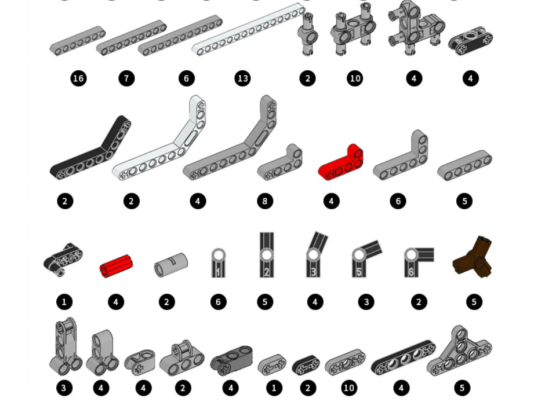
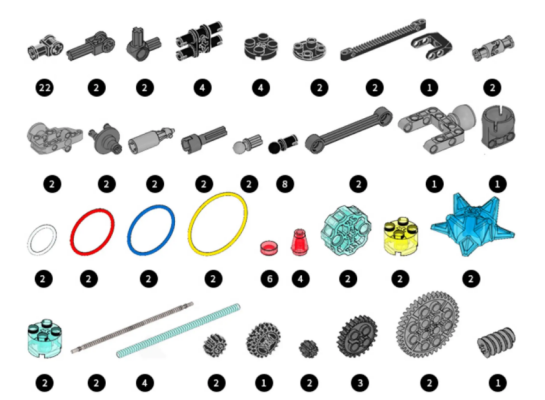
Parts display
Bricks count: 599PCS
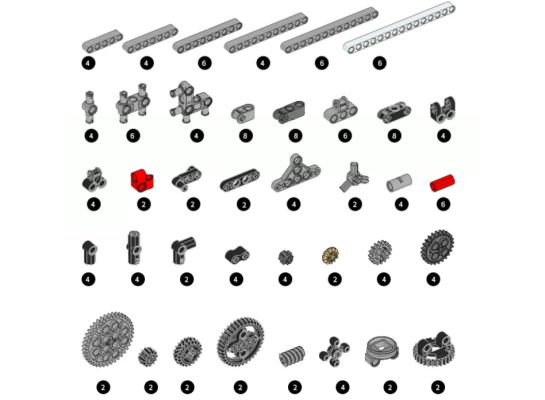
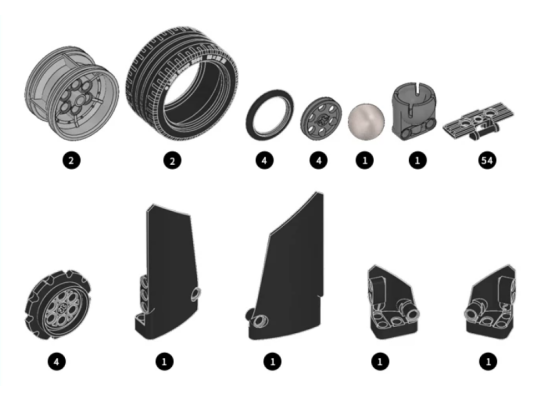
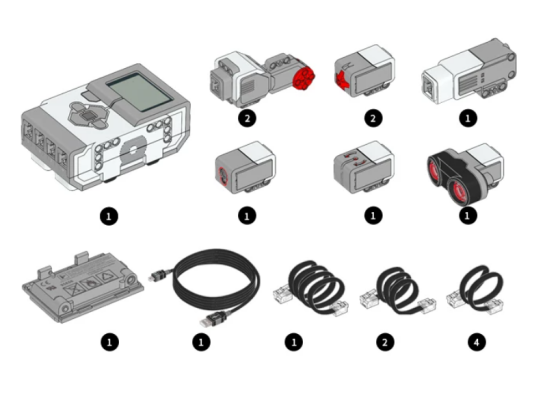
Product Display
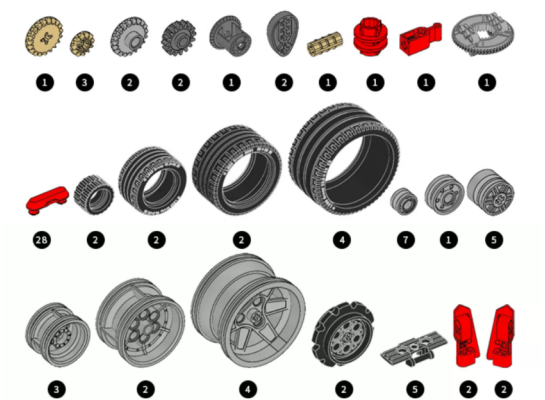
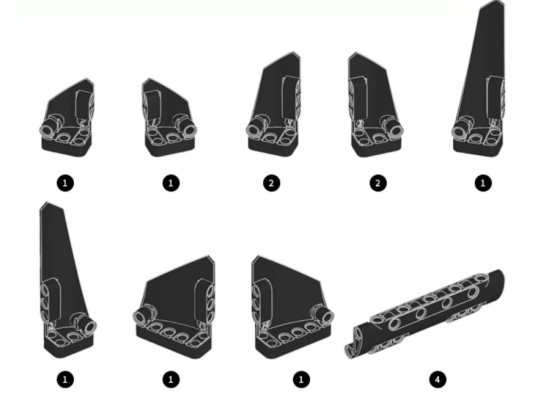
Expansion set、Parts display、Bricks count: 899PCS
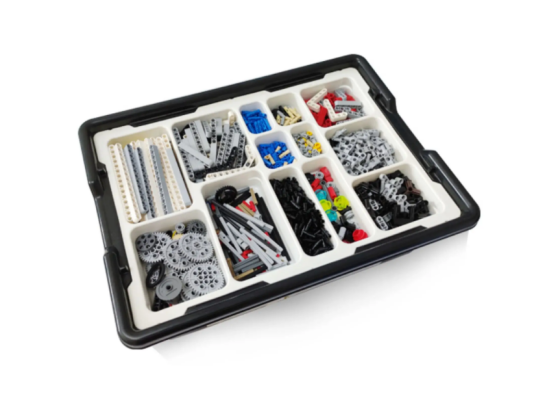
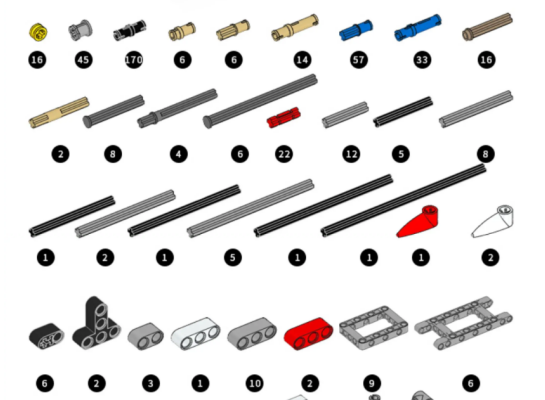
Application
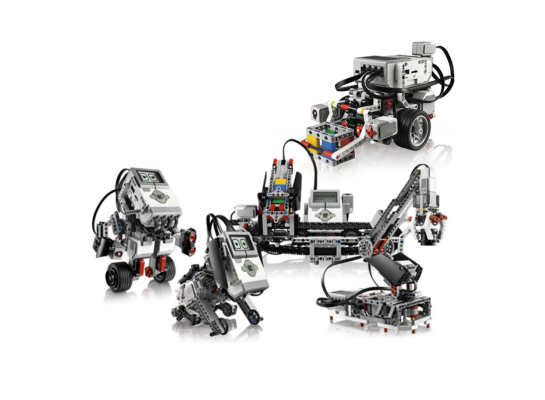
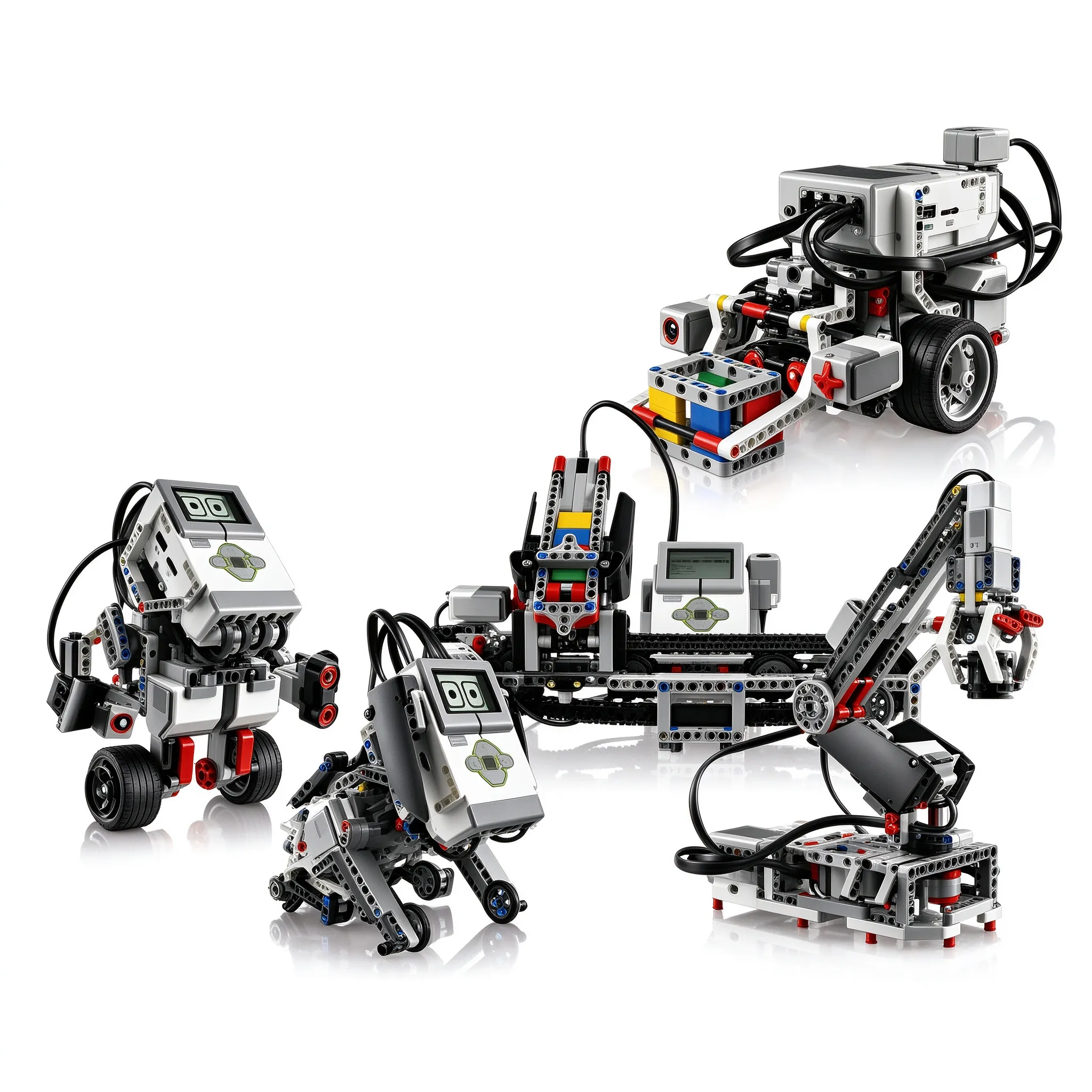
Models you can build with the core set
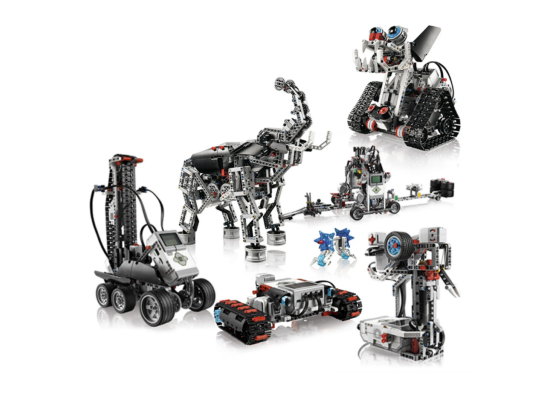
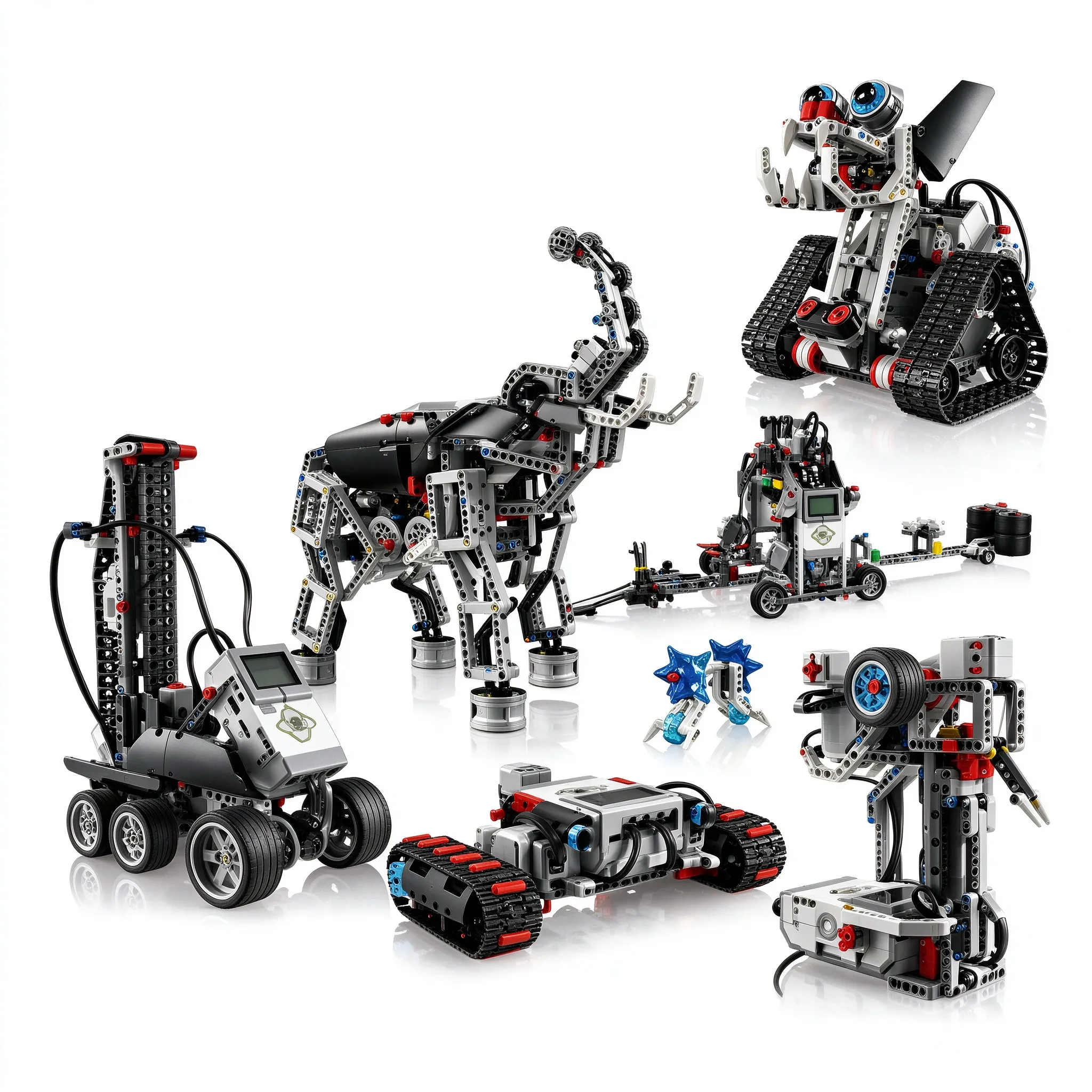
Core set+expansion set can be assembled into a model
Product parameters
Parameter | Core Set | Expansion Set |
Product name | EV3 Core Set | EV3 Expansion Set |
Features | Smart programming / educational | Smart programming / educational |
Brick material | Eco-friendly material | Eco-friendly material |
Packaging | Plastic storage box | Plastic storage box |
Brick count | 599 PCS | 899 PCS |
Package size | 43cm×32cm×8cm | 43cm×32cm×8cm |
Q&A
Q1: What materials do I get with purchase?
A1: Materials are delivered via cloud-drive download link — suitable for both home use and training centers.
Q2: What should I know when first using EV3?
A2: The software may prompt you to update the host firmware; usually not necessary. If you do update, never disconnect mid-process.
Q3: Is the software available on both Mac and Windows?
A3: EV3 software versions are free to download from the official site — available for Mac / Windows / iPad / Android.