

Product Description
Providing safer educational and developmental products
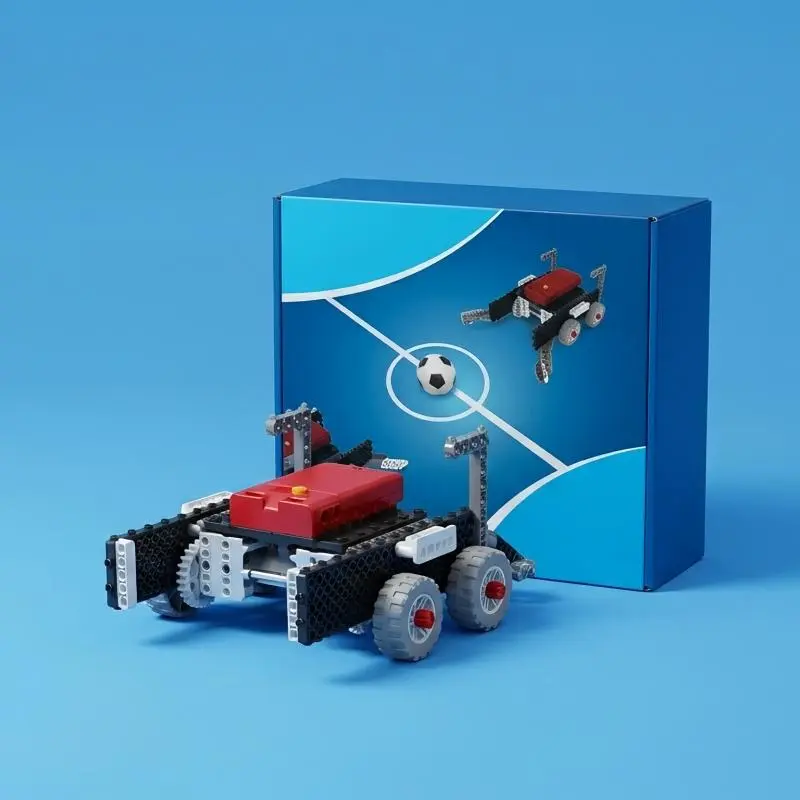
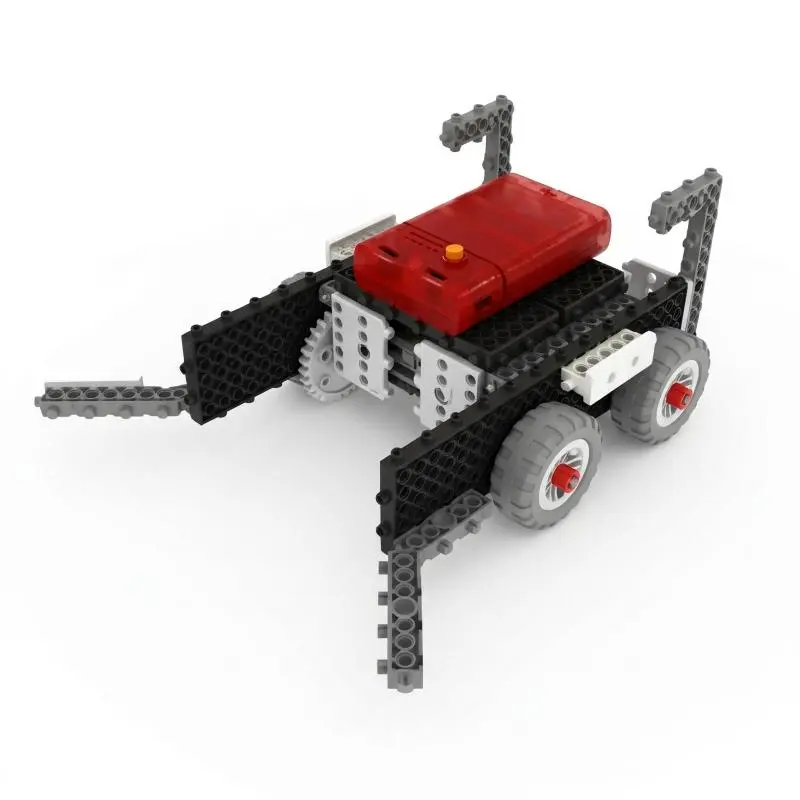
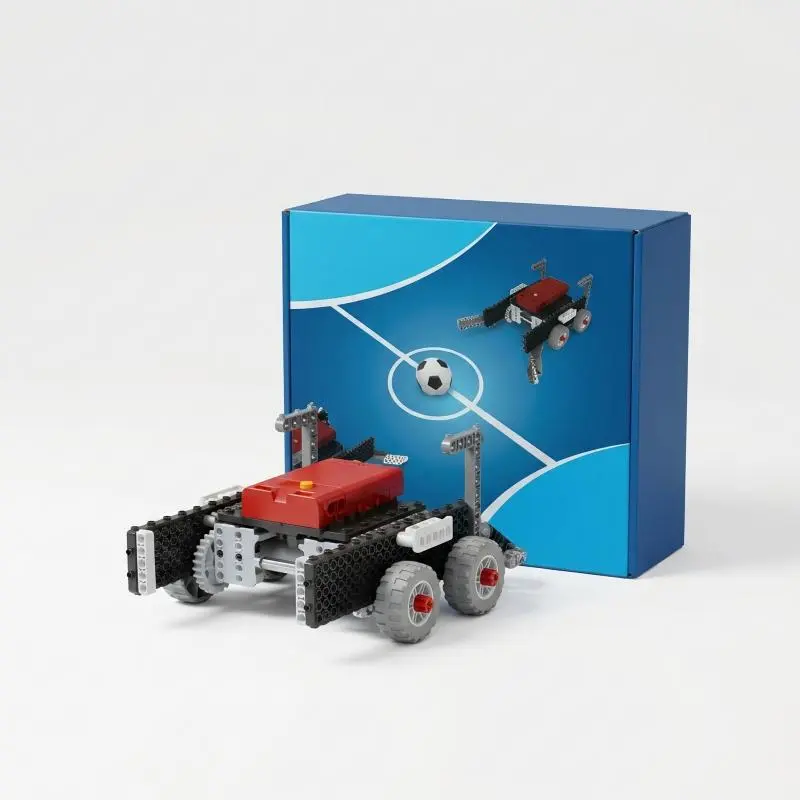
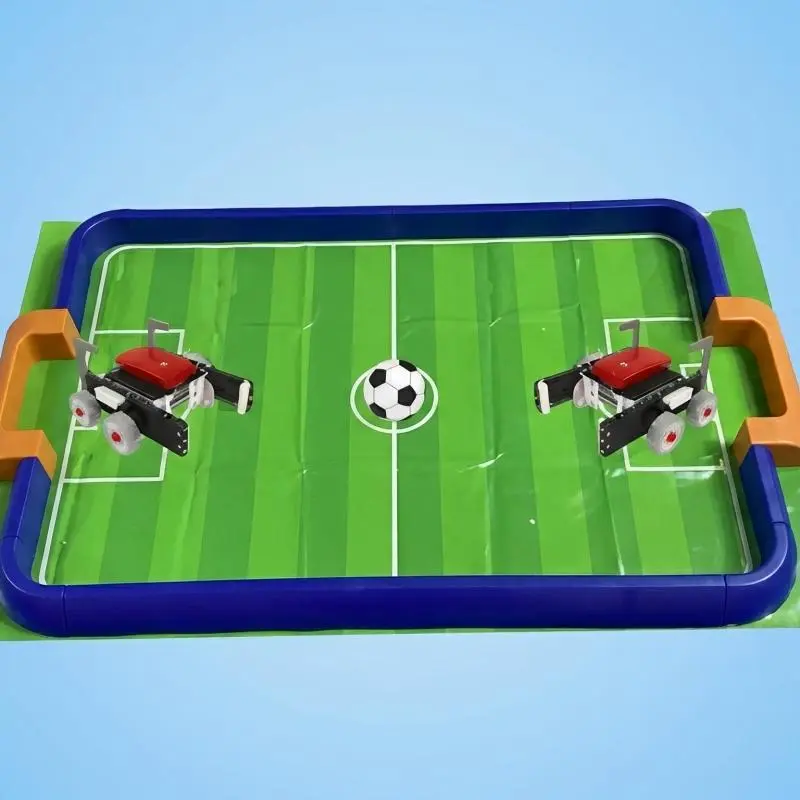
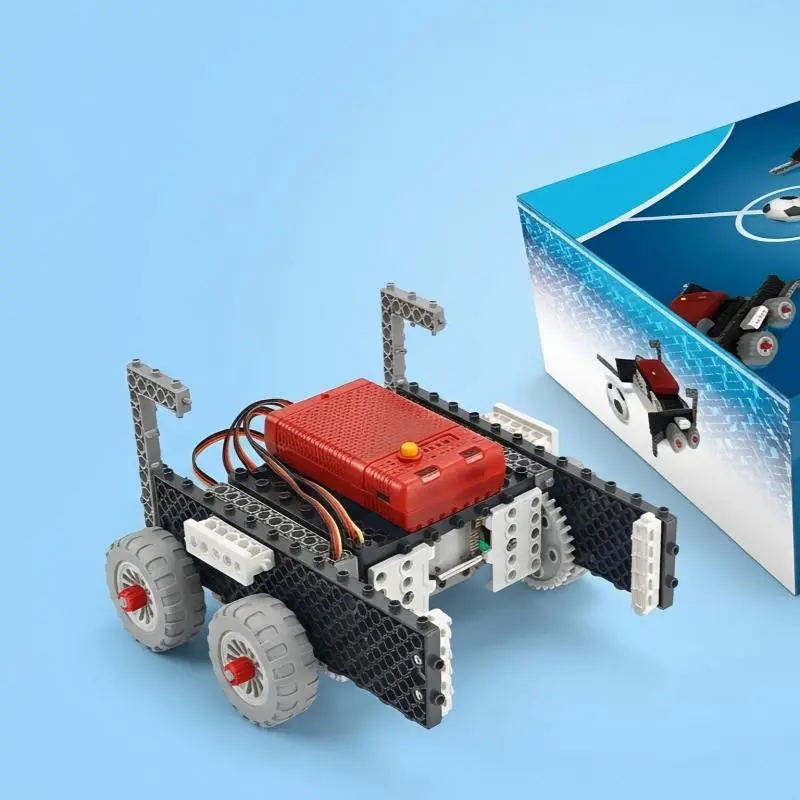
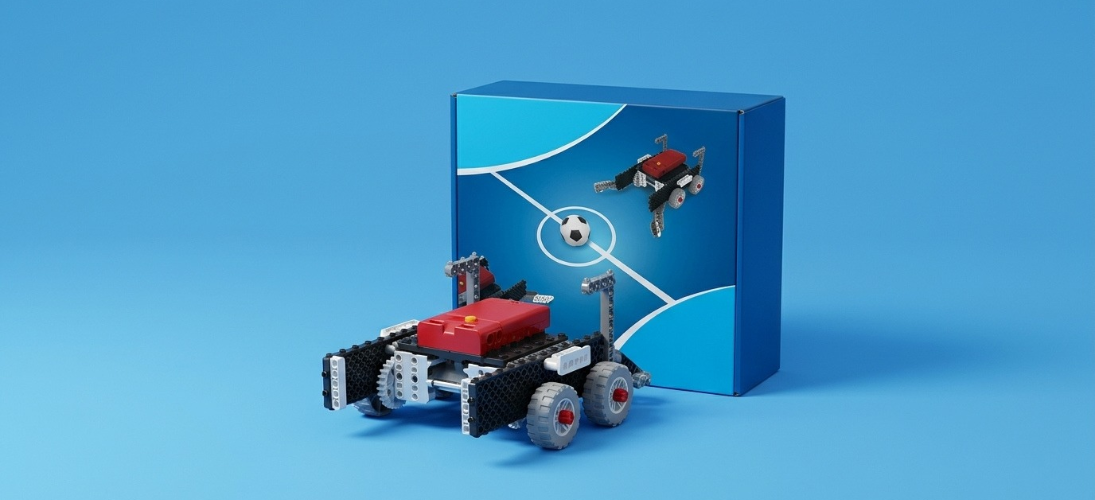
Soccer Robot
The soccer robot is a simple yet entertaining product,
designed for soccer matches and various other
indoor and outdoor activities.
Functional Features
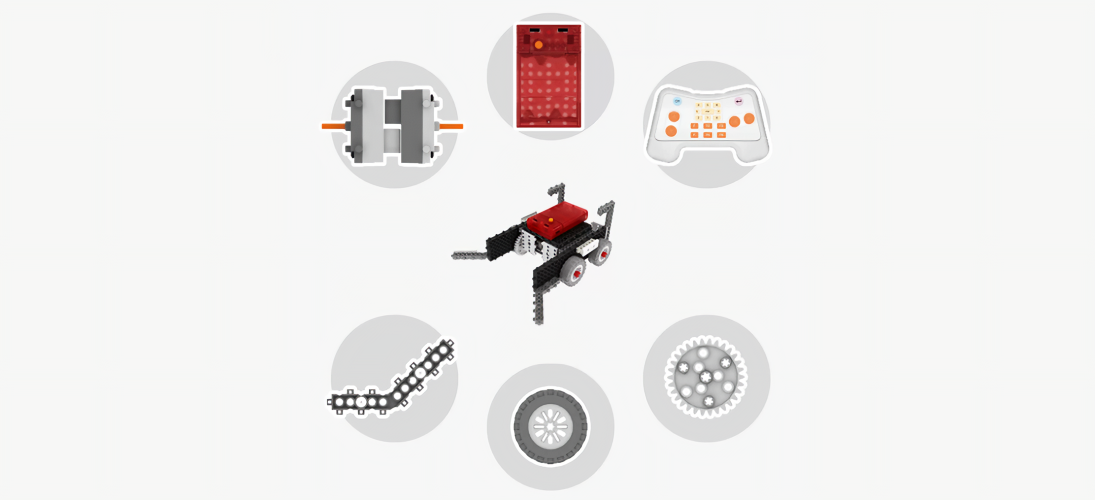
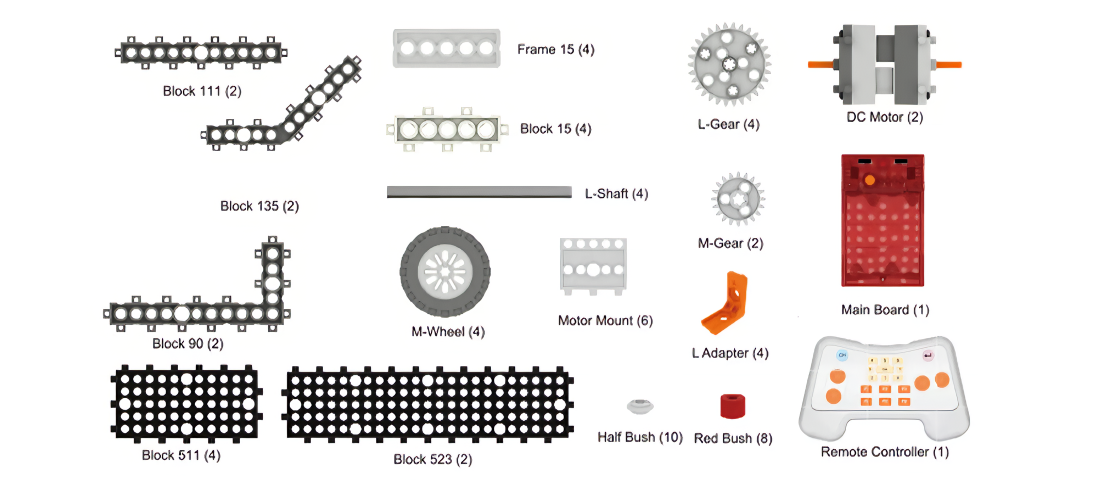
Structural Composition
Mainboard
DC Motor Remote Control
wheel
Building block modules Gear module
Product parameters
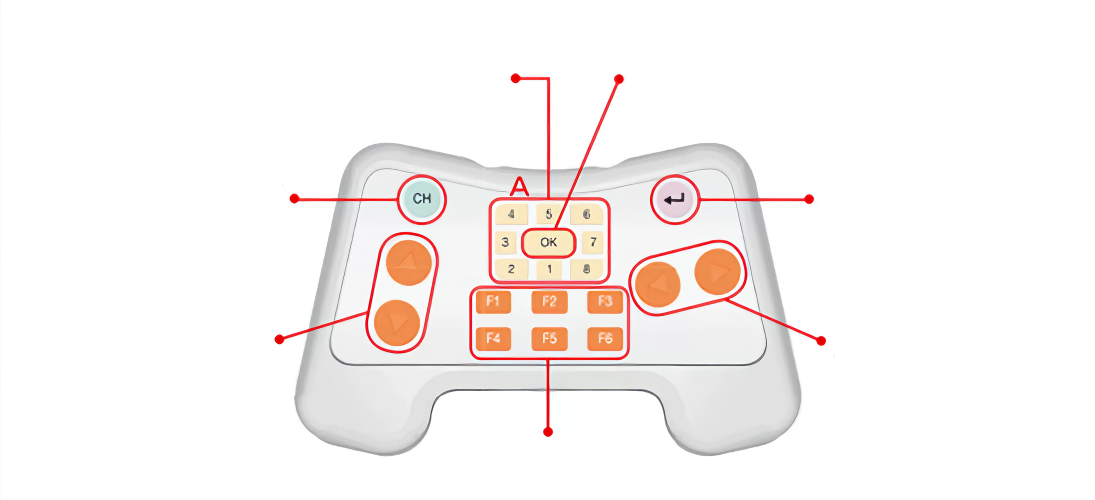
Remote ID Check / LED Status / Remote control ID check: once the ID has been set,
Remote ID Display press the OK button; the LED will light up to indicate
(LEDs 1–8) that the setup is complete.
ID Setting Key ID Change Key
Forward/Back Buttons Left/Right Buttons
Special Function Buttons
1. First, press and hold both the and simultaneously.
2. Release the, then press the to select an ID.
3. Once the ID is selected, press the; the LED on the "OK" button will flash 3 times, indicating that the ID setup is complete.
4. Turn on the main board switch; you will see the LED on the main board begin to flash. 5. Press the "F4" button on the remote control; the LED on the main board will stop flashing, indicating that the ID connection is successful. You are now ready to control your robot.
※ If any issues arise, please repeat steps 1–5.
Packing List