

Product Description
Cubetto: A friendly wooden robot
Helps kids learn to code
before they can read
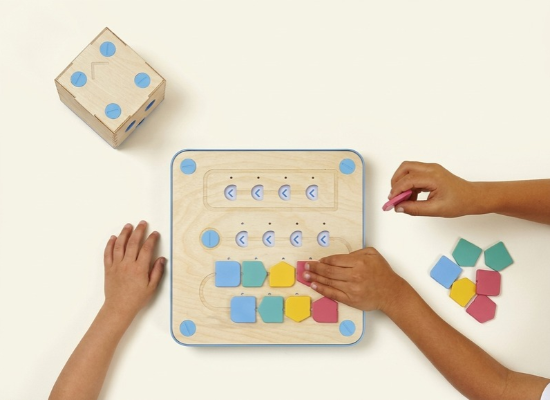
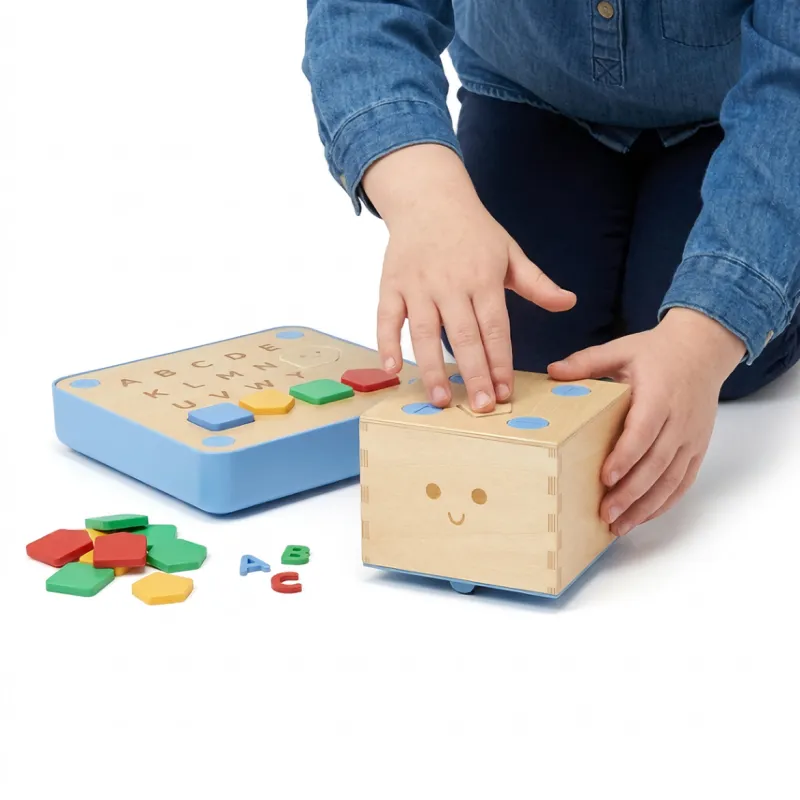
Primo is an award-winning coding toy designed for boys and girls aged 3 and up. It provides a fun, physical programming interface that allows children to master the core concepts of coding without needing written instructions.
FAST COMPANY | TIME | WIRED |
Clever design, a pioneering system. | It makes abstract programming easy to understand. | The simplest way to let children learn computer programming. |
Functional Features
The First Programming Kit for Kids
Coding Blocks—We turn programming language into physical blocks you can touch with your hands, just like LEGO. Each block represents an action, and when connected together, a program is formed.
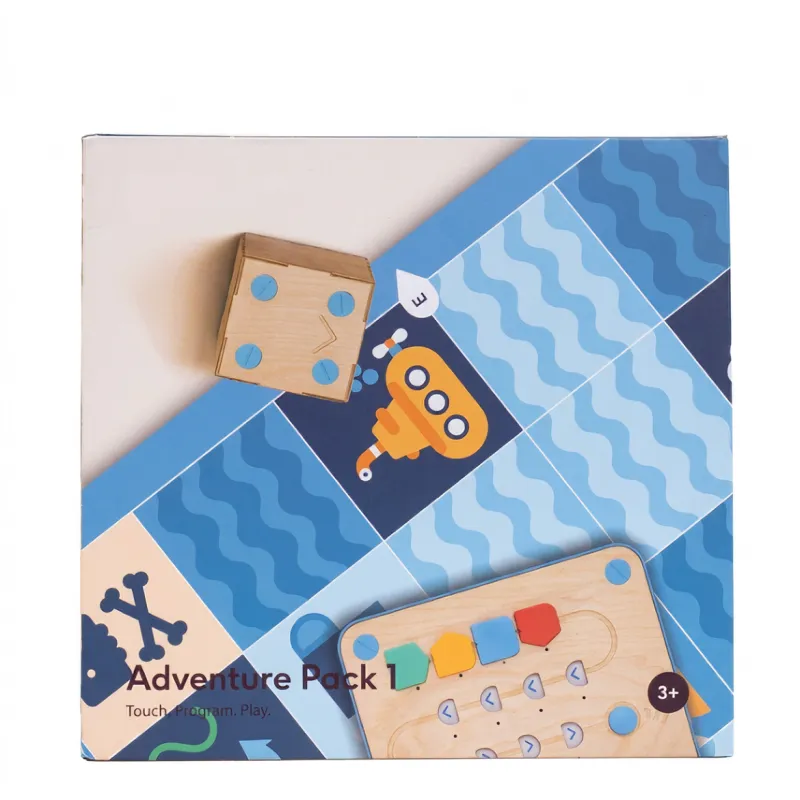
Storybook and World Map—Through storybooks, world maps, and various challenges, children build their coding skills while embarking on exciting adventures.
Storybook and World Map—Through storybooks, world maps, and various challenges, children build their coding skills while embarking on exciting adventures.
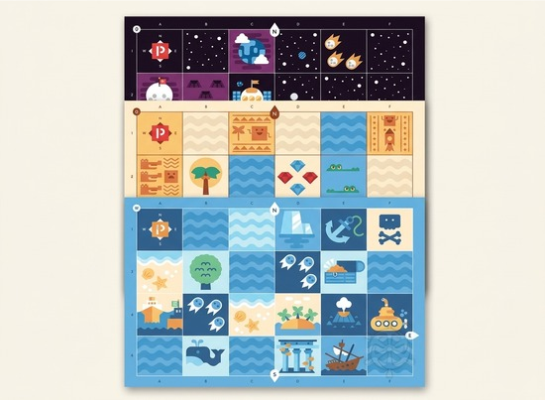
Storybook and World Map—Through storybooks, world maps, and various challenges, children build their coding skills while embarking on exciting adventures.
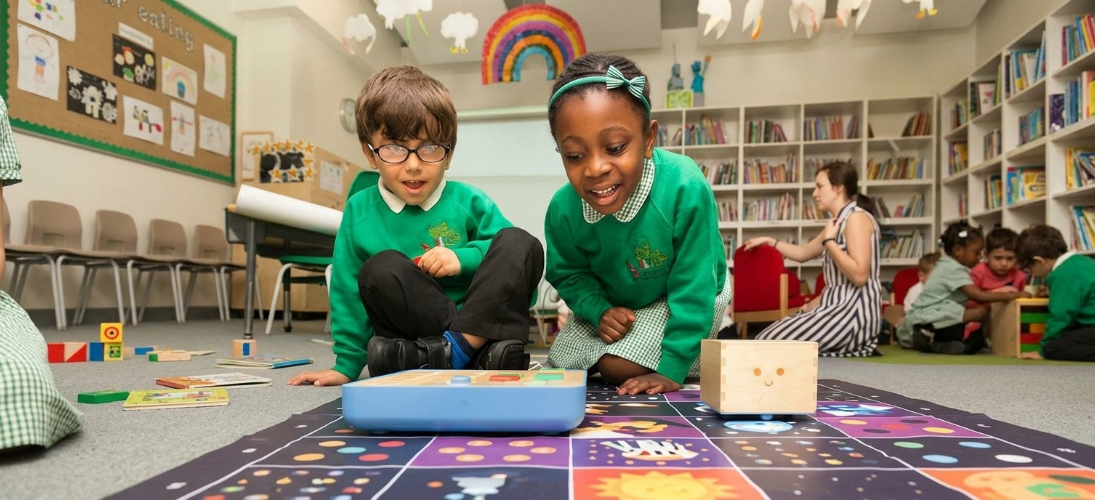
Bring programming into the classroom with Cubetto.
Computer coding is now the new global standard for early learning.
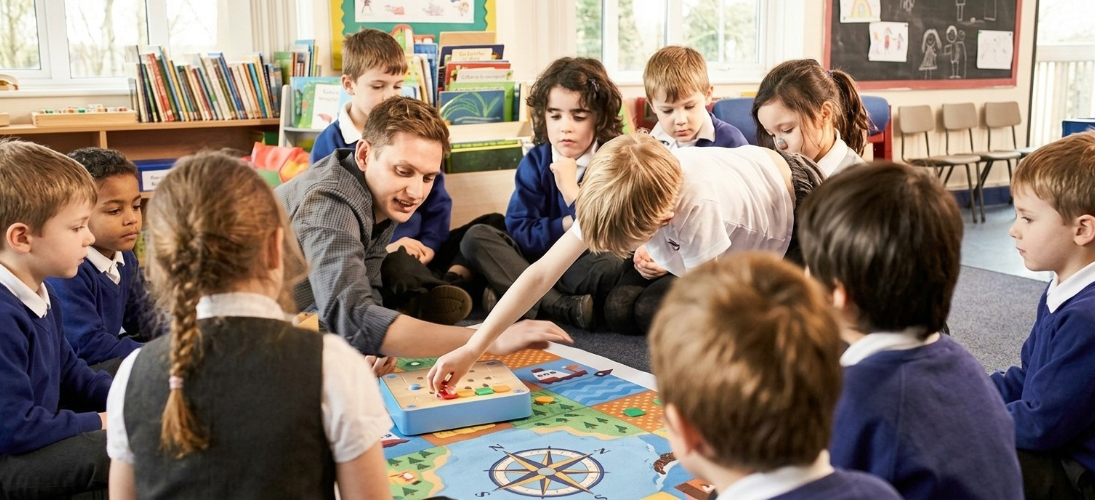
Teaching Programming with Cubetto
Coding is a key foundation in early learning. Cubetto intuitively engages children through play, making learning effortless and delightful for both students and teachers.
Three options
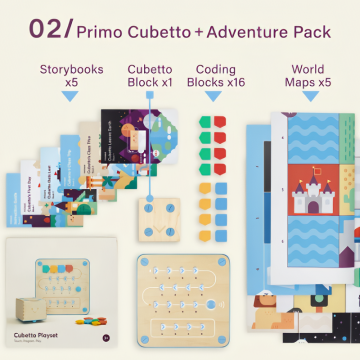
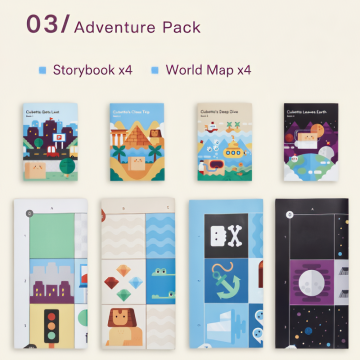
Model Description
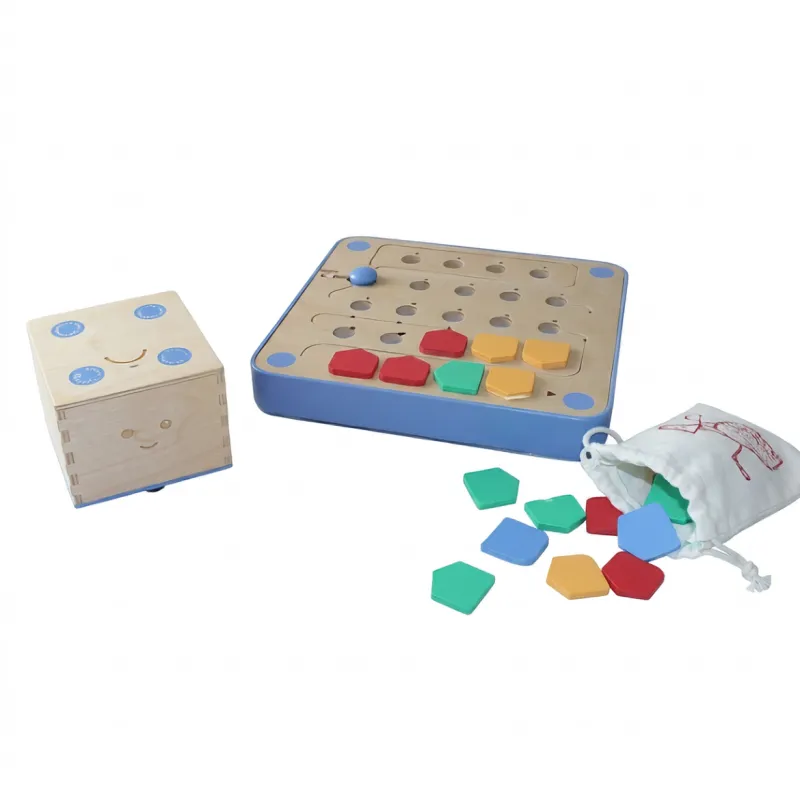
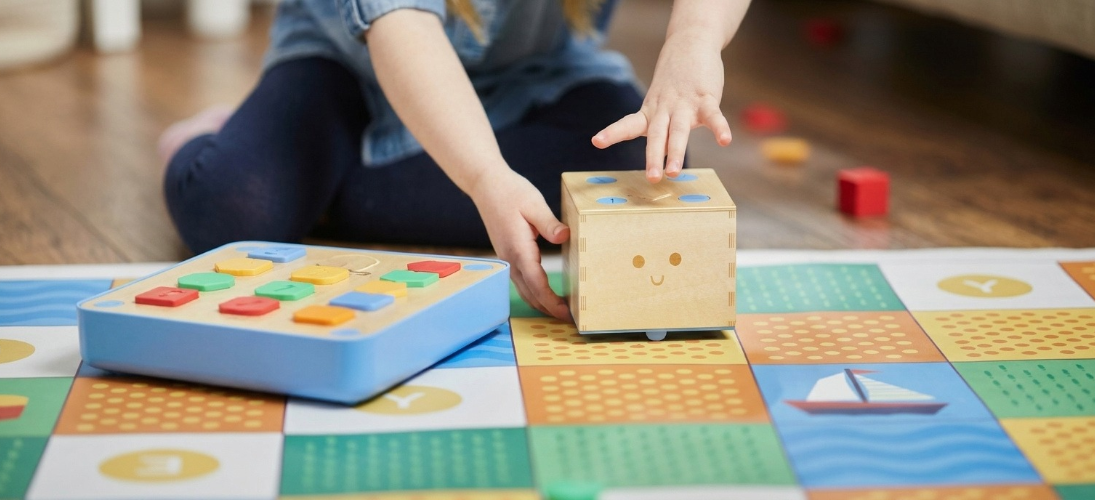
Cubetto is a physical programming interface specifically designed for children aged three to six. It requires no reading skills or screens. Using colorful blocks and a wooden robot, it guides children into computational thinking and teaches them basic programming concepts—such as 'sequencing'—through arranging physical blocks to give commands. |
|
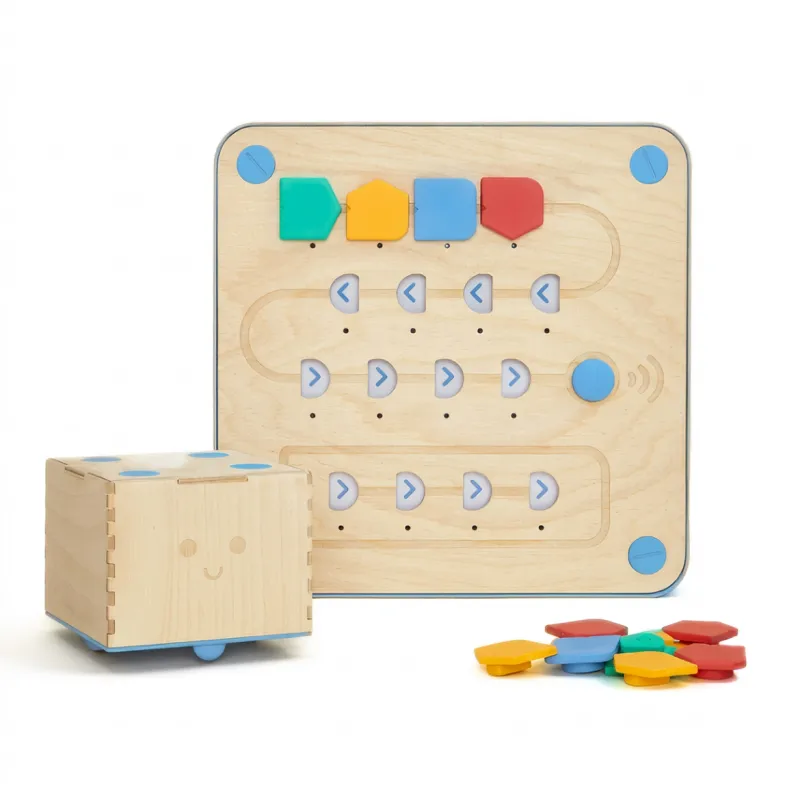
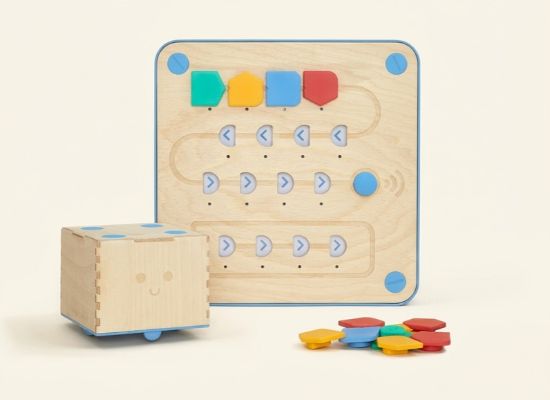
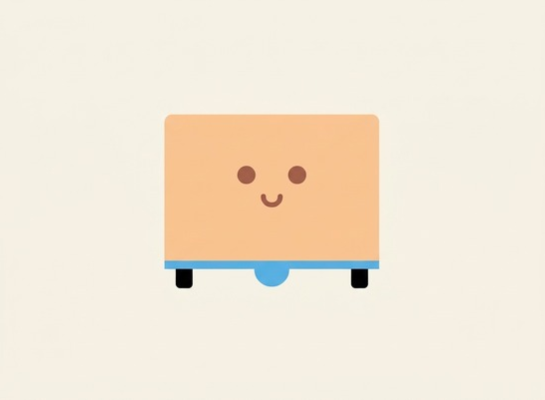
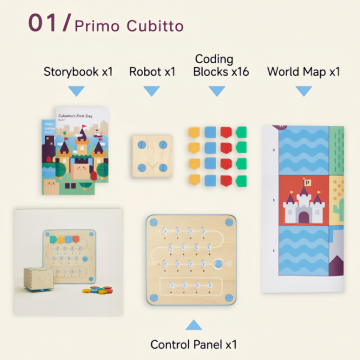
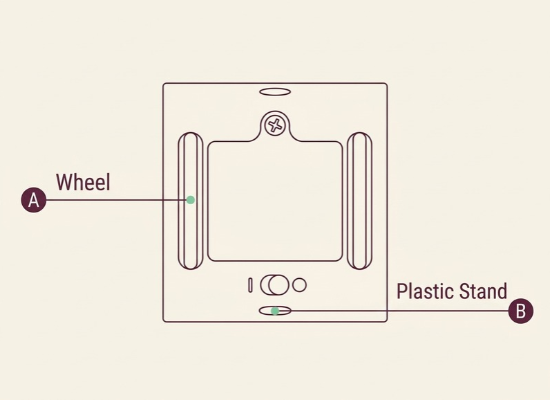
| Toy Set Contents Cubbetto the Block-Headed Robot A square, wooden robot with a cute smiling face on the front. Cubbe stands using its two wheels, A, and two plastic stands, B, extending from the bottom. |
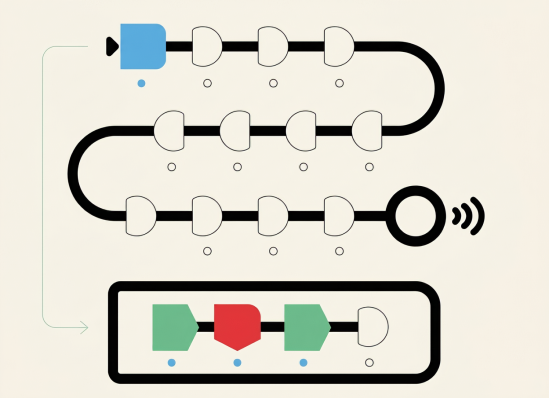
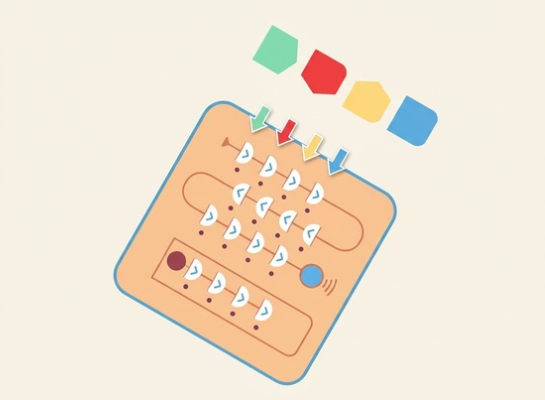
Control Panel Use the control panel to control Cubbe. Place the instruction blocks into their corresponding slots, D. Below each slot is a corresponding LED light, F. The first 12 slots are connected by a "line," E, which we call the "Main Sequence," A.The other 4 slots connected by a "line" are called the "Function Bar," C. The start button, B, is located on the right side of the control panel; its function is to transmit instructions to Cubbe. |
|
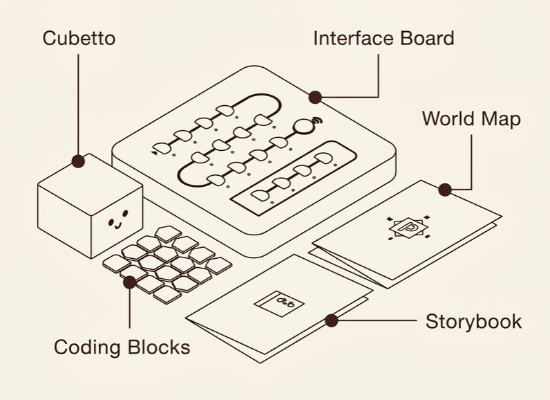
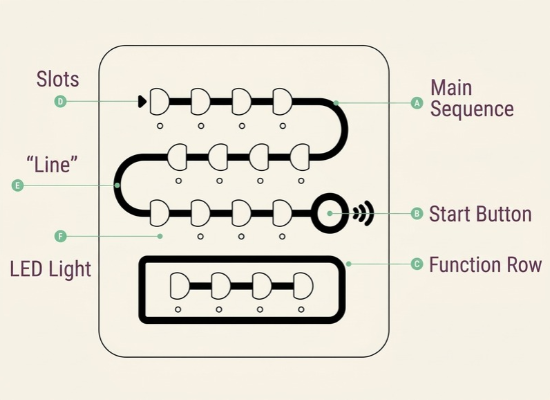
Instruction Blocks
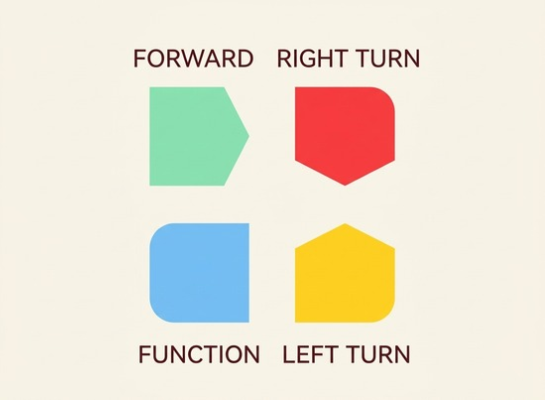
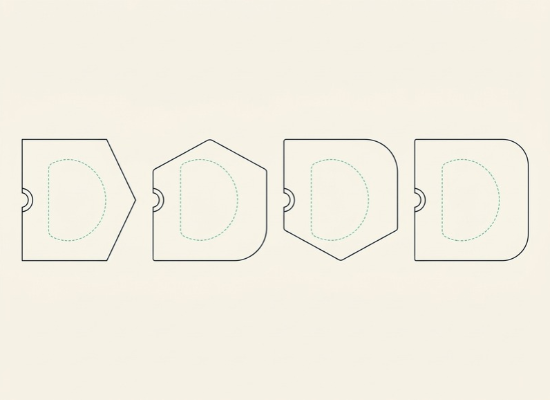
Instruction blocks come in different shapes and colors, with each shape and color representing a different command. All instruction blocks share the same structural design so that they can fit into the slots on the control panel. Four types of instruction blocks:
|
|
|
|
Advance Small square-toed advance (15cm) | Turn left Rotate the small square-ended piece 90 degrees counterclockwise | Turn right Rotate the small square-ended piece 90 degrees clockwise | Function Executive function column (indicated by small square icons) |
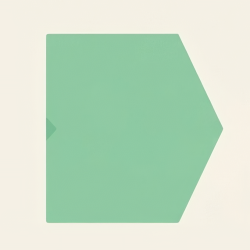
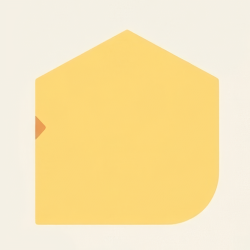


| Instruction blocks all share the same square appearance to ensure stability when inserted into the panel. Different types of blocks are distinguished by corner orientation and color to prevent confusion. |
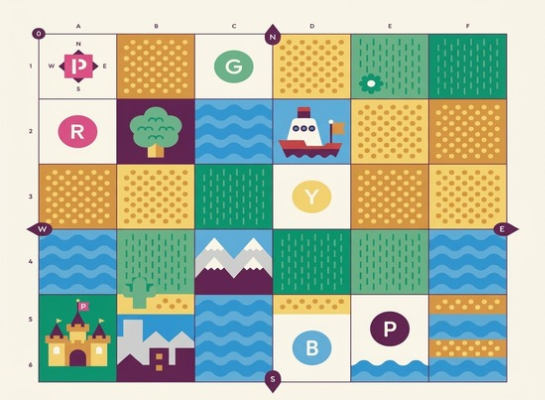
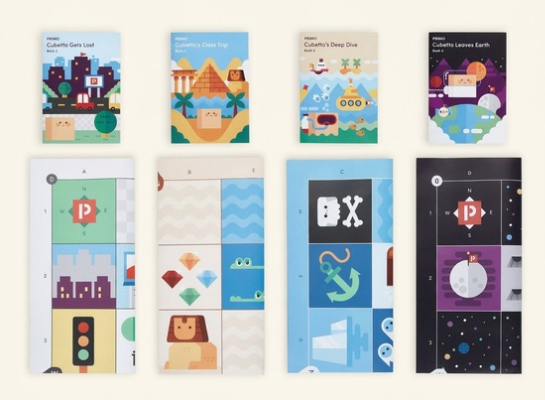
World Map 1m x 1m paper Cubetto wo ld map. The size of each map grid is 15cm x 15cm, with 6 grid squares along both the length and width. It is used as a play surface (referred to as the 'map'). | (available for separate purchase) are the same size as the Cubetto world map. There are four additional packs to expand Cubetto's adventures: City Adventure, Egypt Adventure, Deep Sea Adventure, and Space Adventure. |
|
|
Product parameters
| Power Supply - Batteries | Wireless Pairing |
|
|
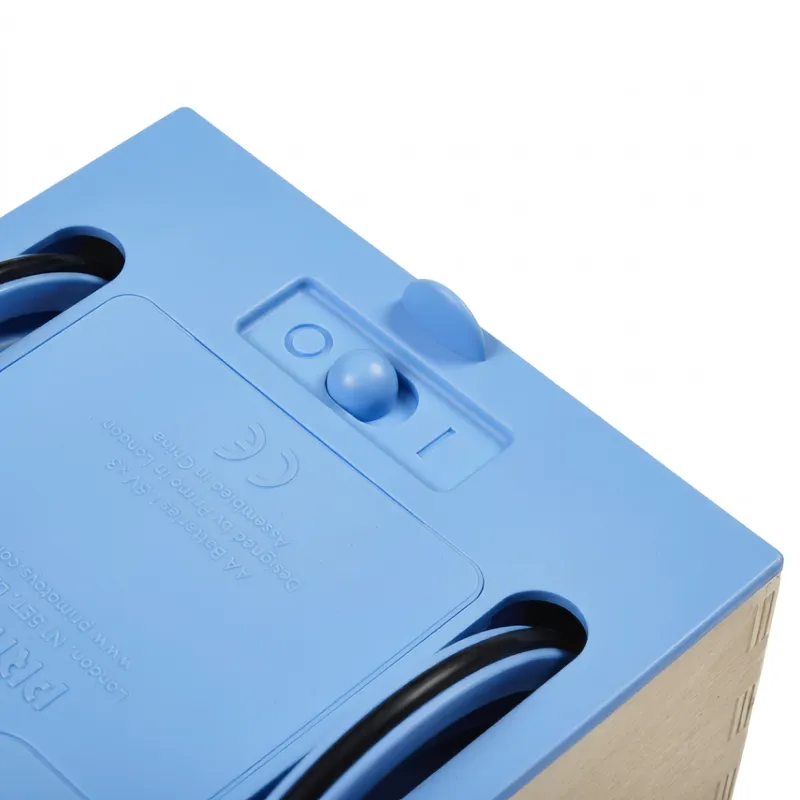
Cubetto and the Control Board use three AA batteries each. The batteries are installed at locations A and B on the bottom of the devices. Use a Phillips screwdriver to open the battery compartments. | Cubetto connects to the Control Board via wireless pairing, which must be established before use. Pairing runs automatically in the background without requiring any user action. In an environment without interference, multiple devices can be paired simultaneously. The indoor wireless range is approximately 10 meters. |
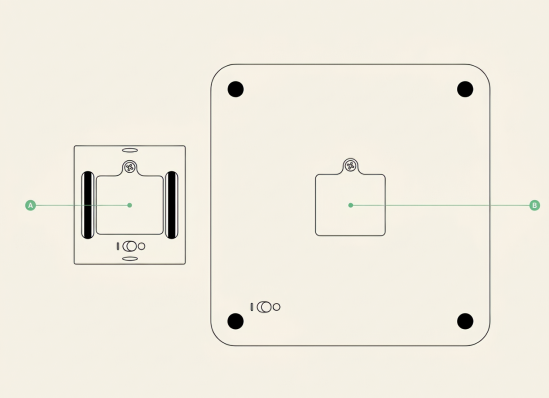
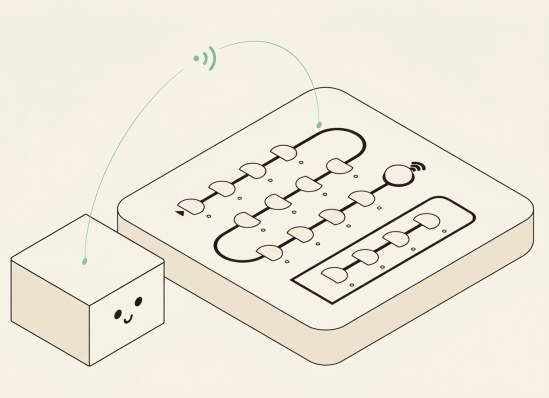
| Power Switch |
| The power switches for Cubetto and the Control Board are located on the bottom of the devices. Slide left or right to turn them on or off. Cubetto will make a sound when powered on. When the Control Board is powered on, all LED lights will flash three times. |
| Pairing Procedure |
1. Turn on Cubetto and the Control Board (if already on, restart them). 2. Place any instruction block (except blue) into the first slot on the Control Board. 3. Press the start button, and Cubetto will execute the command. 4. Cubetto and the Control Board are now successfully paired until one of the devices is powered off. 5. If Cubetto or the Control Board is turned off, repeat the steps above to pair them again. |
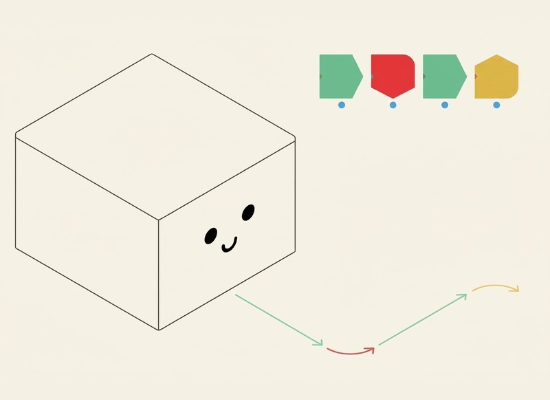
| How to Use Children place blocks onto the Control Board to arrange a series of continuous instructions (which we call a 'sequence'). These inserted blocks act as the execution commands for Cubetto. Pressing the start button on the Control Board sends the program, and the robot will execute the instructions in order. |
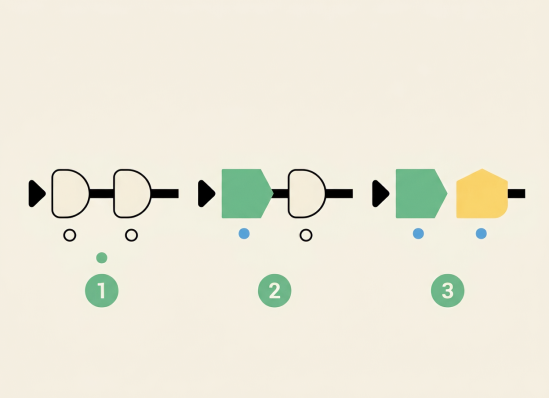
Creating a Sequence Place a block on the Control Board: 1. If the block is placed correctly, the corresponding LED light will turn on. 2. Use a series of blocks to write a program for Cubetto. 3. Once the start button is pressed, changing the sequence will not affect Cubetto. You must wait for Cubetto to finish executing the instructions in the sequence before writing the next program. |
|
| The sequence begins at the top-left slot and follows the line down the Control Board. If there is an empty slot in the middle of a sequence, any block instructions after the empty slot will not be read or executed. While executing an instruction, the corresponding LED light will illuminate. Cubetto will emit a unique sound after executing each instruction. Each different instruction has a corresponding sound. When all instructions in the sequence have been executed, Cubetto will play a long chime. |
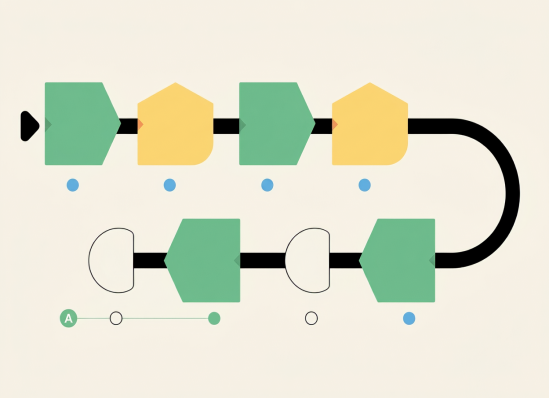
Creating a Function Command
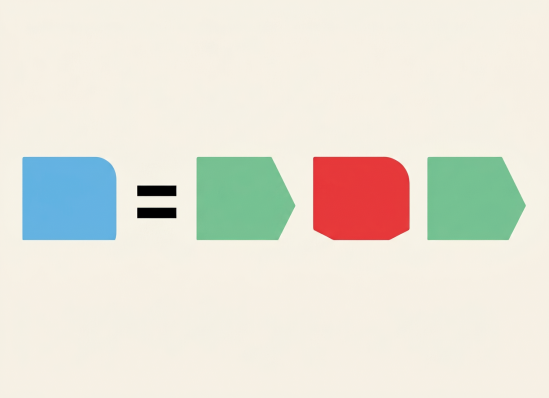
The blue block (also known as the 'Function Block') is used to 'pack' multiple instructions into a single block. It allows the program to execute more complex sequences. To create a function block, place the desired instruction blocks on the line at the bottom of the board (the Function Line). When Cubetto encounters a Function Block on the main line, it will execute the pre-programmed instructions.
|
|