

Product Description
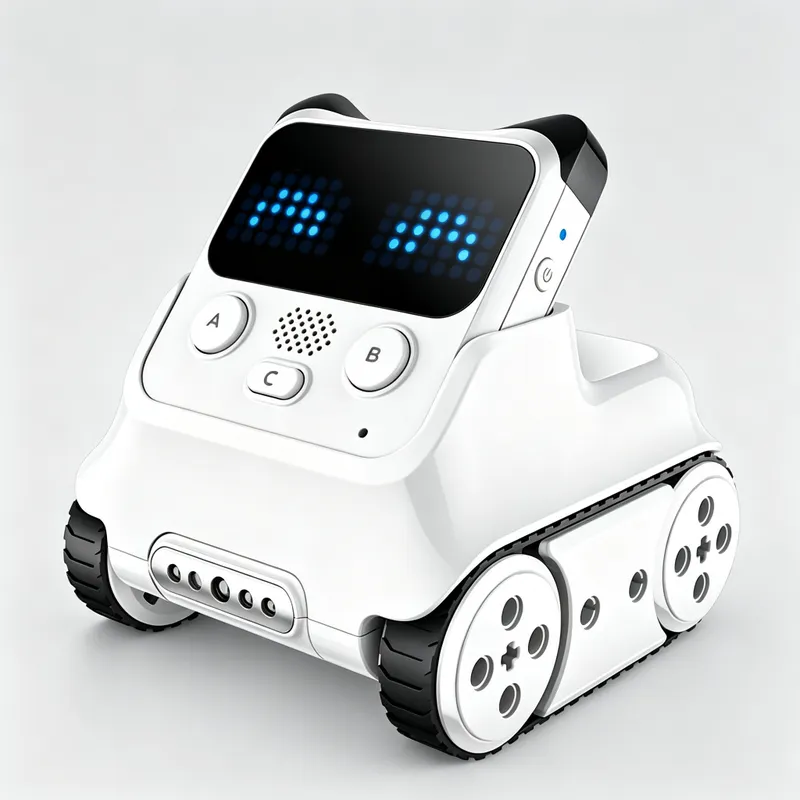
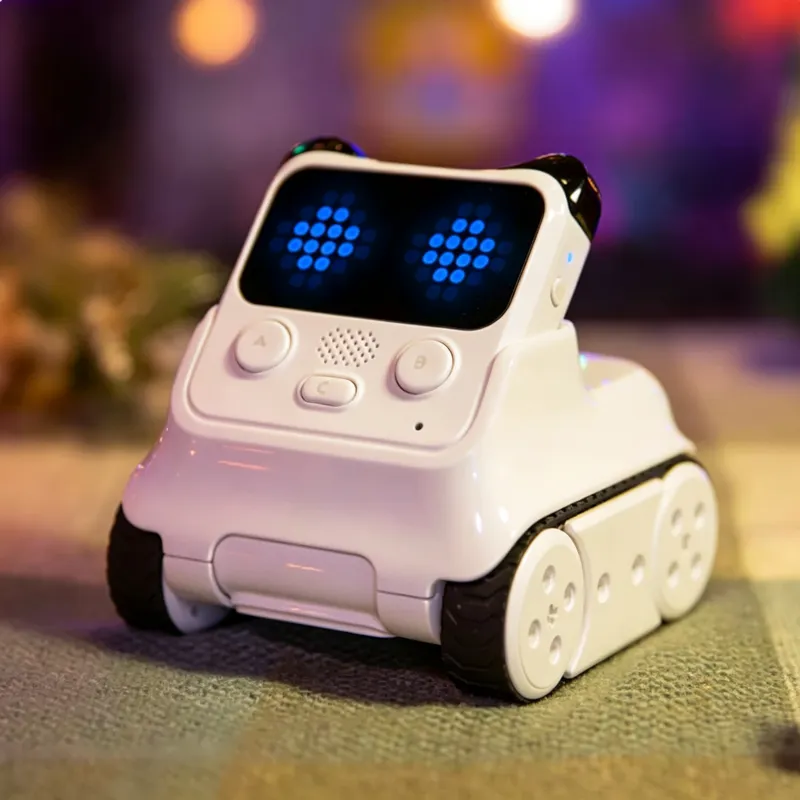
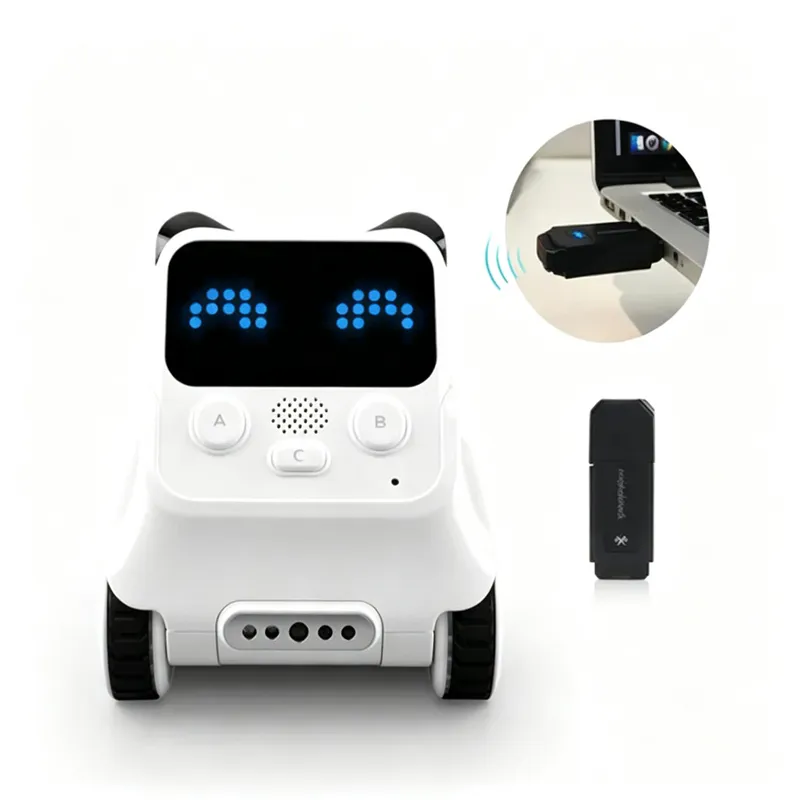
Chengxiaoben: AI Robot
Build interdisciplinary thinking
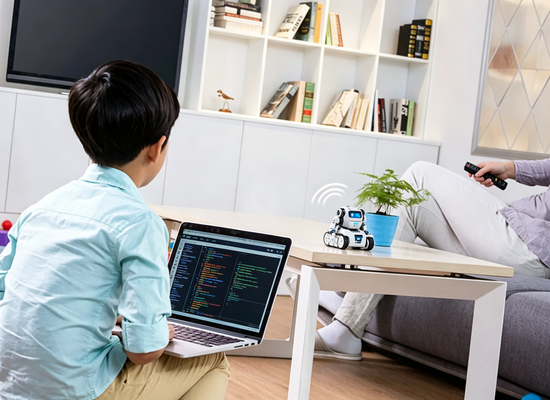
As AI comes into home life, this robot helps kids get ready for future competitiveness.
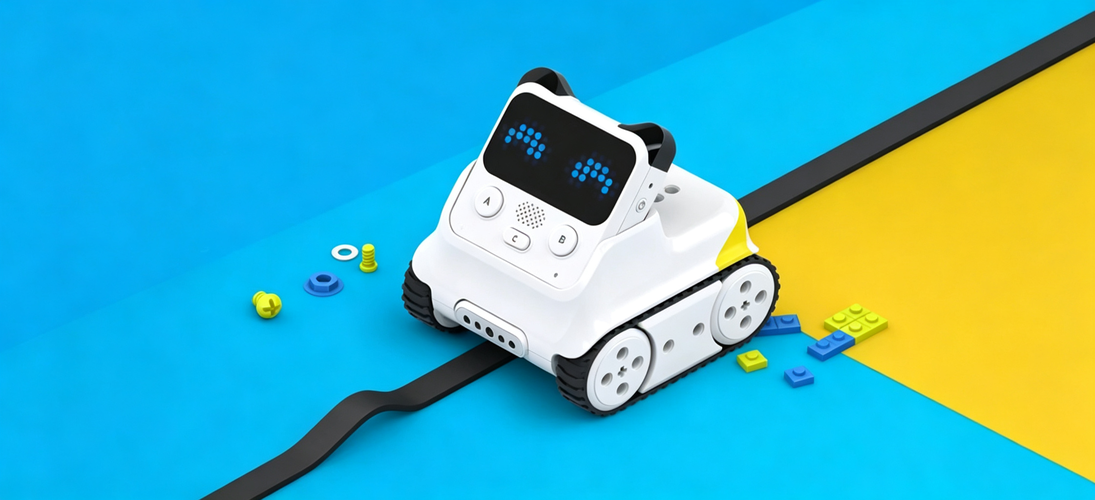
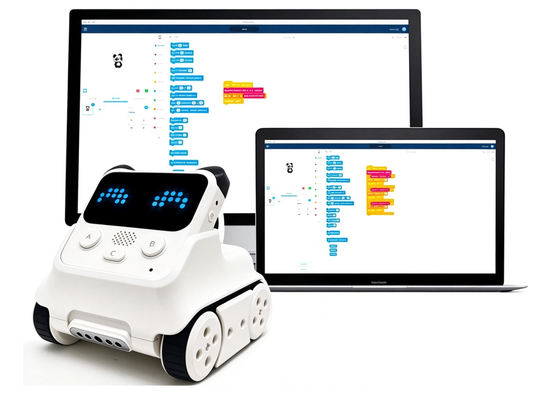
Program like building blocks
Rich sound and light effects
Create expressions freely
10 interactive sensors
1. Block-based Programming: Scratch graphical programming language for kids
2. AI Robot: Get a head start and experience cutting-edge AI & IoT technology
3. LED Dot Matrix Screen: Freely create expressions, compatible with LEGO
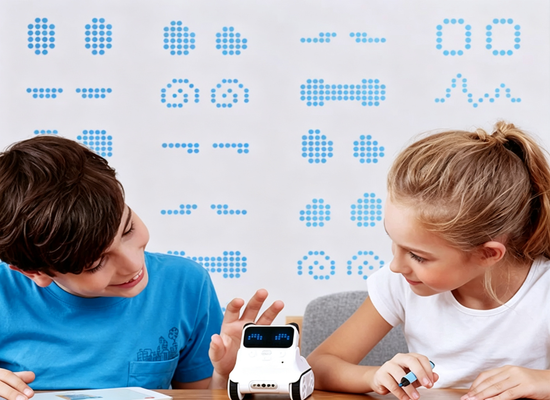
4. Multi-functional Color Infrared Sensor: Color detection, obstacle avoidance, distance sensing, anti-fall, line following and more
5. Easy Coding Learning: Learn coding easily with Panda Teacher (Note: Download the "mBlock" APP on your phone)
6. Python Supported: Python is a regular school subject in many overseas countries
Functional Features
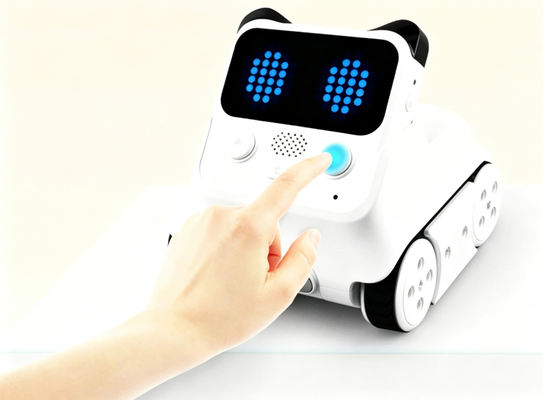
Tap Me and Play
Press the buttons on my body to interact.
Scratch graphical programming is a kid-friendly coding language
learning to code is just like building blocks.
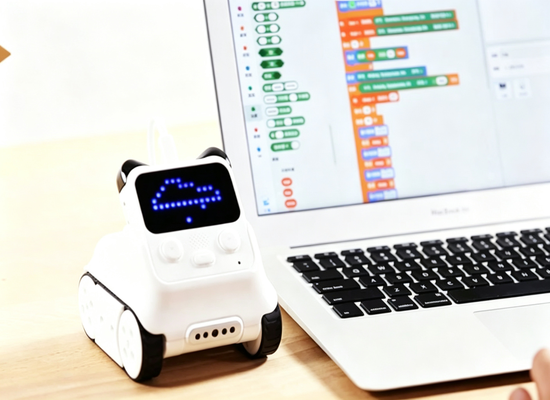
AI & IoT-Ready Technology
Step into the smart era ahead of the curve.
With mBlock 5, kids get hands-on experience with cutting-edge AI and IoT technologies, ready for the age of AI.
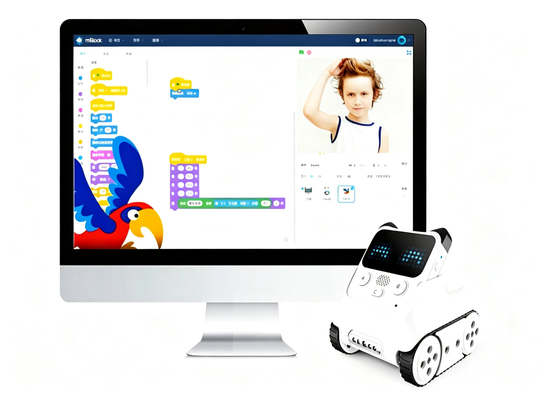
Face Recognition
Powered by mBlock 5 on desktop, enabling face recognition features.
Face recognition requires the desktop version of mBlock software.
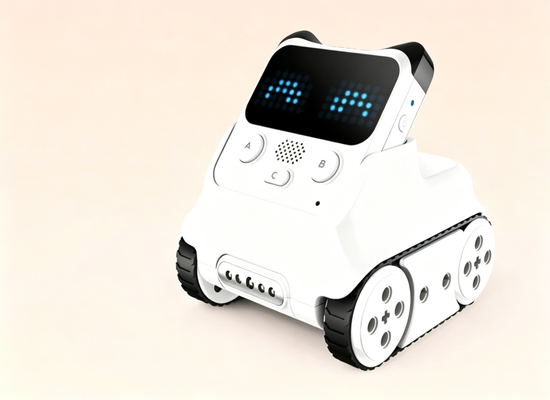
Color Infrared Sensor
Create and explore with mBlock.
The color infrared sensor is a versatile module that supports multiple exciting features: color detection, obstacle avoidance, distance sensing, edge detection (fall prevention), and line following.
The color infrared sensor can be adjusted up and down as needed.
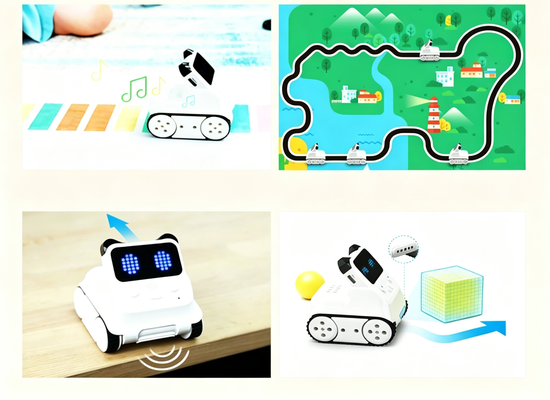
Color Detection
Line Following Mode
Edge Detection / Fall Prevention
Distance Sensing-Obstacle Avoidance Mode
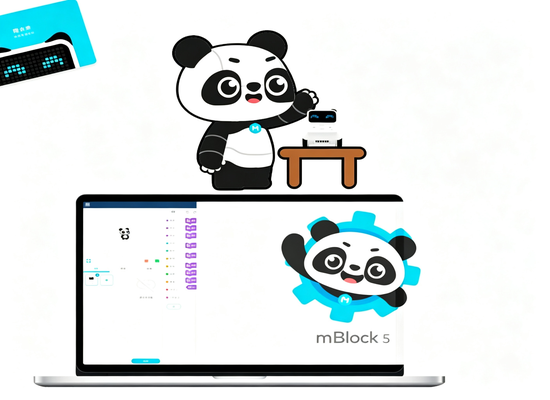
Learn Coding from Zero Basis
mBlock helps kids learn coding basics.
Follow Panda Teacher to learn Python step by step, and get ready for future challenges.
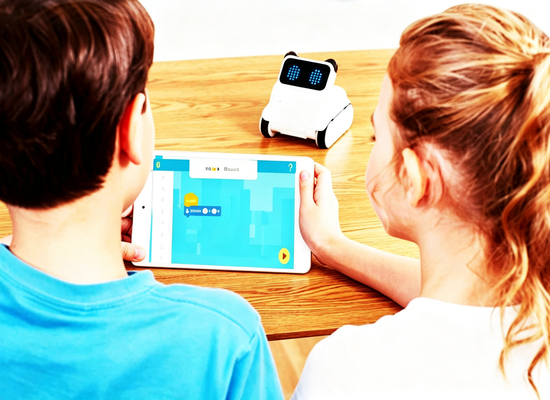
Guided Step-by-step Learning
Gamified design with level-by-level challenges makes learning more efficient.
Product Display
Build Your Own Games
Instead of just playing games, create your own.
Program and combine Codey Rocky's built-in modules to make motion-sensing games, animations and interactive stories.
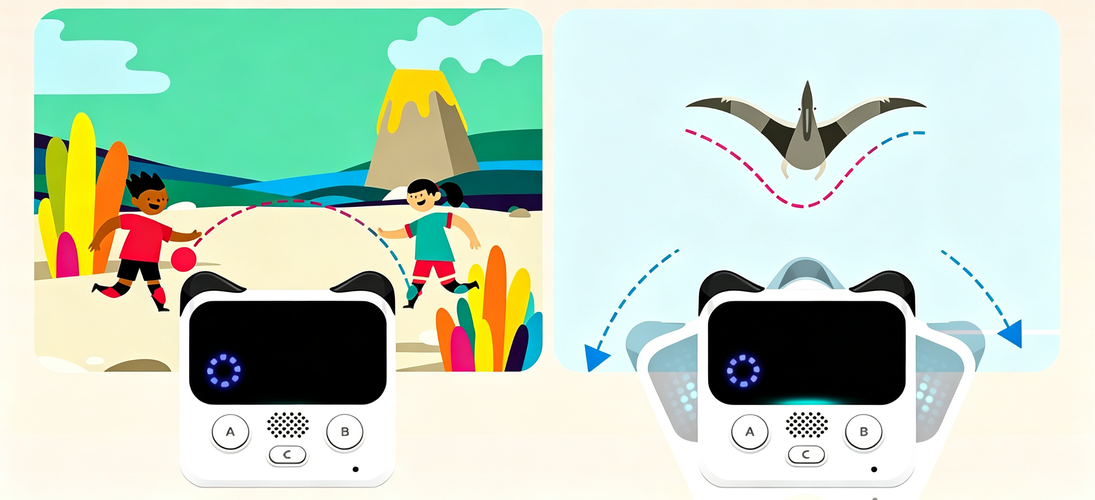
1.Use the buttons with mBlock for stage interaction;
2.use the built-in gyroscope with mBlock for motion-based stage interaction.
Dimensional Drawin
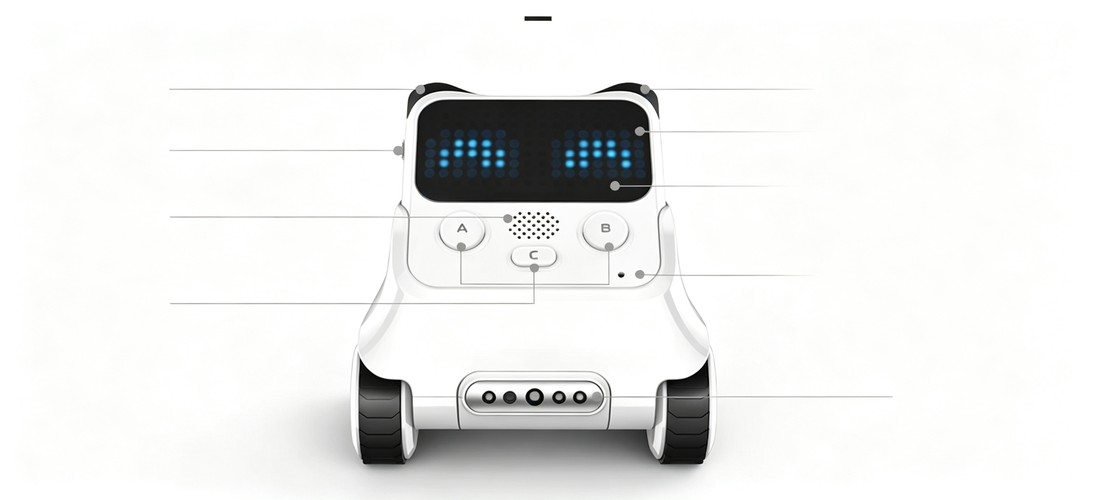
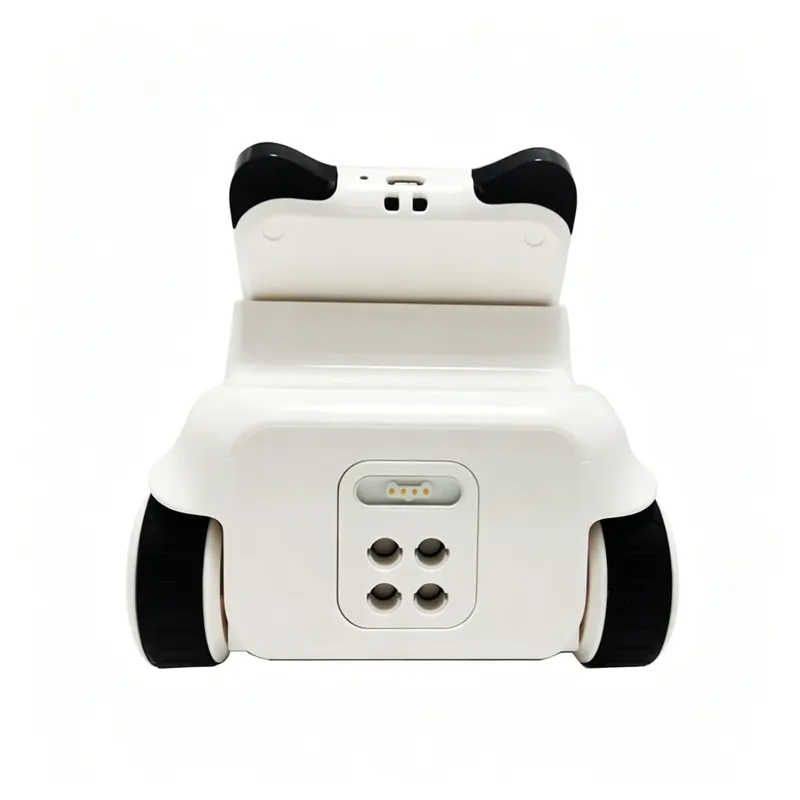
Infrared Receiver IR Receiver
Potentiometer Dial LED Dot Matrix Display
Speaker RGB Indicator Light
Light Sensor & Sound Sensor
Three Button Functions (A/B/C)
Color Infrared Sensor
IR Transmitter/Receiver: Enables communication between multiple robots and infrared remote control of home appliances.
Potentiometer Dial: Used for volume control, value adjustment, and more.
LED Dot Matrix Display: Displays various patterns and animations for richer play.
RGB Indicator Light: Customize the RGB light color freely through programming.
6-Axis Gyroscope: Detects tilt, shake, and turning angles — perfect for tilt- and shake-based motion-control games.
Sound Sensor: Detects ambient noise levels.
Light Sensor: Measures ambient light intensity.
Function Buttons: Each button can be customized through programming.
Multi-Function Color Infrared Sensor: Supports color detection, obstacle avoidance, distance sensing, and line following.
Package Contents
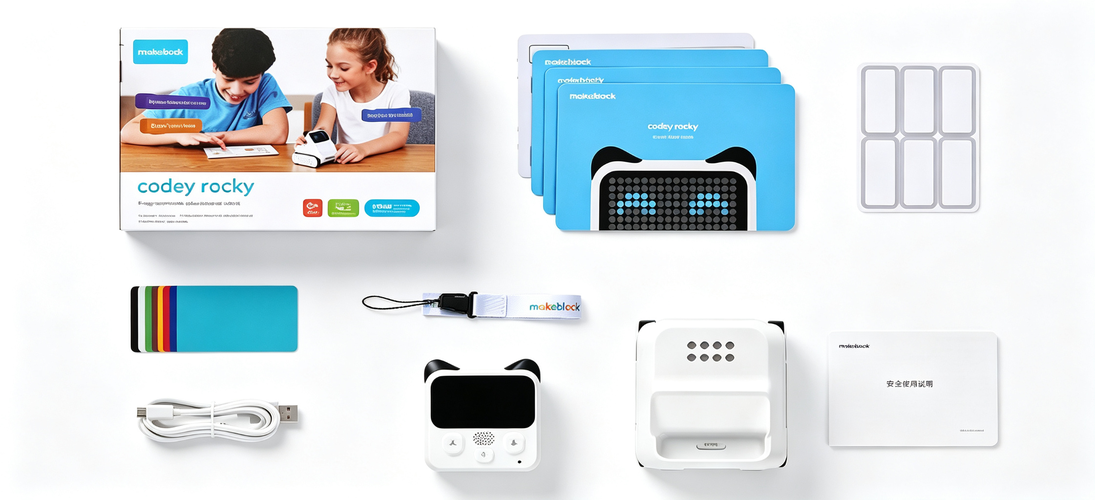
Item | Qty | Item | Qty |
Controller - Cheng | 1 | Lanyard | 1 |
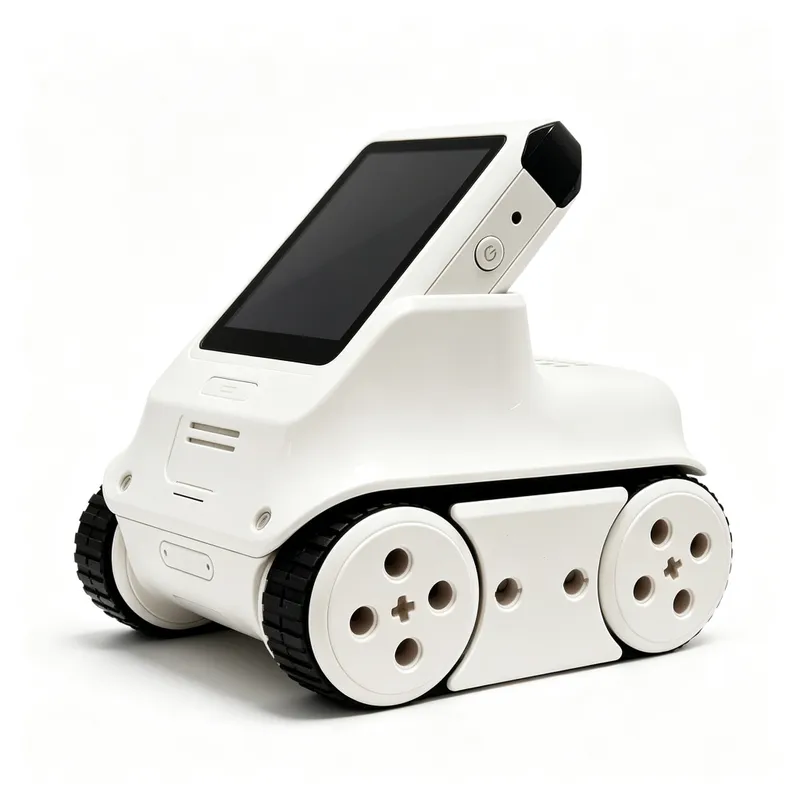
Base - Xiaoben | 1 | Safety User Manual | 1 |
Data Cable | 1 | Quick Start Guide | 1 |
Color Recognition Cards | 8 | ||
Name Stickers | 1 |
Product parameters
Product Name | Codey Rocky | Main Chip | ESP32 |
Connection | Wi-Fi / Bluetooth / USB | Battery | 950 mAh Li-ion |
Platform | macOS / Windows / iOS | Battery Life | Approx. 2 hours |
Programming | Block-based: Scratch 3.0 | Text-based: Python | |
Features | 10+ programmable electronic modules; supports AI & IoT and cloud storage; 16×8 LED dot-matrix screen | ||
FAQ
Q1: Can Codey Rocky connect to a phone directly via Bluetooth?
A: Yes, Codey Rocky can connect directly to phones and iPads via Bluetooth.
Q2: What is the Bluetooth adapter for?
A: The official Makeblock Bluetooth adapter enables wireless connection between Codey Rocky and a computer.
Q3: Is the Bluetooth adapter sold separately?
A: Yes. Codey Rocky only works with the official Makeblock Bluetooth adapter. We recommend purchasing it to enjoy wireless connectivity and faster firmware upload.
Q4: My computer and phone already have built-in Bluetooth. Do I still need the adapter?
A: 1. Codey Rocky connects to mobile devices (phones, iPads) via Bluetooth — no adapter needed. 2. For wireless connection to a computer, you need the official Makeblock Bluetooth adapter.
Q5: How long does the battery last on a full charge?
A: Approximately 2 hours under continuous full-load use.